
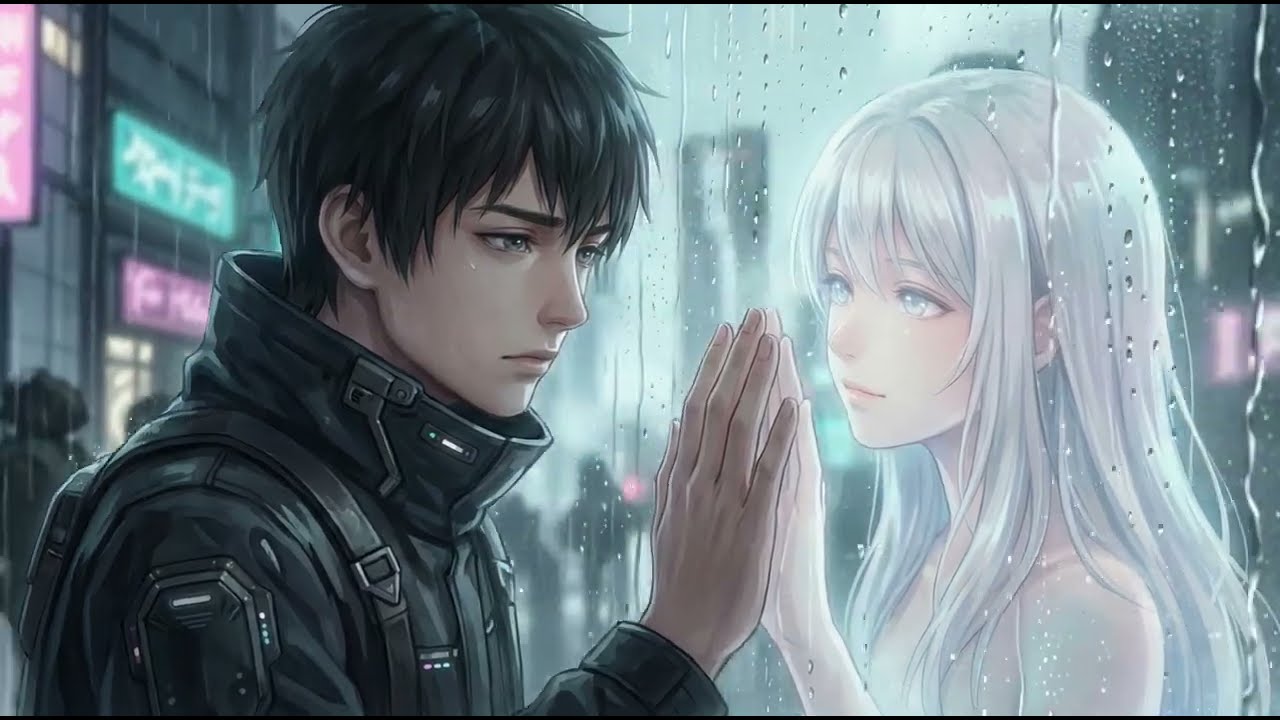
AI music videos, made with Suno & Vidmuse
Original songs written in Suno and brought to life as beat-matched videos in Vidmuse. Press play below — and subscribe on YouTube so you never miss a new drop.
Subscribe on YouTube
How these AI music videos are made
Every video on this channel starts as a song written in Suno. Paddy picks a genre, a tempo and a mood, writes a short style prompt, and drafts lyrics with clear verse, chorus and bridge tags so the AI knows where the song should build and where it should breathe. Most tracks take a handful of generations before one has the right hook, and the keeper is then trimmed, faded and loudness-checked before it goes anywhere near a video.
The finished track is then turned into a visual story in Vidmuse. Rather than one long prompt, each section of the song gets its own shot: a slow push-in for a quiet intro, quick cuts and orbiting camera moves on the drop, a wide pull-back for the final chorus. Matching camera movement to the beat is what makes an AI video feel edited rather than random, and it is the single biggest upgrade most creators can make.
Make your own, step by step
- Write the song. Start with the complete Suno prompting guide, then grab a genre recipe such as synthwave or lo-fi and check the best BPM for your genre.
- Plan the shots. Turn the song's structure into a scene list with From Song to Shot List.
- Direct the camera. Use Vidmuse camera movement prompts to sync motion to the beat, and the Vidmuse prompting guide for style and lighting.
- Put it all together. The full walkthrough is in how to make an AI music video with Suno and Vidmuse.
- Release it. When you're happy with the result, see how to prepare a Suno track for release and whether AI music can go on Spotify.
Prefer to just listen? The full tracks from these videos are on the music page, free to stream in your browser.
Want to make videos like these?
The free Paddy Prompt Studio builds the Suno style prompts and Vidmuse camera scripts behind every video on this channel.
Open the Studio →1 video on the channel · View the full channel on YouTube ↗