
The short version
- All forty-two tools are free with no signup, no trial and nothing to install.
- Nothing leaves your device. Tuners and the vocal range test analyse your mic locally, and the BPM finder, LUFS meter and music editor decode your file in the browser. Nothing is recorded or uploaded.
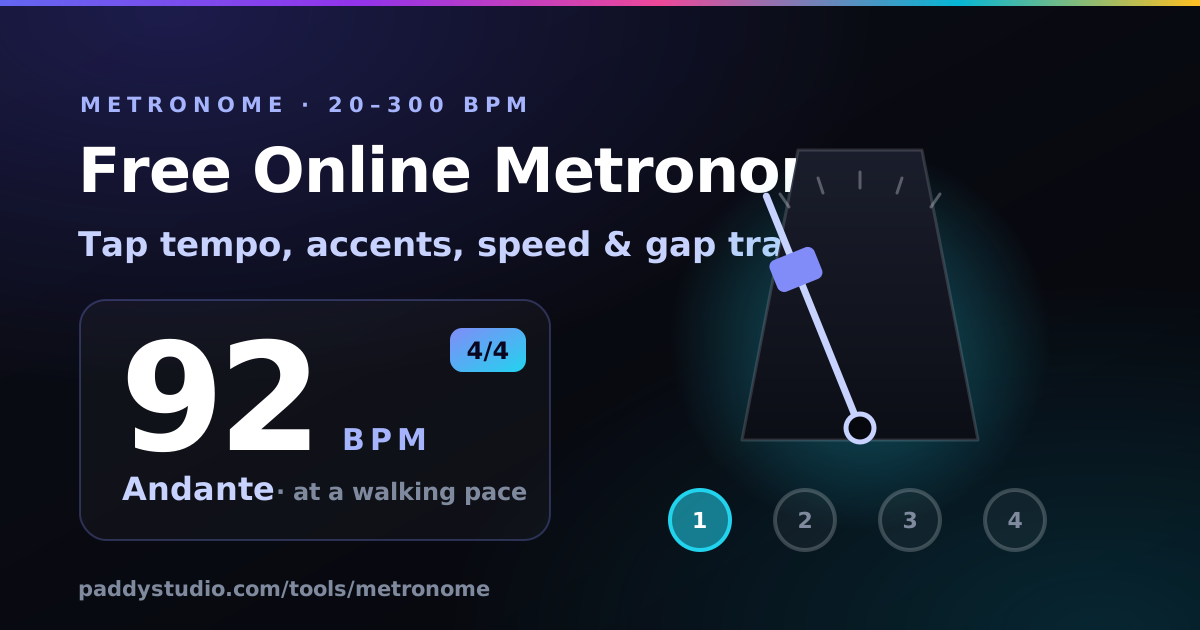
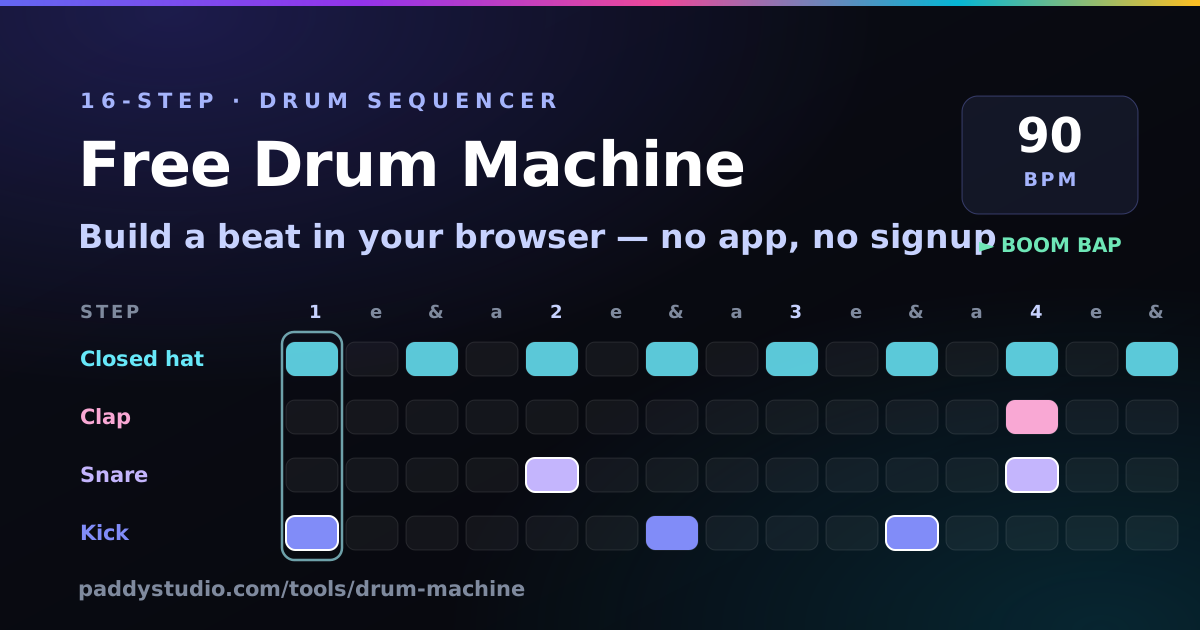
- To practise: the metronome (20–300 BPM, speed and gap trainers), the drum machine, and the tempo changer to slow a song down without changing its key. The pitch shifter moves a song into your key.
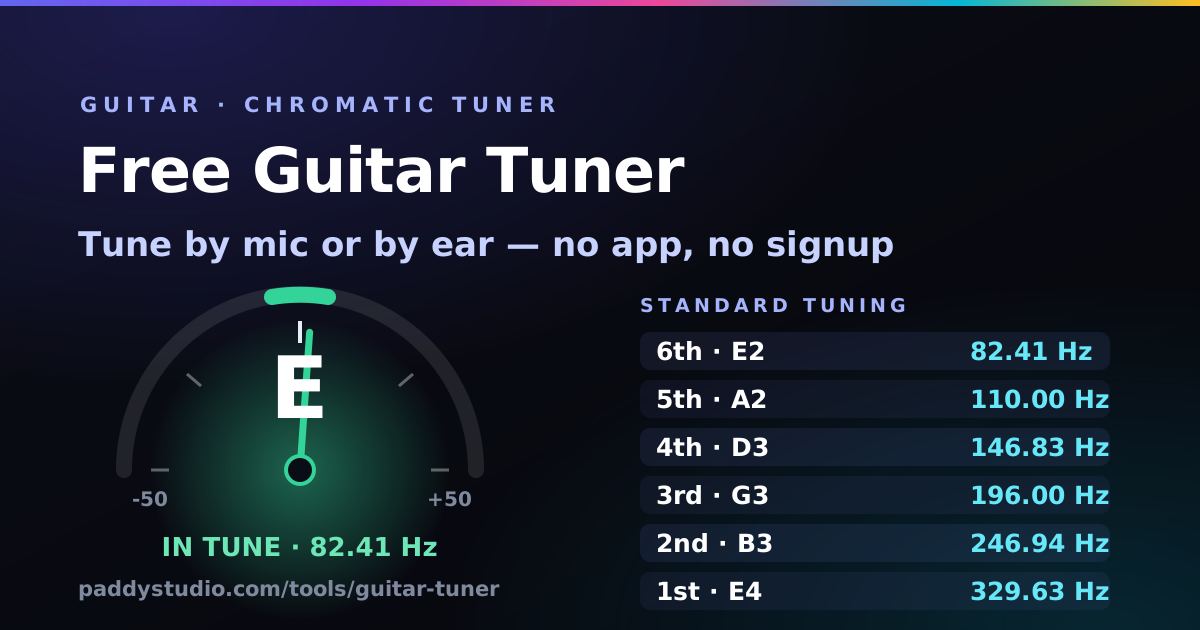
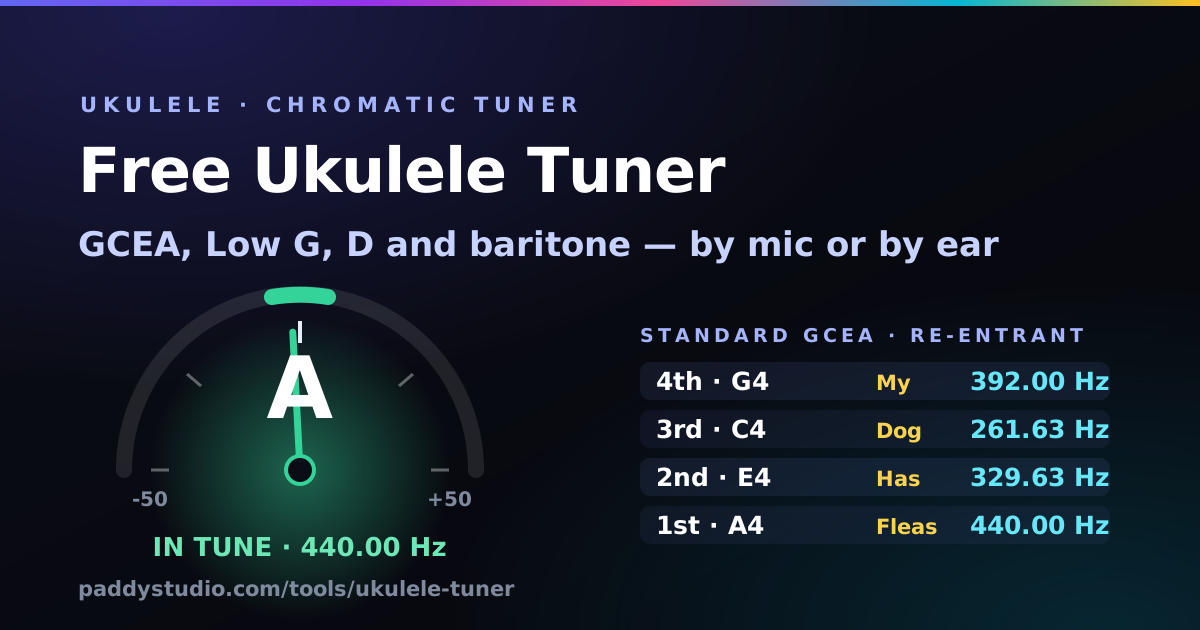
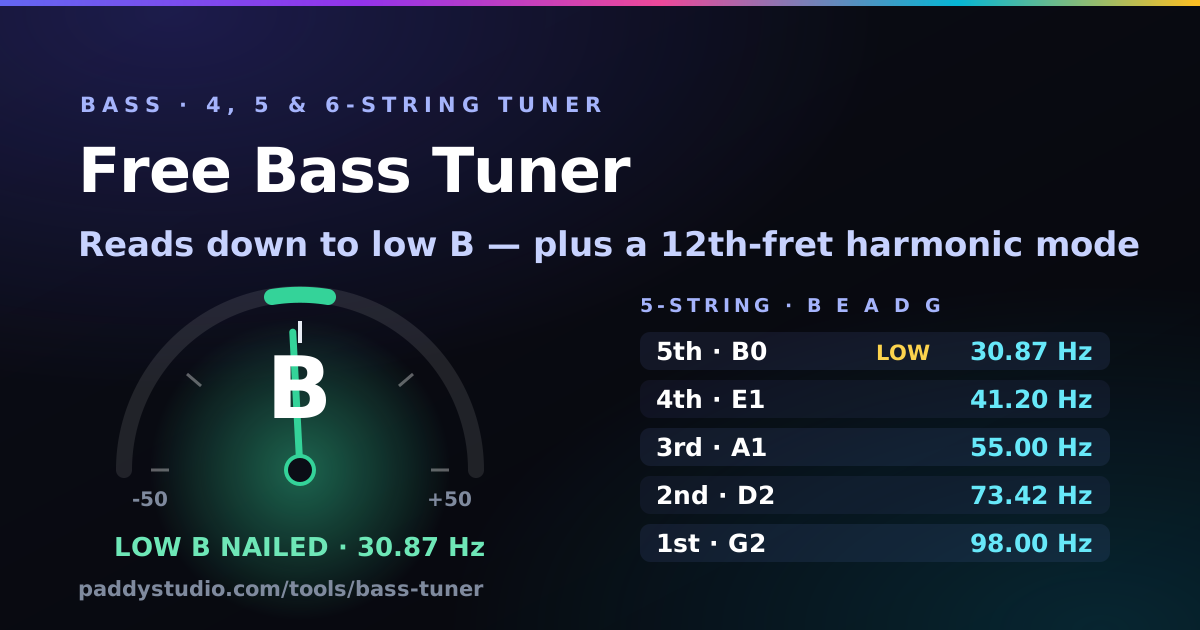
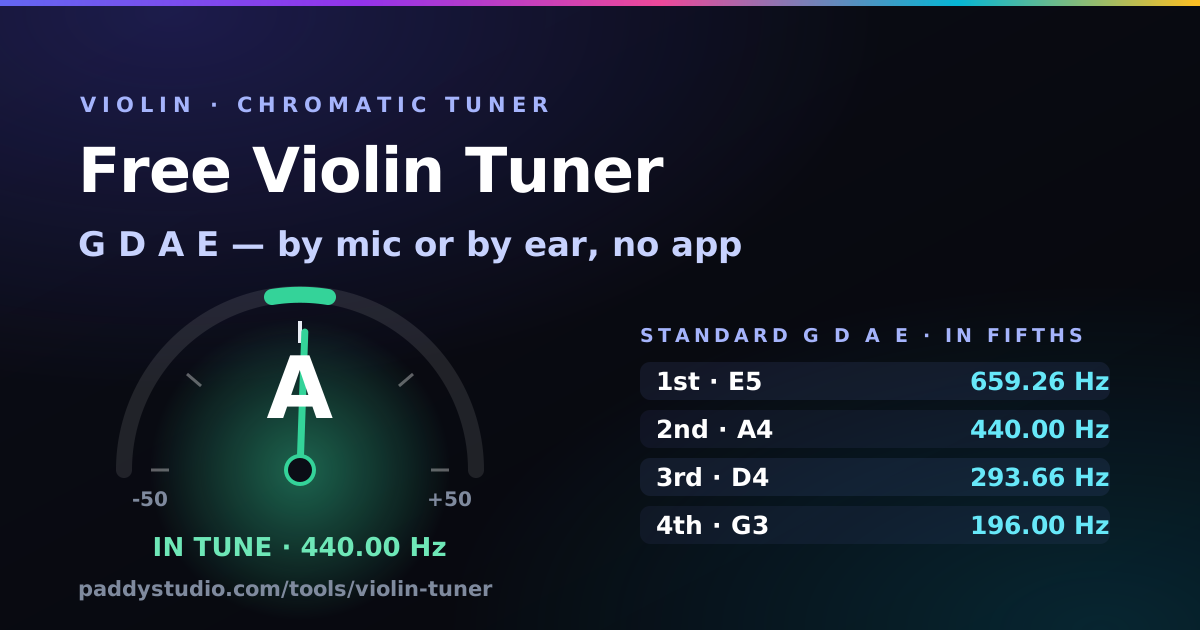
- To tune: the guitar, ukulele, bass, violin, viola, cello, double bass, mandolin, banjo and microtonal tuners, the tone generator, the note frequency chart, and the vocal range test for your voice. The hearing test and perfect pitch test check your ears.
- To write: the chord progression generator, the chord transposer, the circle of fifths, the guitar chord library, the BPM & key finder the syllable counter and the rhyme finder. Several of them hand a ready-made Suno style snippet straight to the Prompt Studio.
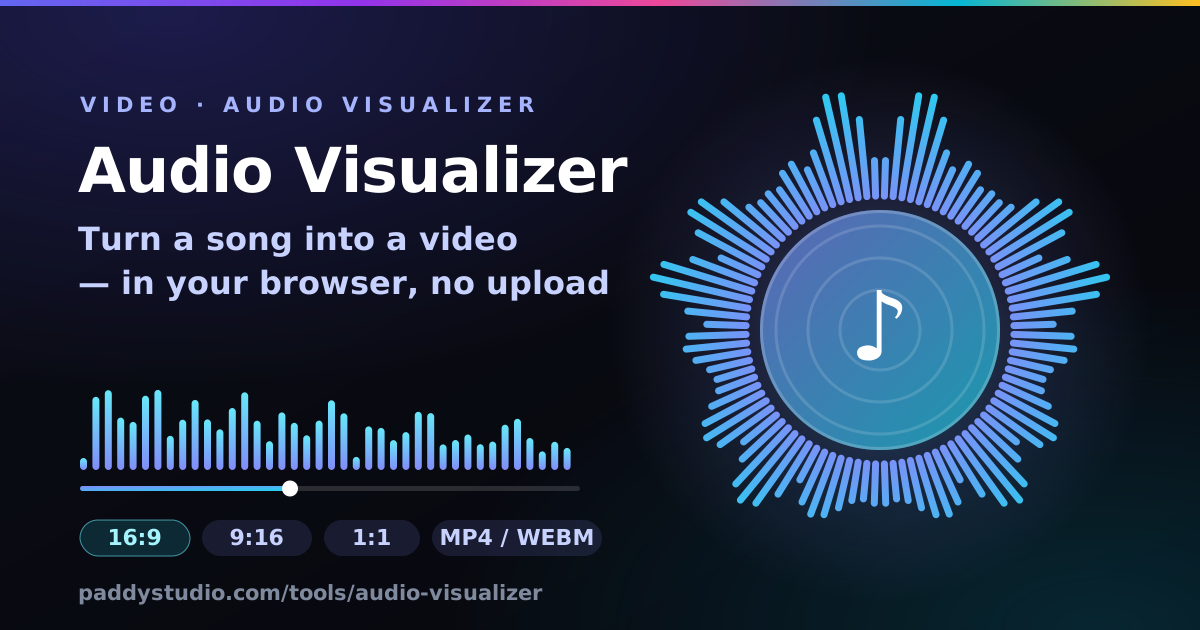
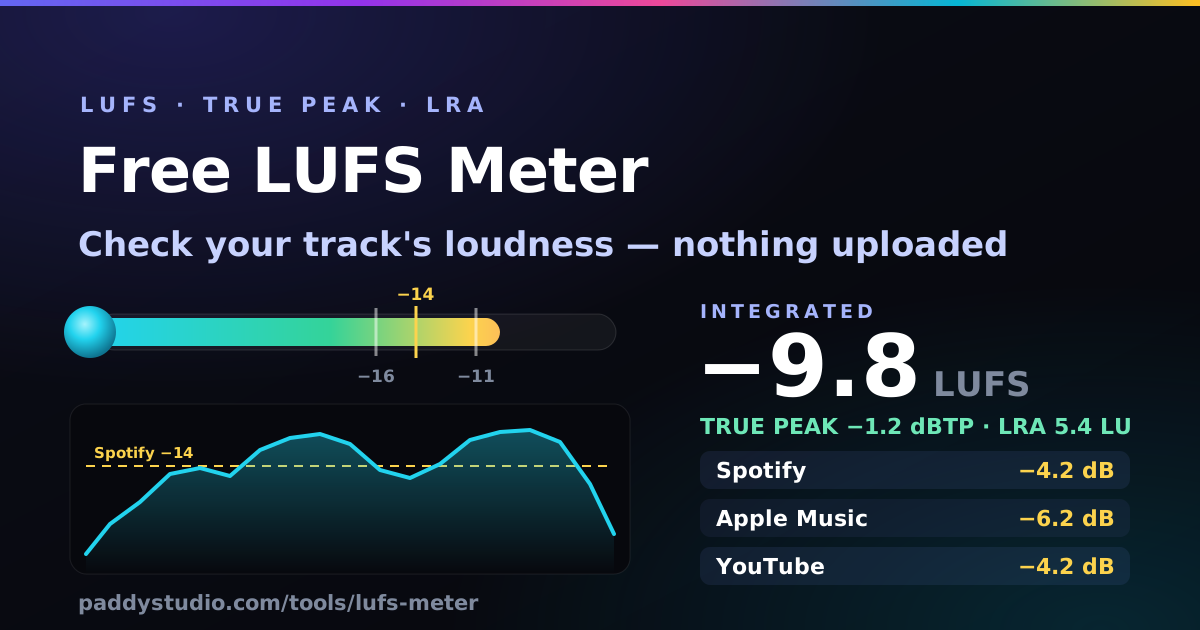
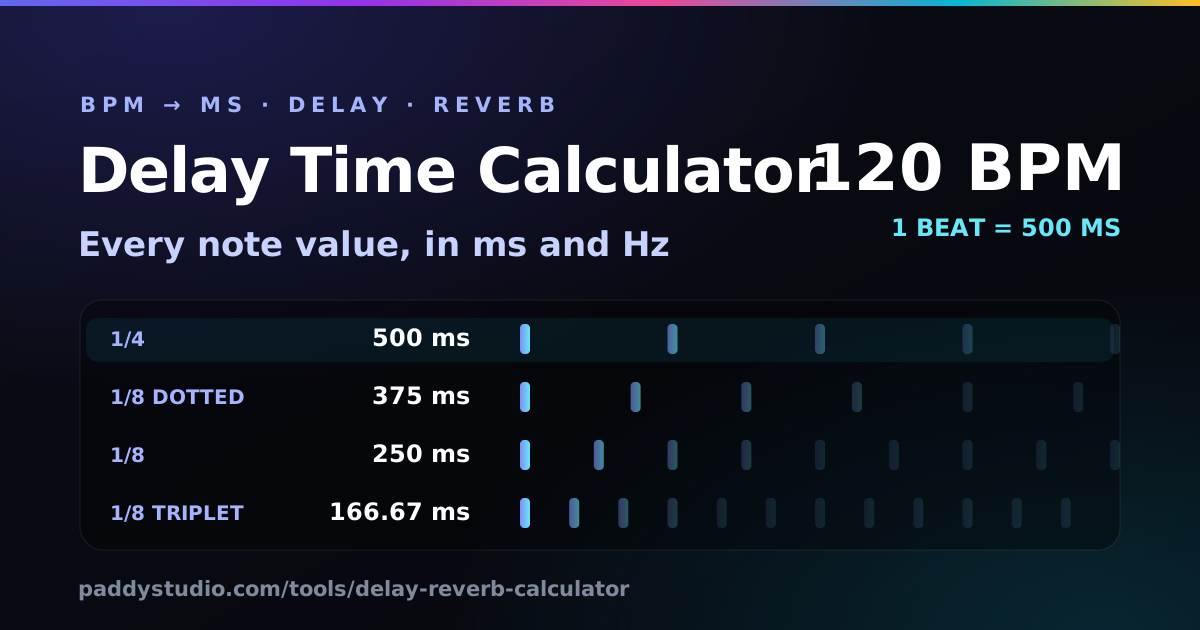
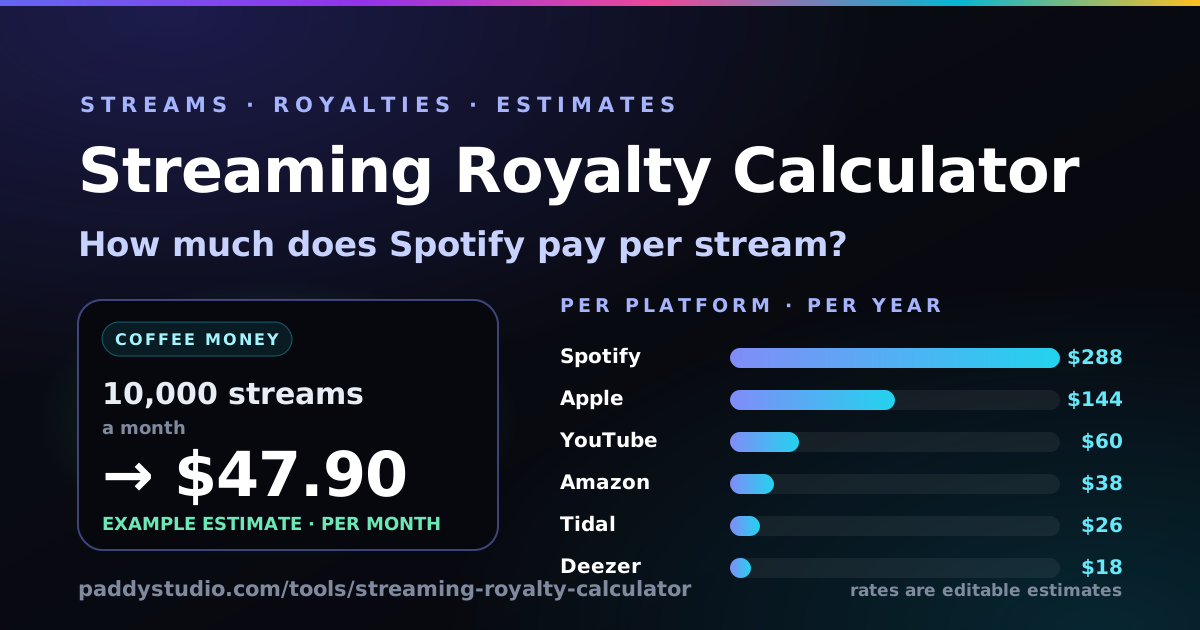
- To release: the music editor trims and fades your track, the slowed + reverb and sped up / nightcore makers give you a second (and third) version, the vocal remover makes a karaoke one, the audio visualizer turns it into a video, the delay & reverb calculator keeps your echoes in time, the LUFS meter checks your loudness against Spotify’s −14 LUFS and friends, and the royalty calculator estimates what the streams pay.
Which tool do I need?
They cover different bits of the same job — getting a musical idea to sound right, and then getting it out into the world.
- I want to practise in time. Open the metronome. The speed trainer nudges the tempo up every few bars; the gap trainer goes silent for a bar to catch you rushing. (It caught me. Repeatedly.)
- I want a beat. The drum machine, a free online beat maker. Load the boom bap preset and press play; the grid shows exactly where each drum falls.
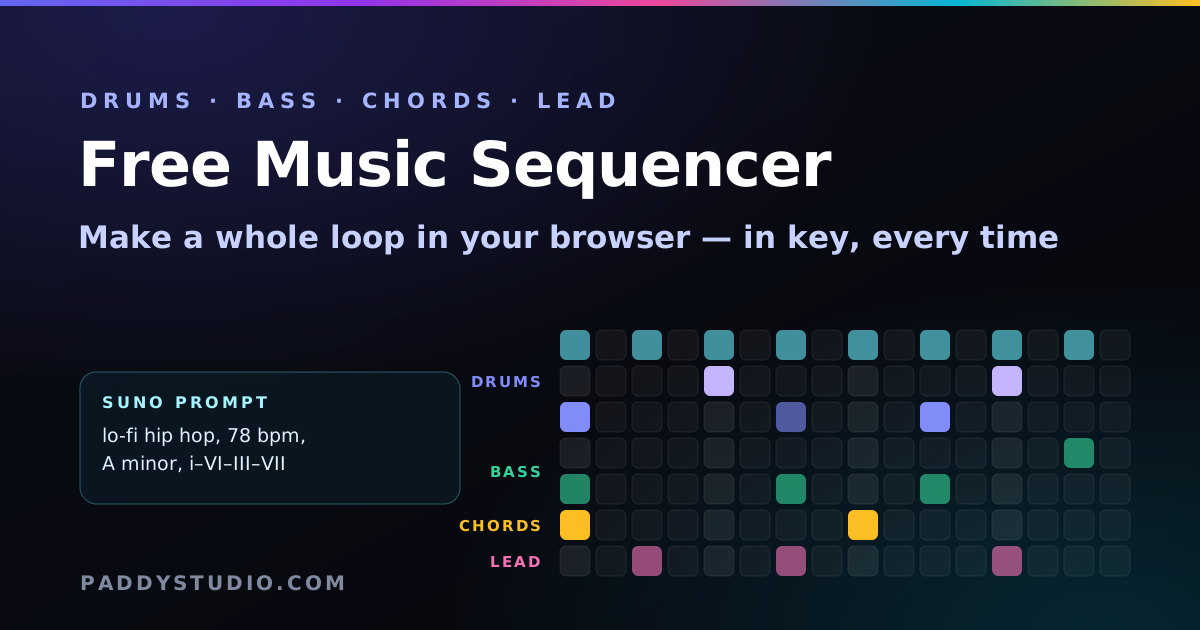
- I want a whole loop: drums, bass, chords and a tune. The music sequencer. Every row is locked to your key, so nothing sounds wrong, and one button turns the loop into a Suno prompt.
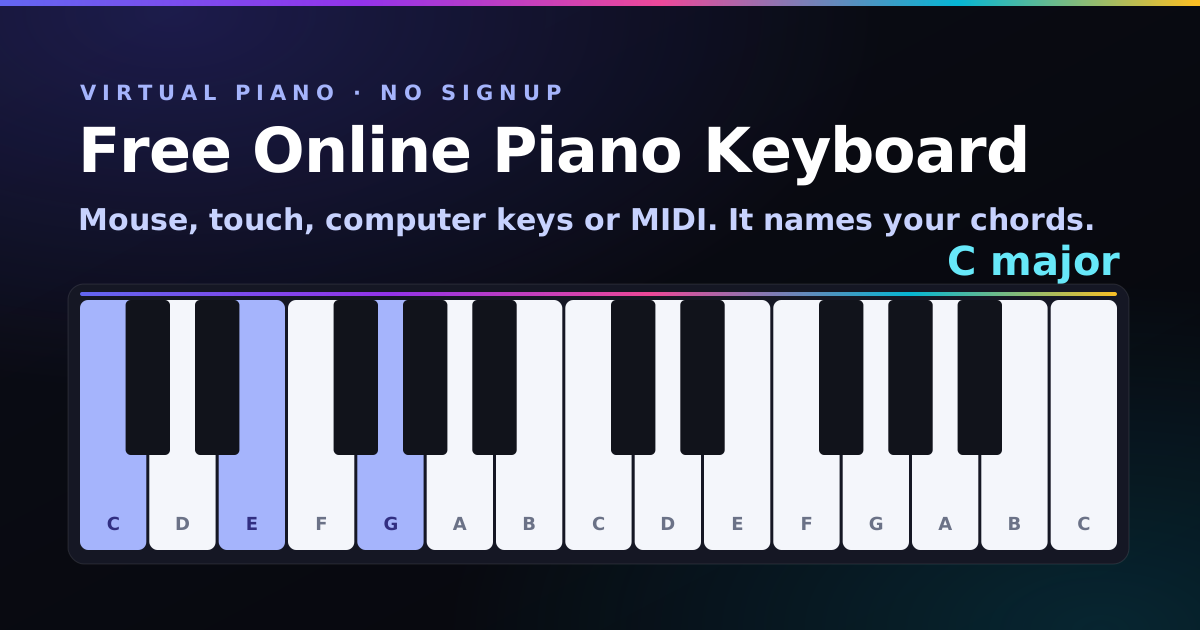
- I want to play some piano (and I don’t own one). The piano keyboard. Your laptop keys become piano keys, it names your chords, and the song trainer gets you through Twinkle Twinkle before your tea goes cold.
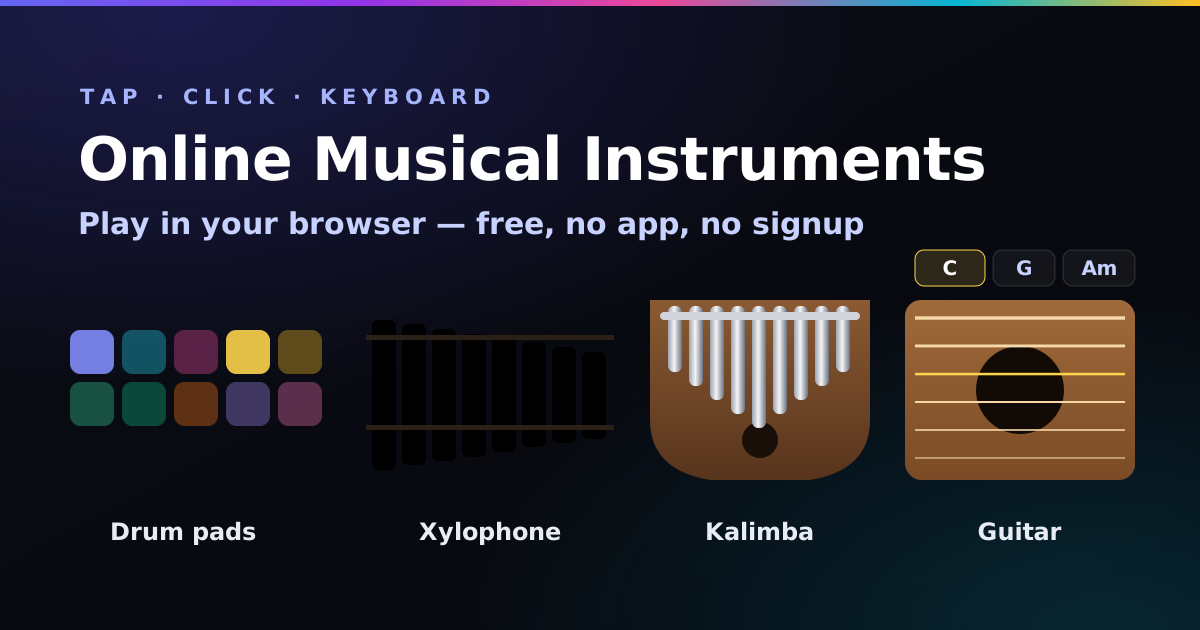
- I just want to bash something. The online instruments: drum pads, xylophone, kalimba and guitar. Pentatonic mode means even your cat sounds good.
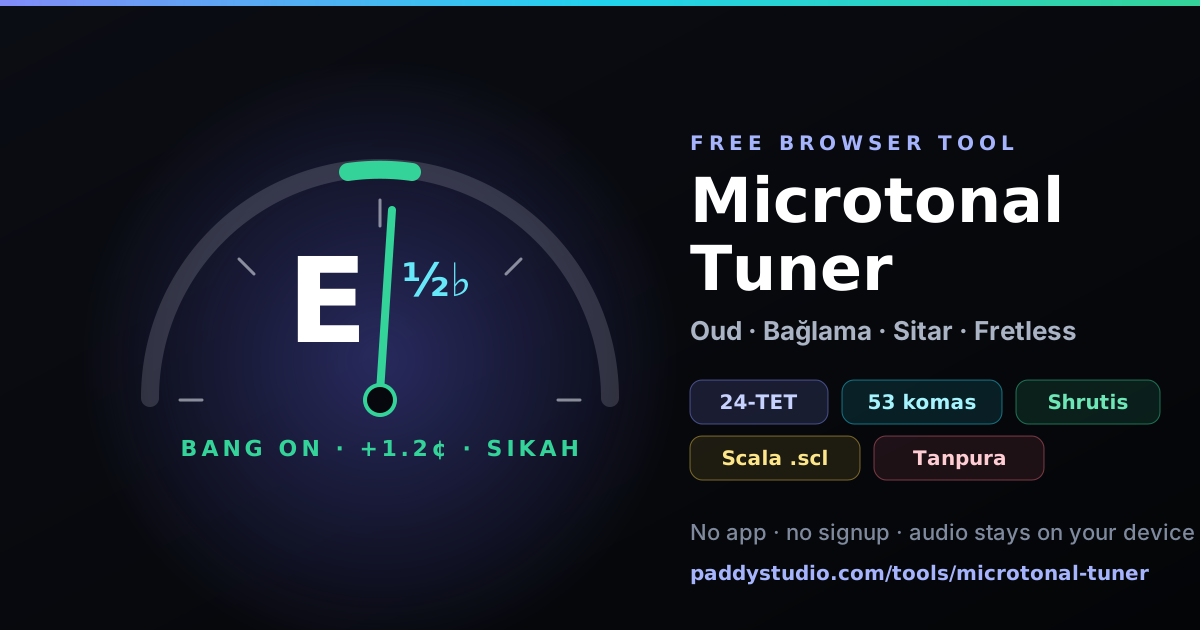
- My instrument sounds off. The guitar tuner, ukulele tuner or bass tuner. For oud, bağlama, sitar or fretless, the microtonal tuner names quarter-tones instead of calling them wrong.
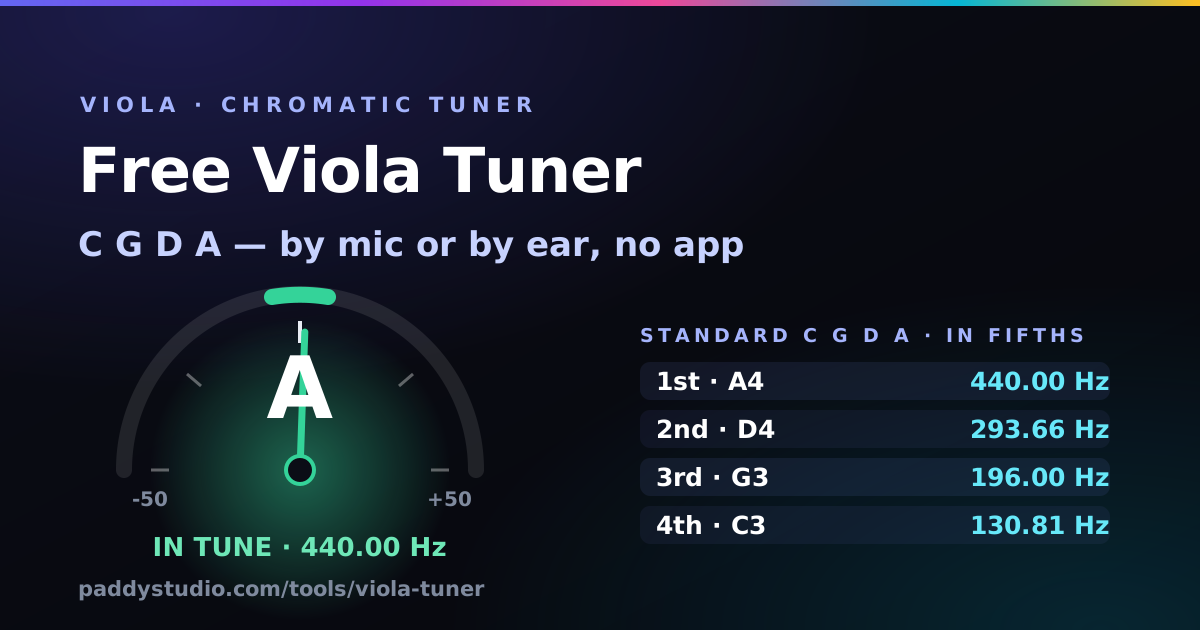
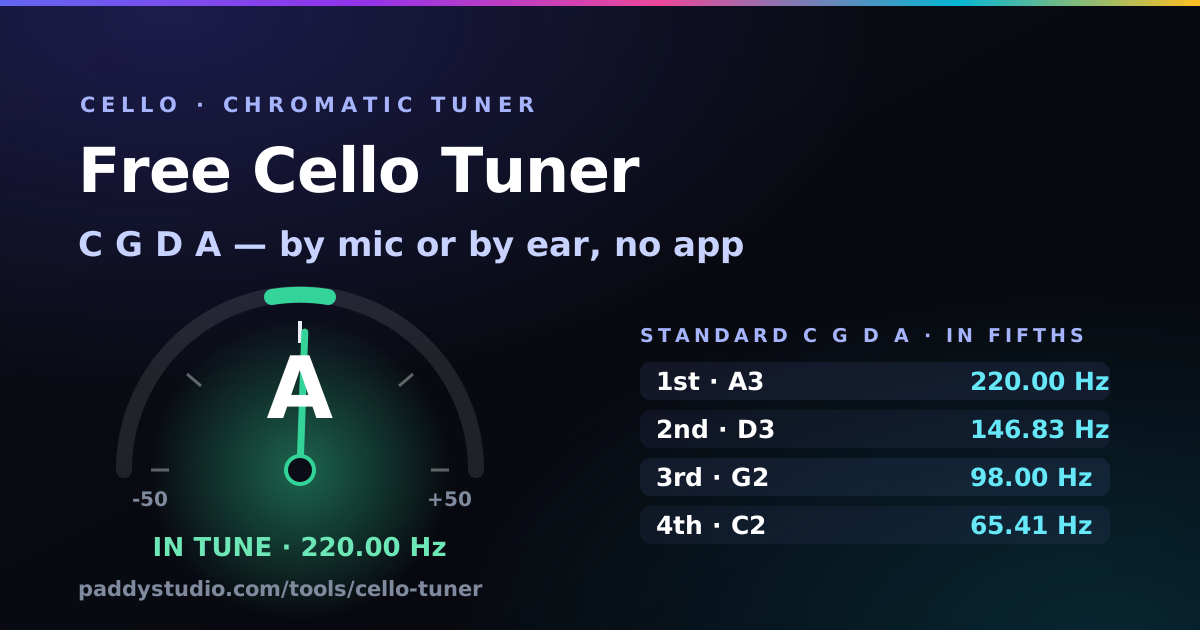
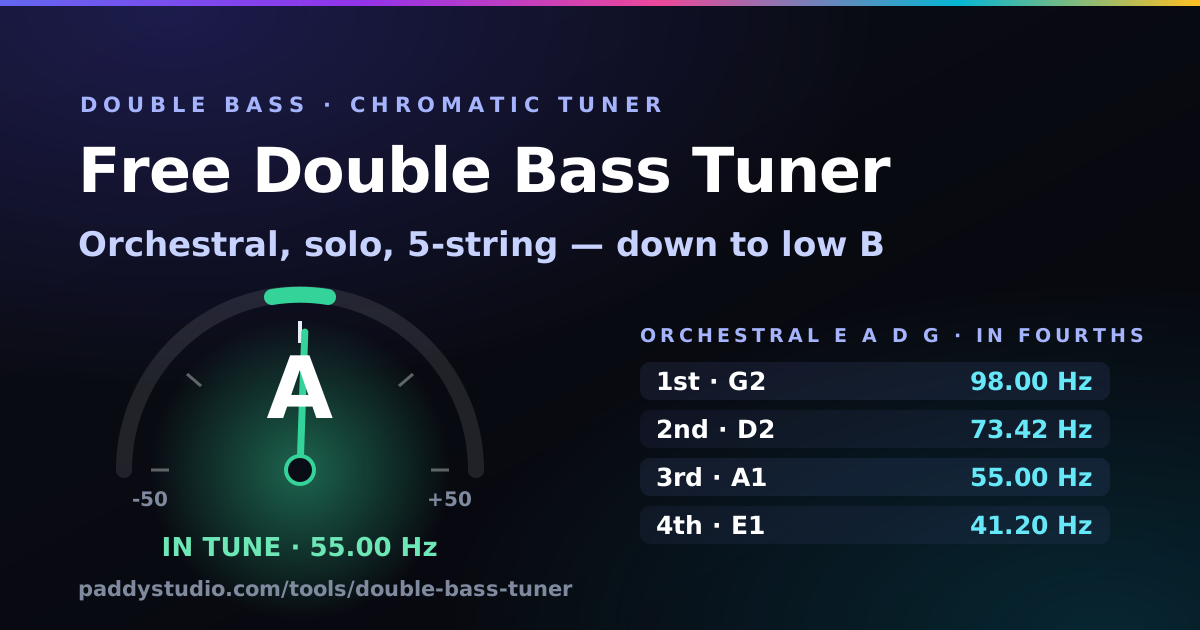
- I play violin, viola, cello or double bass. The violin, viola, cello and double bass tuners each know their instrument’s range, and the bowed ones play your open strings so you can hear the fifths.
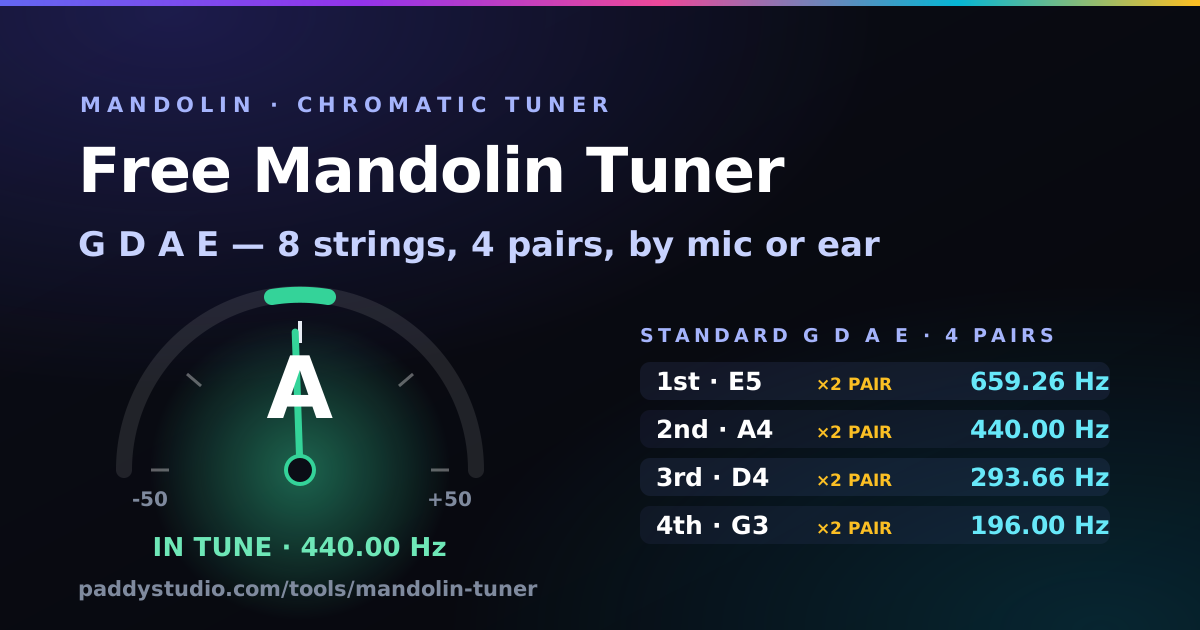
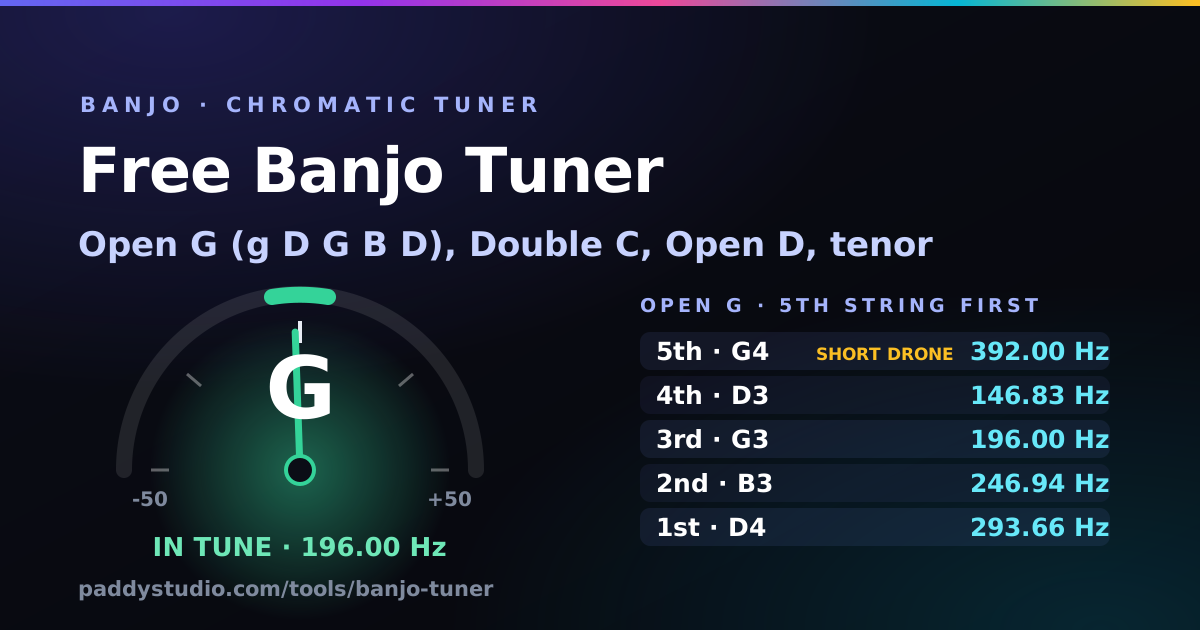
- I play mandolin or banjo. The mandolin tuner handles all eight strings, a pair at a time, and the banjo tuner knows about that cheeky short fifth string. Open G, double C and open D are all in the menu.
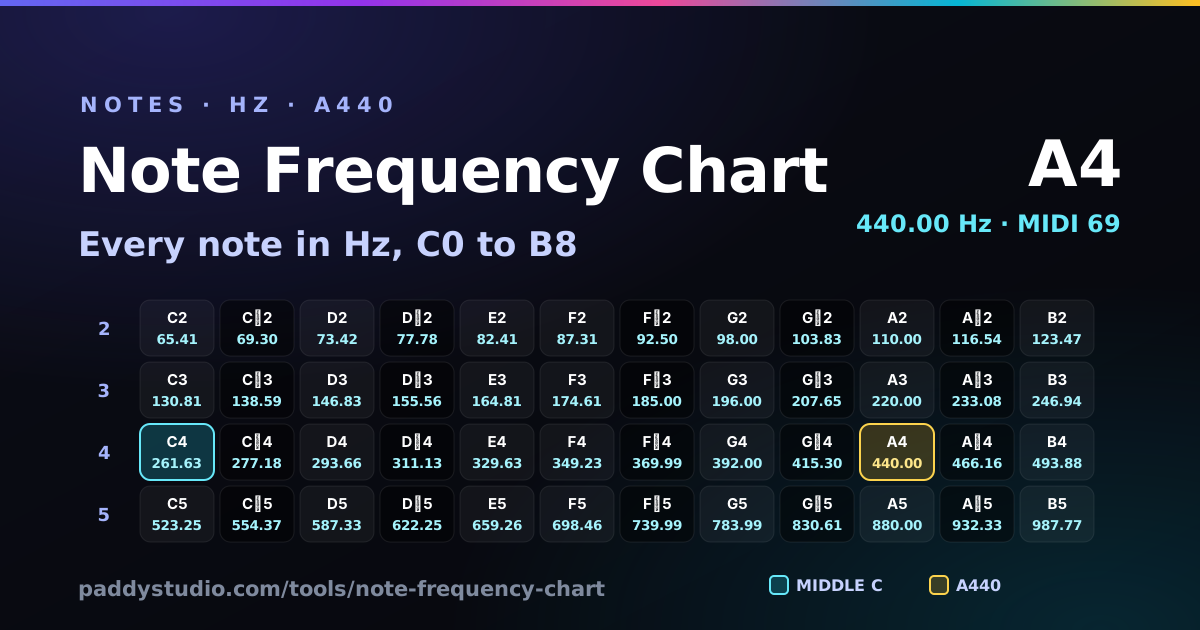
- What frequency is that note? The note frequency chart lists every note from C0 to B8 in hertz. Type in a frequency and it tells you the nearest note and how many cents off it is.
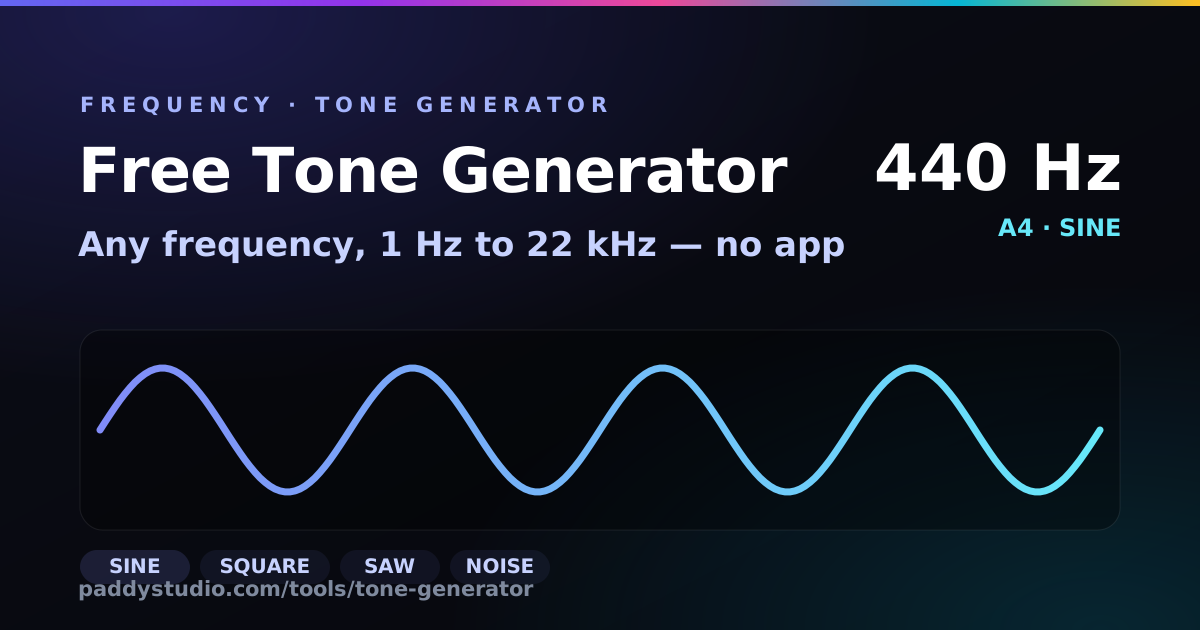
- I need a test tone (or my speakers sound weird). The tone generator plays any frequency, sweeps for rattles and checks left from right. It found a lampshade buzzing at 87 Hz in my room.
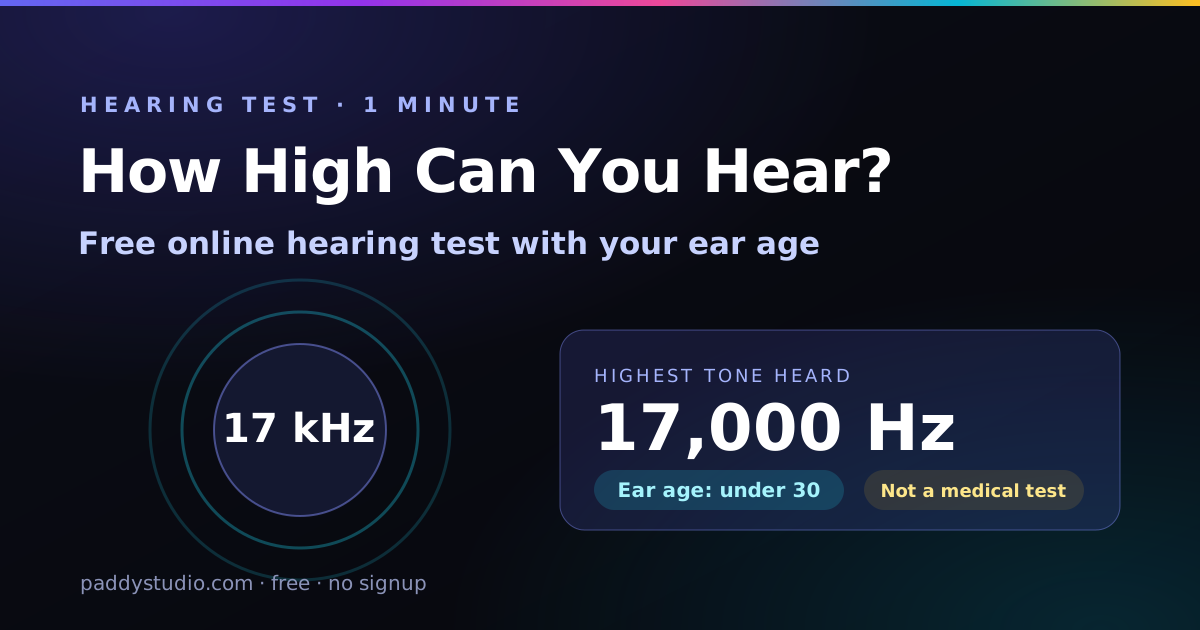
- How high can I still hear? The hearing test climbs from 8 kHz to 20 kHz and gives you a rough ear age. My kids enjoyed my result far too much.
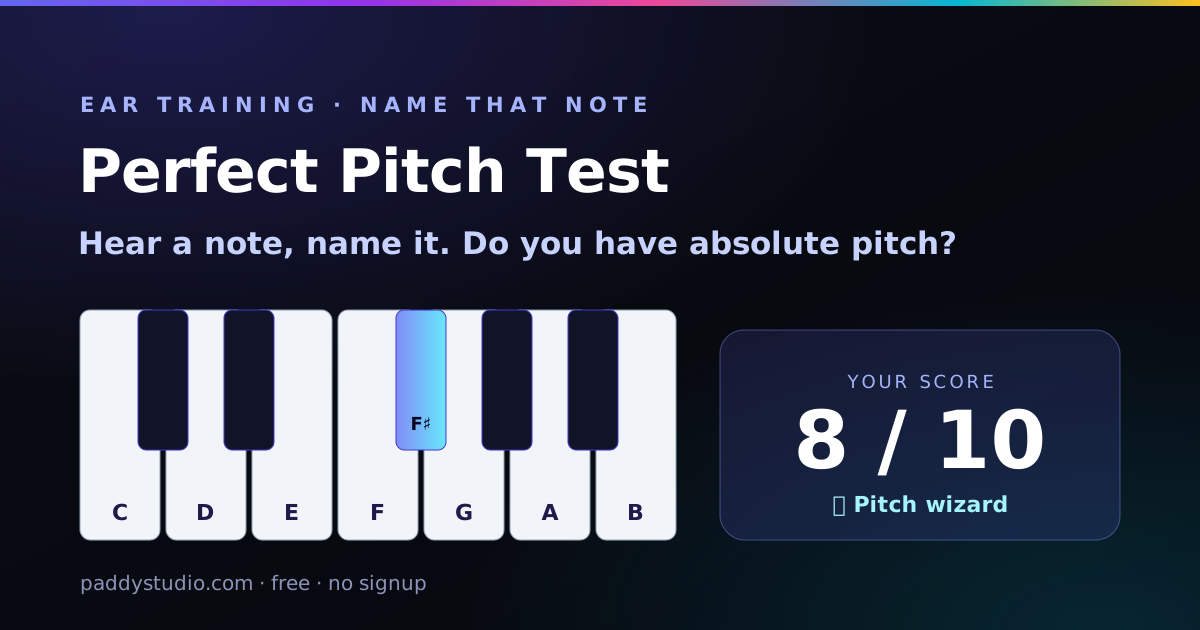
- Do I have perfect pitch? The perfect pitch test plays a note and you name it. A palate cleanser stops you cheating with relative pitch. I scored 2 out of 10, which is technically above chance.
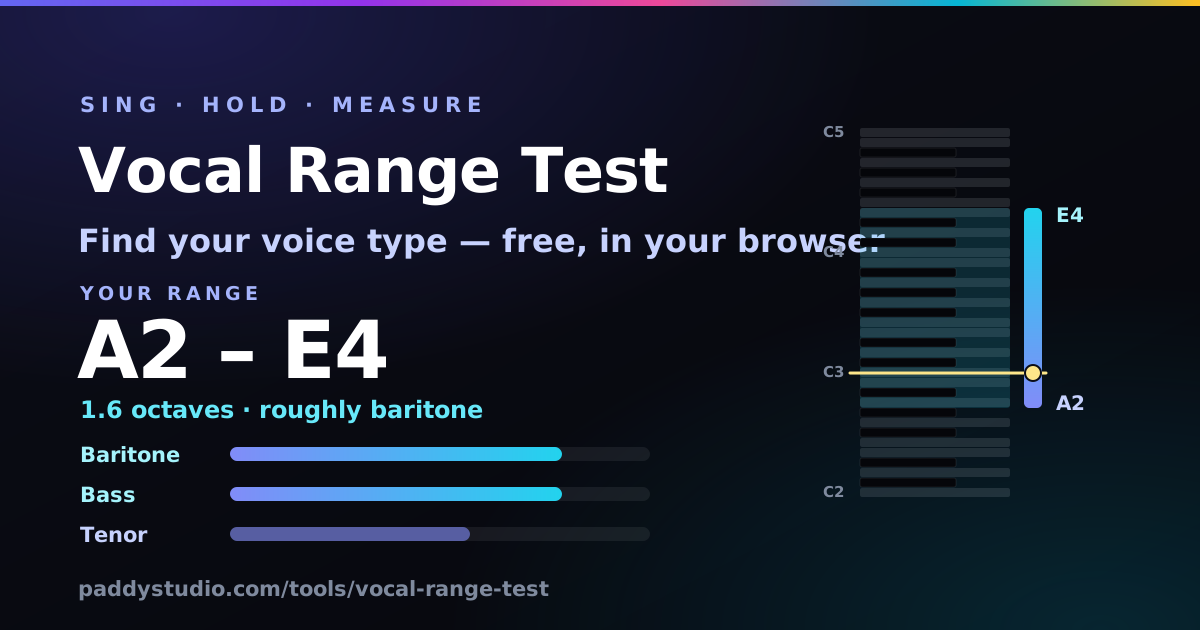
- I don’t know what key to sing in. Take the vocal range test. It finds the notes you can actually hold, suggests a rough voice type and a comfortable key, and picks a matching Suno vocal tag.
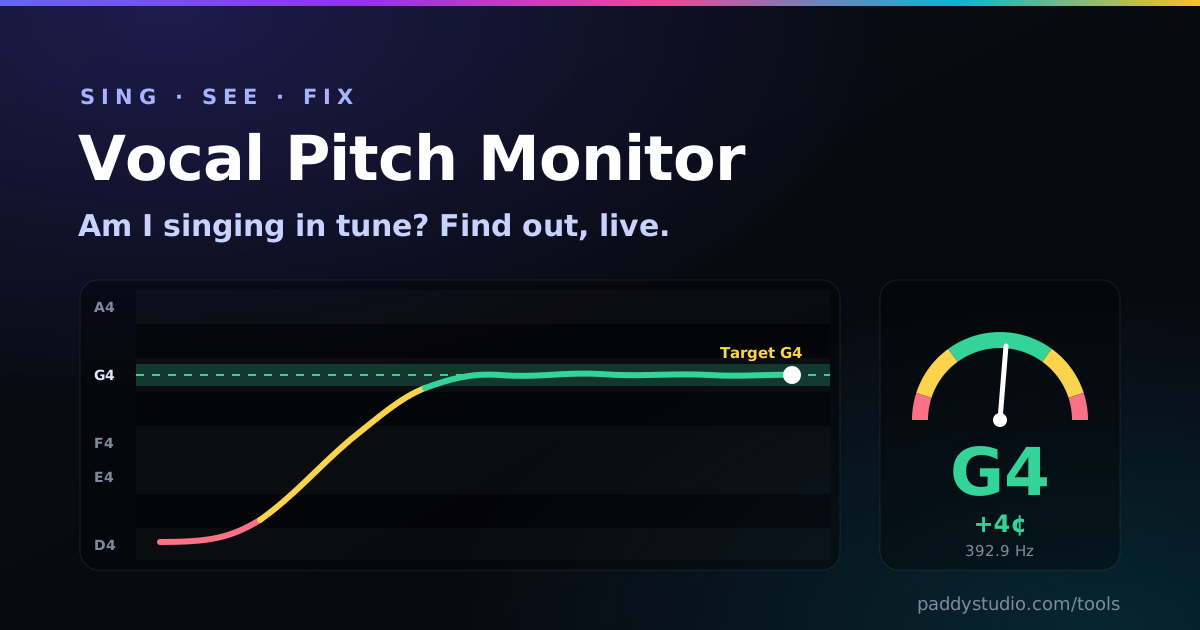
- Am I singing in tune? The vocal pitch monitor draws your voice on a live graph and tells you how many cents sharp or flat you are. The drills turn practice into a game with a streak counter, which is cheating, but in a good way.
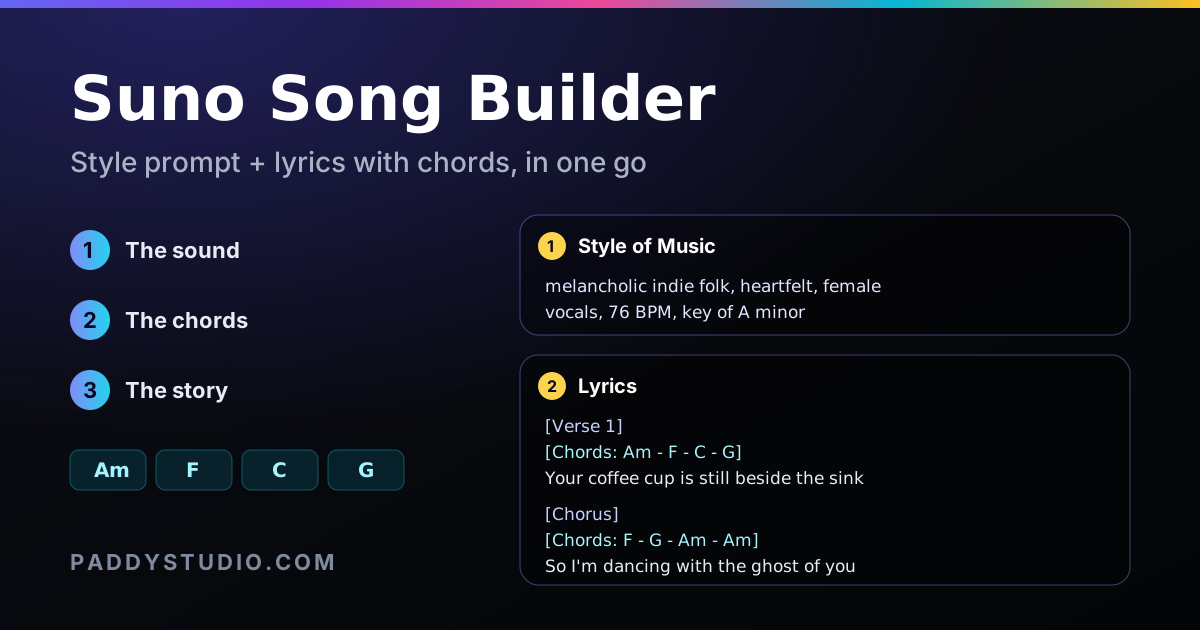
- I want a whole Suno song, fast. The Suno song builder. Three taps for the sound, chords and story, then copy a style prompt and a lyric sheet with chords straight into Suno.
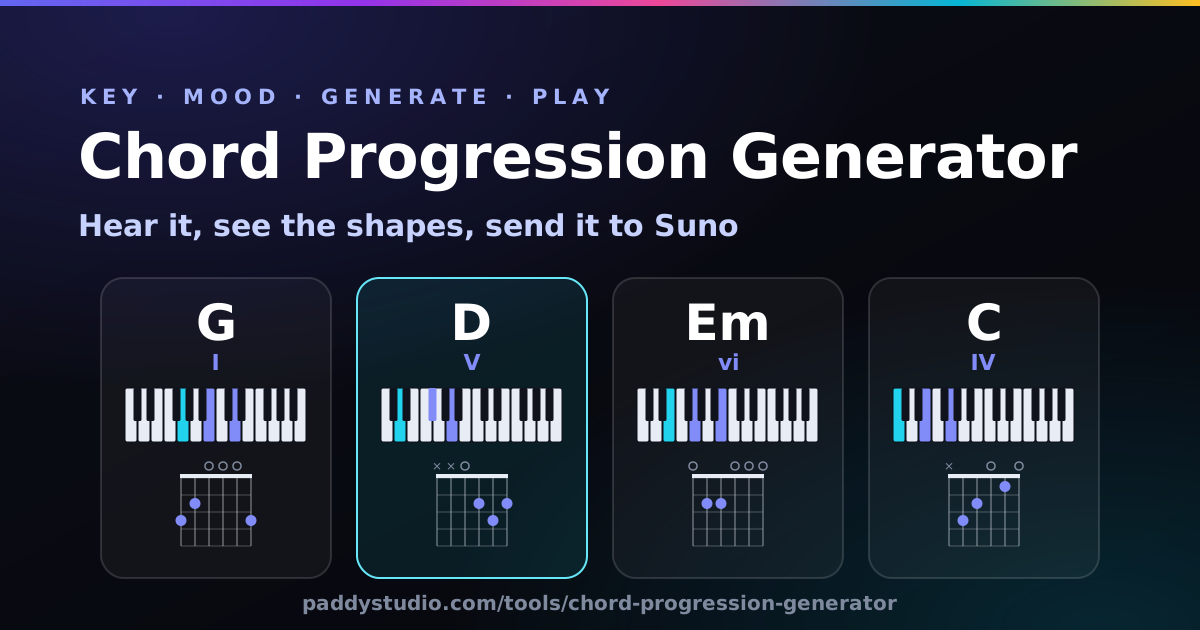
- I need chords for a song. The chord progression generator. Pick a key and a mood, lock the chords you like, regenerate the rest, then send it to the Prompt Studio.
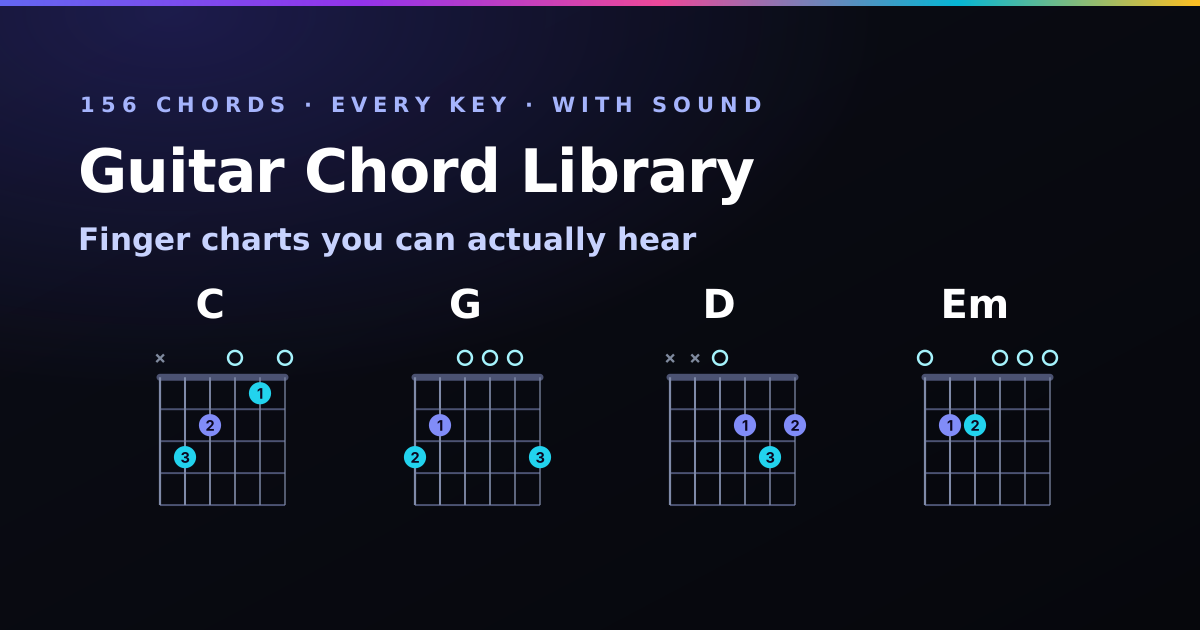
- How do I play this chord? The guitar chord library. 156 chords with finger charts, a Strum button to check yours, and a capo cheat when the barre is being mean.
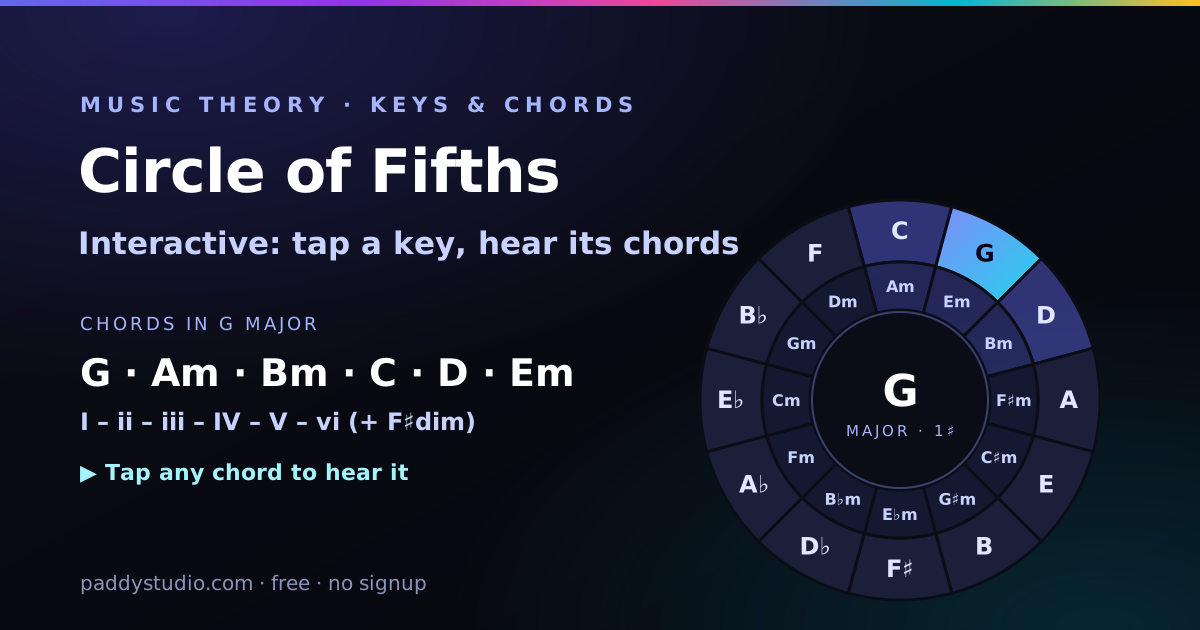
- Which chords go together in this key? The circle of fifths. Tap a key and its chords light up, play, and hop over to the progression generator.
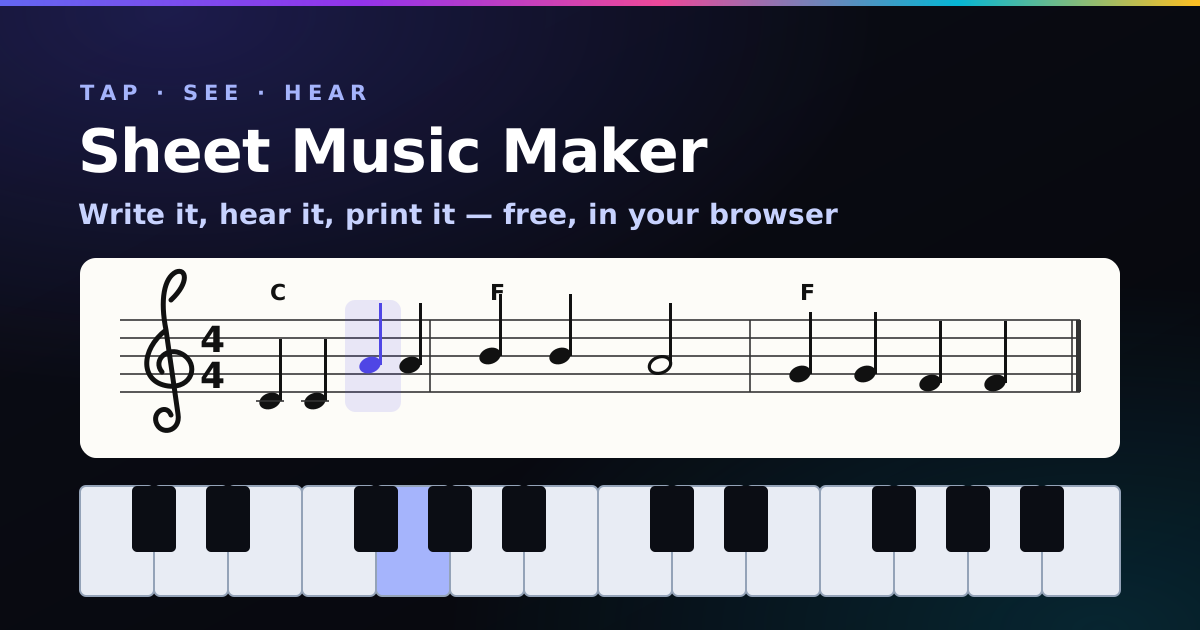
- I need to write the tune down. The sheet music maker. Tap a piano, get proper notation, press Play to check it, then print it or download MIDI.
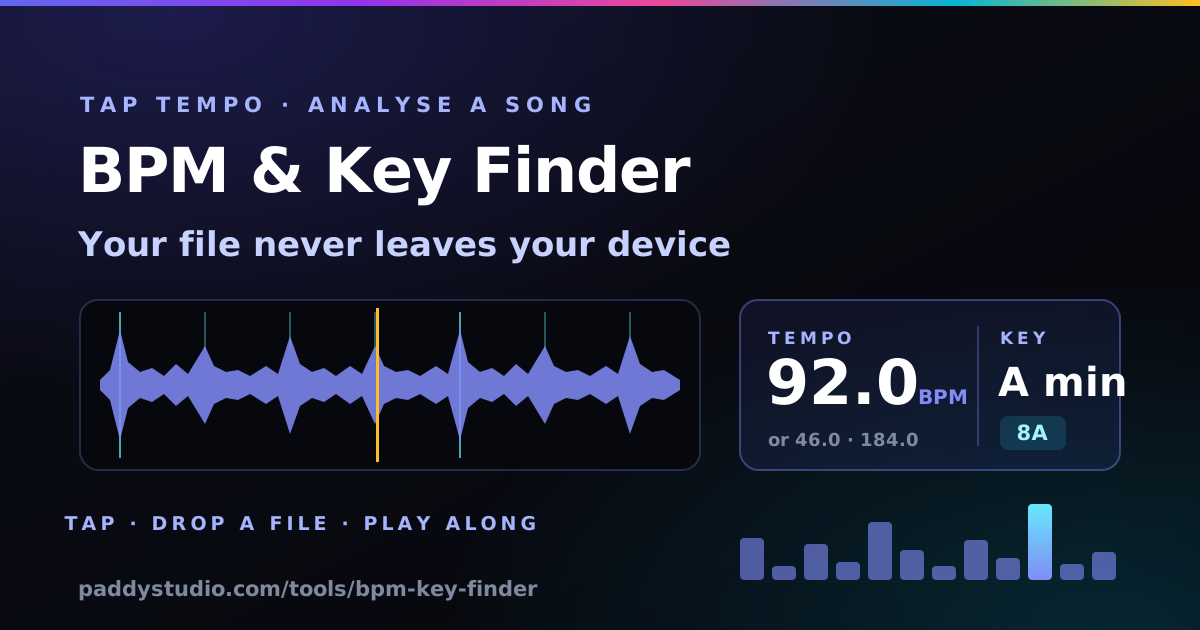
- What tempo and key is this track? The BPM & key finder. Tap along or drop in the file — handy for remixing a Suno track or cutting a Vidmuse video on the beat.
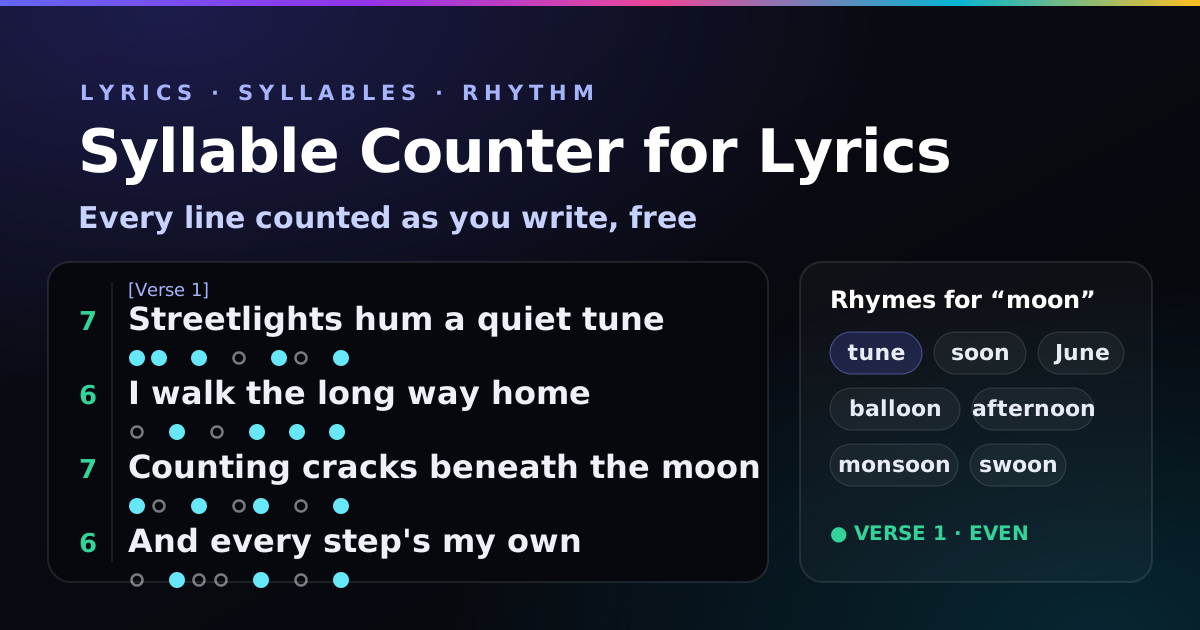
- I am writing lyrics. The syllable counter flags lines that run long or short against their verse, and finds rhymes.
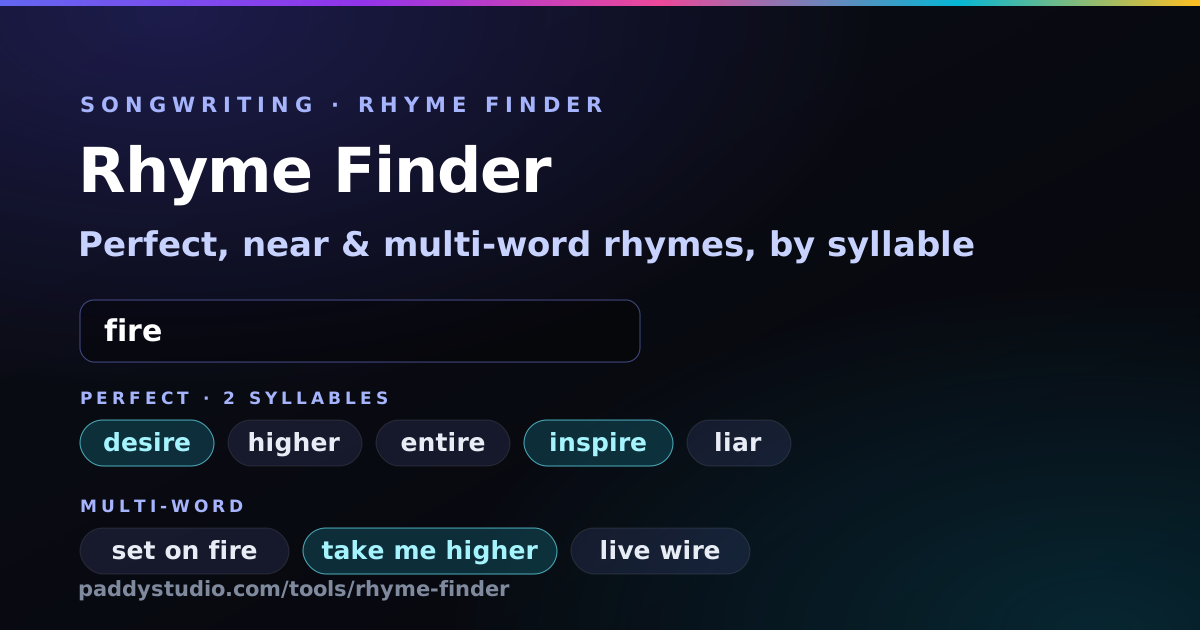
- I need a word that rhymes with “orange”. Bad news. But the rhyme finder has near and multi-word rhymes for everything else, sorted by syllables.
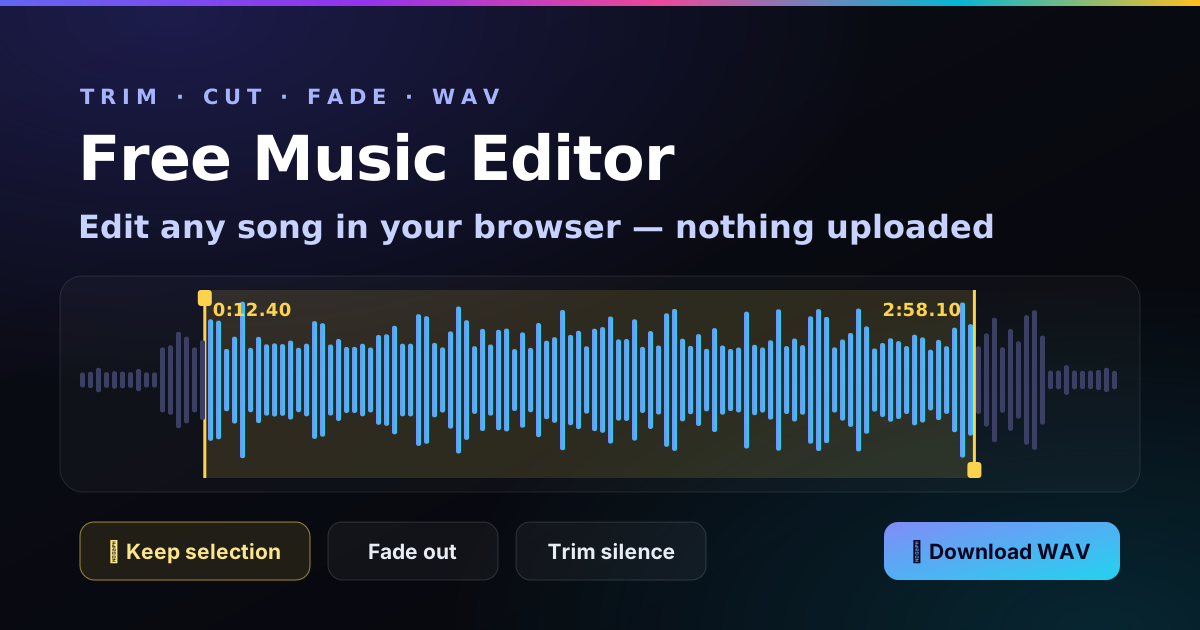
- My song is too long / ends too abruptly. The music editor. Drag, trim, fade, download. Three clicks and a smug feeling.
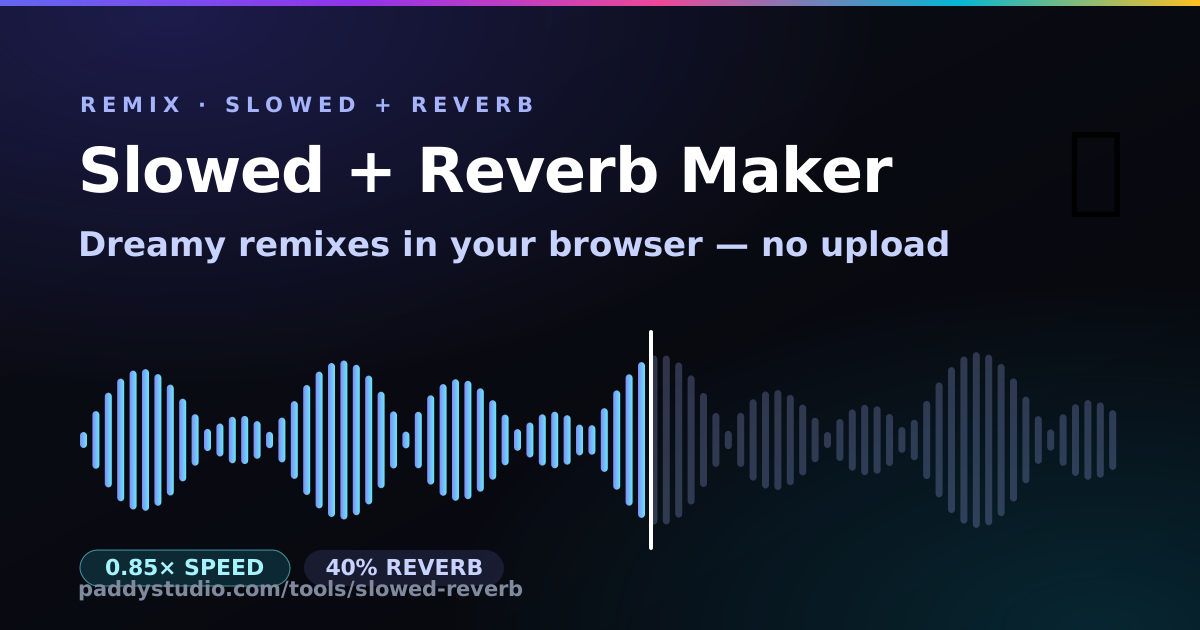
- I want the 3 a.m. version. The slowed + reverb maker. Pick a preset, tweak it while it plays, download the WAV.
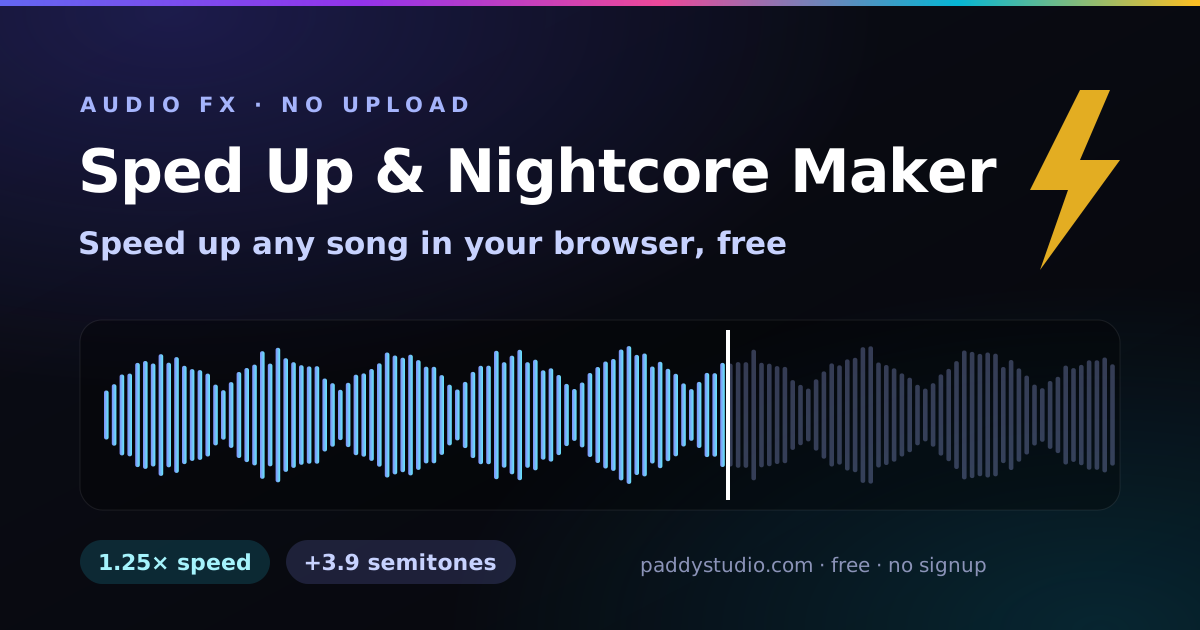
- I want the TikTok version. The sped up & nightcore maker. Same engine, other direction, extra sugar.
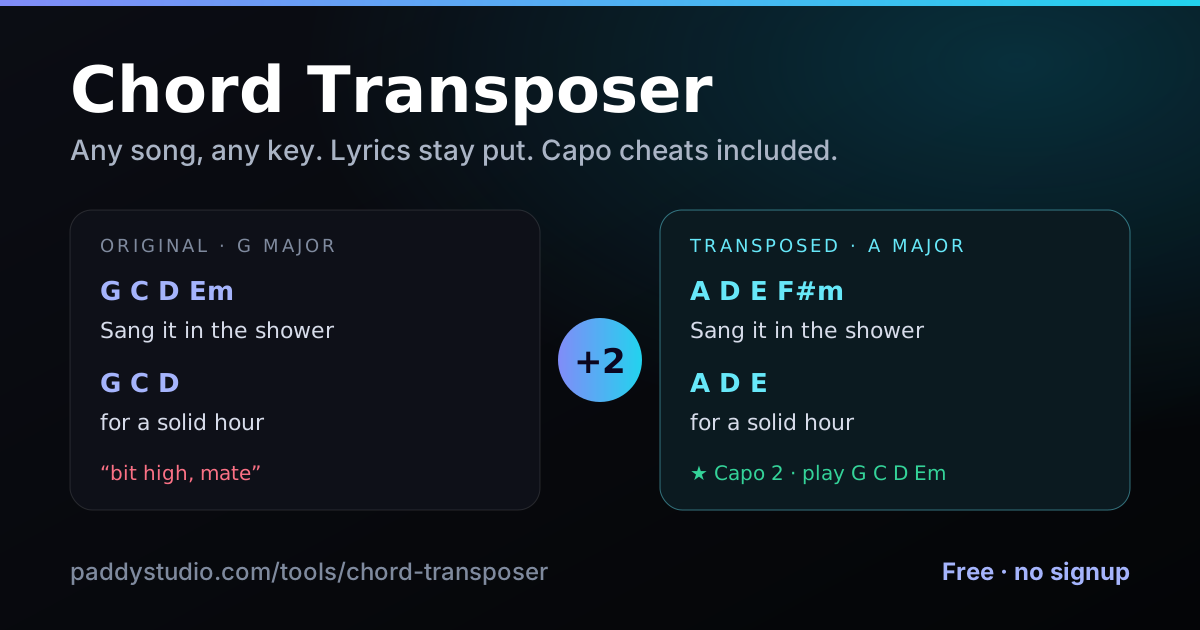
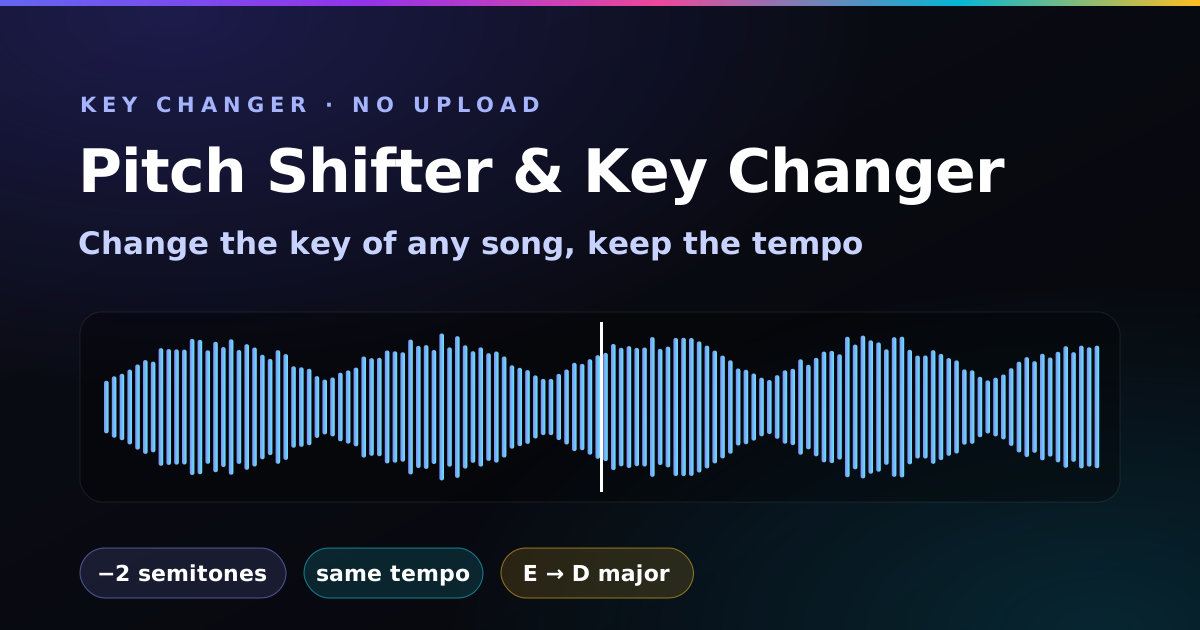
- This song is in the wrong key for my voice. The pitch shifter. Two semitones down fixes most choruses, and it tells you the capo to match.
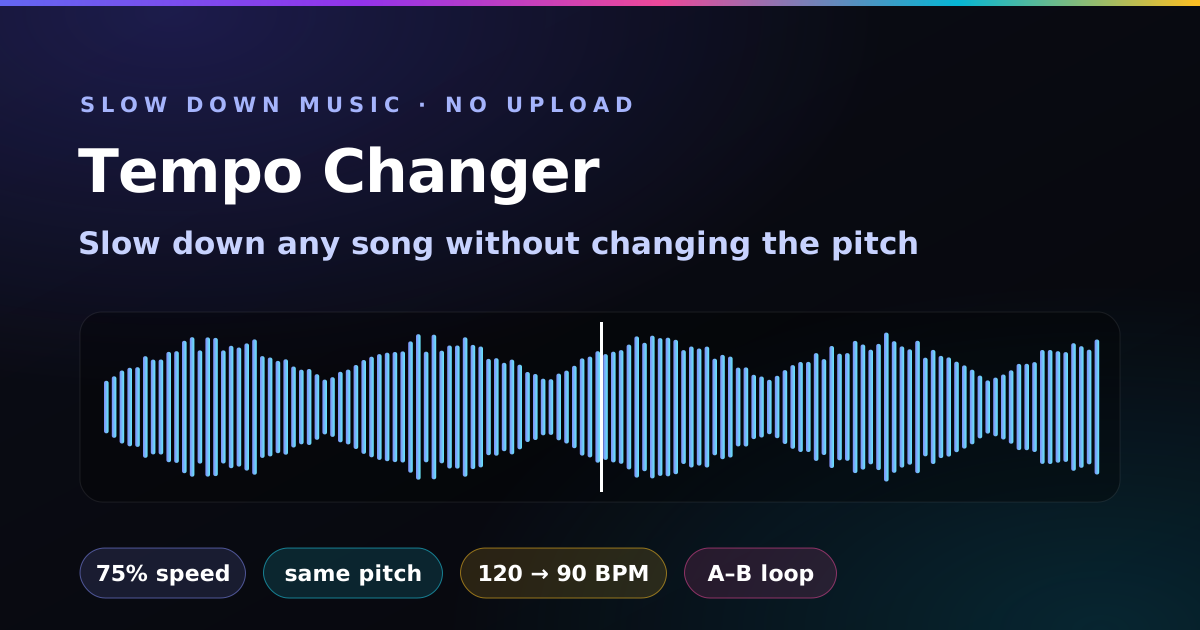
- That guitar solo is far too fast. The tempo changer. Slow it to 75% without changing the key, loop the tricky bit, and work back up to full speed.
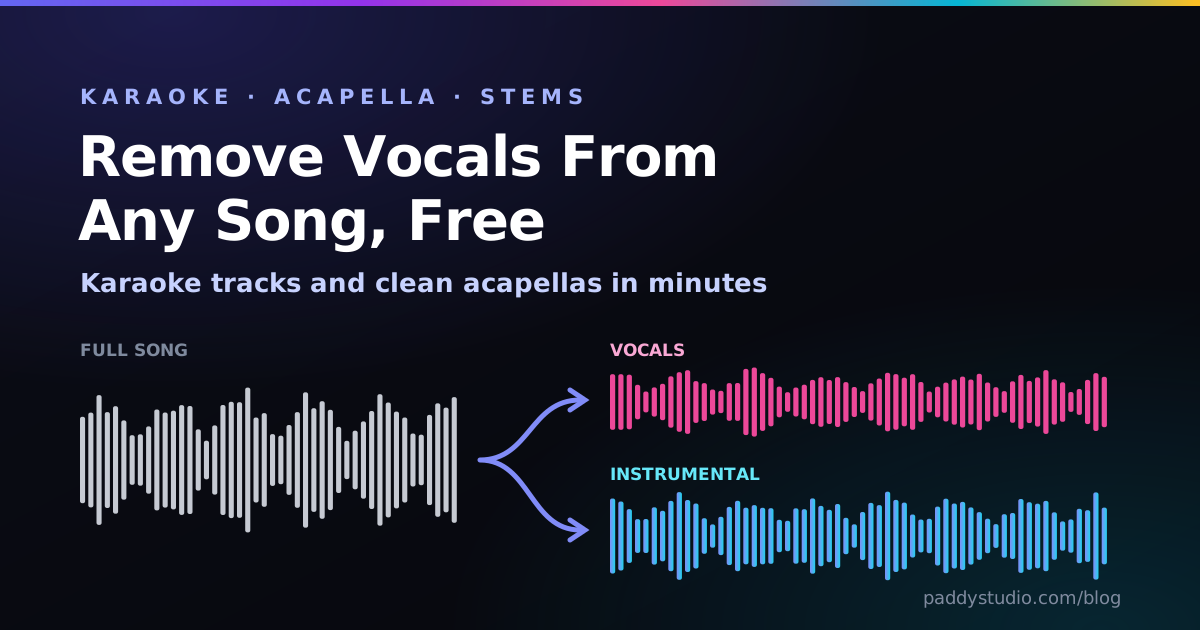
- I want a karaoke version. The vocal remover strips the centre vocal out of a stereo song in your browser and keeps the bass. For studio-clean stems, the same page compares the best free AI splitters.
- My song needs a video for YouTube or TikTok. The audio visualizer turns the track and your cover art into a moving spectrum video in 16:9, 9:16 or square. No watermark, no upload.
- Is my master too loud for Spotify? The LUFS meter tells you, and by how many dB each platform will turn it down.
- How long should my delay be? The delay & reverb calculator. Tap the tempo and it gives you every note value in milliseconds, dotted eighths included, plus reverb pre-delay that keeps the vocal clear.
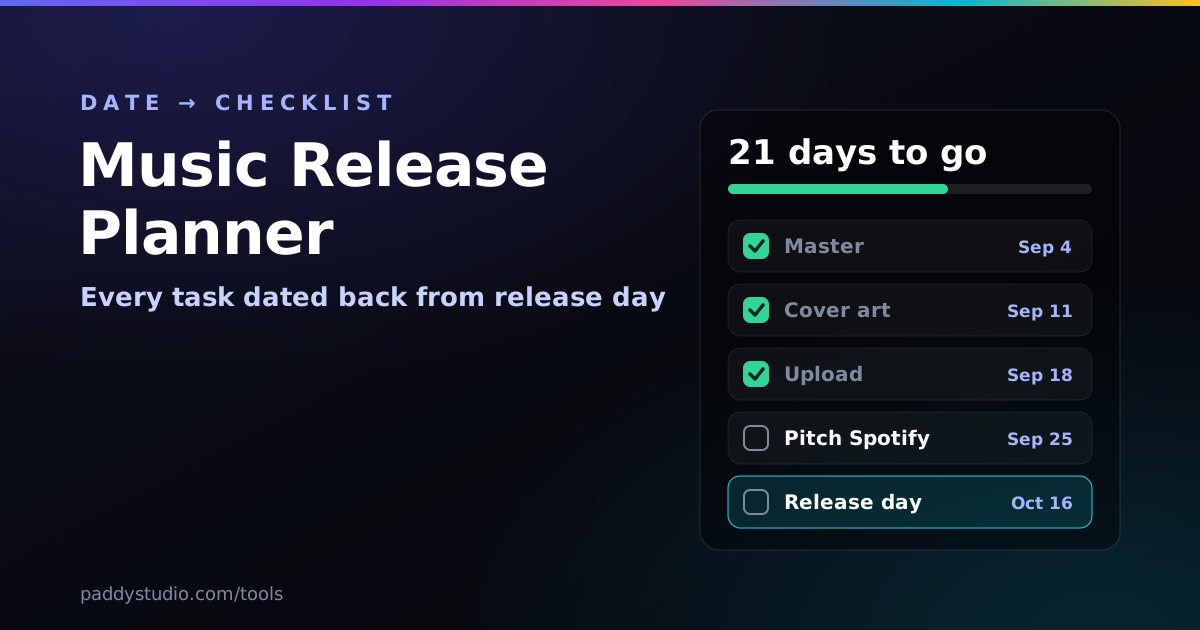
- When do I upload, pitch and post? The release planner dates every task back from release day and drops it in your calendar.
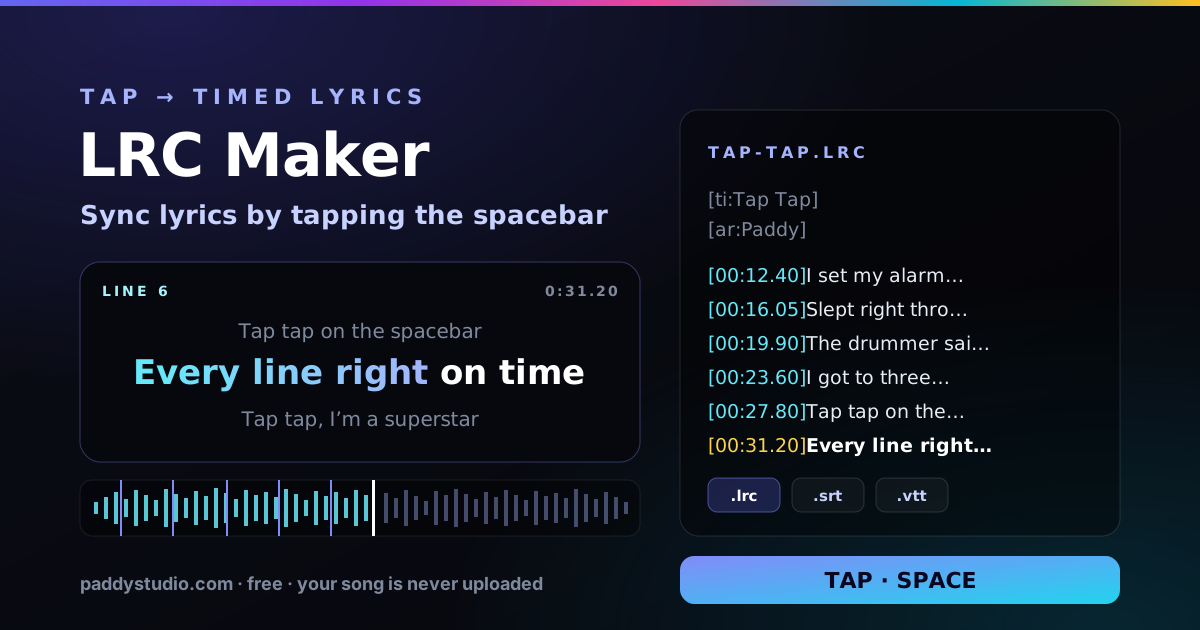
- I need a lyric video, or scrolling lyrics. The LRC maker. Tap Space as each line starts, then download .srt captions for CapCut or YouTube, or an .lrc for your music player. Undo button included, for the rest of us.
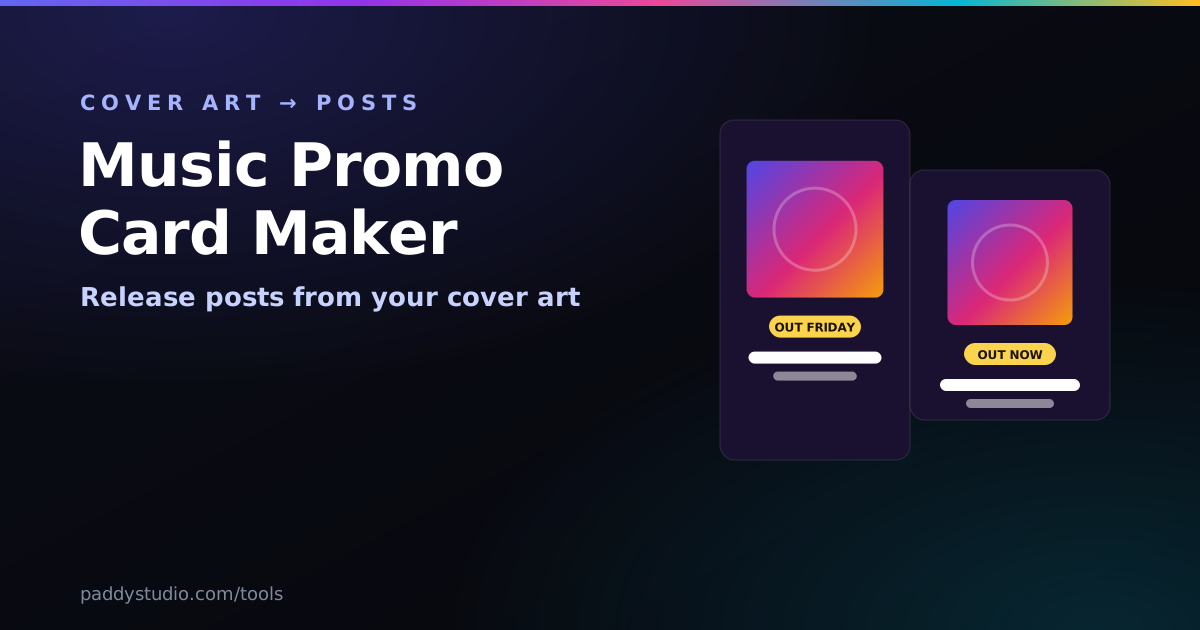
- I need Out Friday posts. The promo card maker turns your cover art into release graphics in every size.
- What would a thousand streams actually pay? The streaming royalty calculator. Brace yourself — it’s honest.
How they fit into making AI music
If you make songs with Suno or Vidmuse, the tools slot in before and after the generation step rather than replacing it. This is roughly how I use them:
- Find a comfortable key with the vocal range test, then build a progression in that key with the chord generator.
- Sketch the groove on the drum grid and settle the tempo with the metronome. The BPM cheat-sheet has a starting point for every genre.
- Write the lyrics in the syllable counter so the generated vocal phrases cleanly.
- Send the snippet to the Prompt Studio, finish the style prompt and generate.
- Run the result through the BPM & key finder so a real guitar, uke or bass part (tuned first, obviously) lands in the right key and tempo.
- Before release, trim the intro and fade the ending in the music editor, check loudness with the LUFS meter, and keep expectations sane with the royalty calculator.
The tools remember what you were doing. Your drum pattern, tuning, tempo, last vocal range, favourite progressions and royalty settings all live in your own browser’s local storage, so you can close the tab and pick up where you left off.
What these tools do with your data
No audio is sent anywhere. The metronome, drum machine and chord generator generate every sound from oscillators and filtered noise at the moment you press play. The tuners and the vocal range test read your microphone through the browser’s audio pipeline and analyse each frame on the spot; the signal is never recorded, stored or transmitted, and microphone access stops the moment you press stop or close the tab. The BPM & key finder, the LUFS meter and the music editor decode the file you choose inside the browser — it is never uploaded. The online instruments, like the metronome, synthesise every sound on the spot. Your settings live in your own browser’s local storage and are not readable by us. The syllable counter is the one tool that uses the network: your lyrics stay in local storage, but to look up syllable counts and rhymes it sends single words, never lines or the song, to the free Datamuse dictionary through a proxy on this site that does not store them.
Frequently asked questions
Are these music tools really free?
Yes. All forty-two are free with no account, no trial and nothing to install. The one limit: the Suno Song Builder’s optional AI lyrics are in free beta with a small daily allowance. Its style prompts, chords and template lyrics are unlimited.
Do I need to sign up or install an app?
No. Every tool is a web page. Open the link and it works immediately in Chrome, Safari, Firefox or Edge on desktop, Android or iOS.
Is my audio uploaded anywhere?
No. The tuners and the vocal range test analyse microphone input on your device, the metronome, drum machine, online instruments and chord generator synthesise their sounds in the browser, and the BPM & key finder, LUFS meter and music editor decode the file you choose locally. Nothing is recorded, uploaded or sent to a server. The syllable counter is the only tool that uses the network: it sends single words, never your lyrics, to a dictionary for syllable and rhyme lookups.
Do they work on a phone?
Yes, all of them are built for touch. On the tuners and the vocal range test you grant microphone access once and hold the phone near the instrument or your mouth. Phone mics struggle with the very lowest bass notes, which is why the bass tuner has a 12th-fret harmonic mode.
Can I use what I make commercially?
Yes. The drum machine and chord generator synthesise every sound in code rather than playing back samples, so a loop you export carries no sample-pack licence. Chord progressions themselves can’t be copyrighted, so a progression you generate is yours to use.
Which tool should I use for AI music prompts?
Start with the chord progression generator or the BPM & key finder: both write a ready-made Suno style snippet with tempo and key and open it in the Prompt Studio. The vocal range test suggests a matching Suno vocal tag, the drum machine describes the groove in words, and the syllable counter evens out your lyric lines so Suno doesn’t rush or stretch the vocal.
What loudness should I master to for Spotify?
Spotify, YouTube, Amazon Music and Tidal normalise to about −14 LUFS integrated, Apple Music to about −16 and Deezer to about −15. Louder masters are simply turned down, so there’s no need to push past the target. Measure your track with the LUFS meter, and keep true peaks at or below −1 dBTP.
How much does Spotify pay per stream?
There’s no fixed rate. Commonly cited estimates are about $0.003 to $0.005 per stream, depending on the listener’s country, subscription type and the month. Since 2024 Spotify pays no recorded royalties on tracks with fewer than 1,000 streams in the previous 12 months. The streaming royalty calculator lets you change the rates and see the effect.
Will there be more tools?
Probably. They get built when something on the blog turns out to be easier to show than to explain, or when readers keep asking — the microtonal tuner exists because people asked why the guitar tuner kept calling their sikah an out-of-tune E, and the bass tuner because a phone mic simply can’t hear a low B without some help.
More free tools on my other site
If these are useful, I run a second free site in the same spirit: Sacred Frequency, published under the name Paddy Picho. Its tools are for winding down rather than producing — a Solfeggio player covering the nine tones from 174 Hz to 963 Hz, a chakra tuner, a frequency generator that plays any pitch from 20 Hz to 20 kHz across four waveforms plus binaural beats, and a meditation timer with rain, ocean or forest ambience and a 4-7-8 breathing guide. The rules are the same as here: every tone is synthesised on your own device with the Web Audio API, so nothing is uploaded, no account is needed and no listening data is collected.
Building a full track?
The Prompt Studio turns a few choices into a finished Suno style prompt and a matching Vidmuse video script.
Open the Prompt Studio →