
A good Suno prompt is not a sentence — it is a tight, ordered list of tags that tells the model what kind of song to build. Get the order and the vocabulary right and Suno becomes remarkably consistent. This guide is the map: the formula, a worked example for each part, ready-to-copy genre prompts, and links to the deep-dives when you want more.
Key takeaways
- Write the style box as comma-separated tags, strongest first:
genre, mood, instrumentation, vocal, tempo, fx. - State the tempo as a number (e.g.
92 bpm) — Suno reads it. - Put song structure and vocal directions in the lyrics box using brackets and parentheses, not the style box.
- Keep the style prompt short — around 120 characters of specific tags beats a long paragraph.
- Change one tag at a time when a track misses, so you know what fixed it.
The five-part style formula
Almost every strong Suno style prompt is the same ingredients in the same order. Lead with the elements that define the sound and let the finer details trail behind, because Suno gives the earliest tags the most weight:
[genre], [mood], [instrumentation], [vocal style], [tempo], [production fx]
Here is what each slot does and what good tags look like:
| Slot | What it controls | Example tags |
|---|---|---|
| Genre | The overall sound and arrangement. The single most important tag. | melodic synth-pop, UK drill, modern country |
| Mood | Emotional colour: key, energy and dynamics. | nostalgic, dark and menacing, heartfelt |
| Instrumentation | The specific sounds you want to hear. Two to four is plenty. | analog synth, pedal steel guitar, sliding 808 bass |
| Vocal style | Voice type and delivery, or instrumental for none. | clean female vocals, gritty male rap vocals |
| Tempo | Speed, written as a number. | 75 bpm, 124 bpm, 140 bpm, half-time feel |
| Production fx | Mix and texture finishing touches. | gated reverb, vinyl crackle, wide stereo |
melodic synth-pop, nostalgic, analog synth, drum machine, clean female vocals, 116 bpm, gated reverb, wide stereo
That prompt is about 110 characters. It names one genre, one mood, two instruments, one voice, a tempo and two production touches — nothing vague, nothing repeated. The full breakdown of why order matters and how to choose each tag lives in how to write a Suno style prompt that actually works.
Tempo: give Suno a number
BPM is one of the highest-leverage tags because Suno follows it closely. Words like "fast" or "slow" are open to interpretation; 124 bpm is not. Match the number to the genre rather than guessing:
| Genre | Typical range | Type this |
|---|---|---|
| Lo-fi hip-hop | 70–90 BPM | 75 bpm |
| Hip-hop / boom bap | 85–95 BPM | 90 bpm |
| Synthwave | 100–120 BPM | 110 bpm |
| Pop | 100–120 BPM | 116 bpm |
| House / disco | 120–128 BPM | 124 bpm |
| Rock / pop-punk | 130–160 BPM | 140 bpm |
| Trap | 130–150 BPM, half-time | 140 bpm, half-time feel |
| Drum and bass | 170–175 BPM | 174 bpm |
The half-time trick matters for trap and a lot of modern hip-hop: they are written around 140 BPM but feel half as fast. If a "70 bpm trap" prompt sounds limp, switch to 140 bpm, half-time feel. More genres are in the BPM cheat-sheet by genre.
Structure and vocals: use the lyrics box
Section markers and vocal directions belong in the lyrics field, not the style box. Three conventions do almost all the work:
- Square brackets mark sections and directions:
[Intro],[Verse],[Chorus],[Bridge],[Outro]. - Parentheses add backing vocals or echoes, sung under the main line.
- Blank lines and instrumental tags hand the moment to the band, e.g.
[Guitar Solo]or[Instrumental Break].
[Intro]

[Verse]
Streetlights hum a song I used to know
Every window holds a little glow

[Chorus]
Take me back (take me back)
To the summer on the radio

[Bridge]
[Soft female vocals]
Hold the note a little longer

[Outro]
[Fade out]
Short, regular lines with a clear chorus give Suno an easier melody to find. See song structure, brackets and vocal tags for every marker, and writing lyrics for Suno for the words themselves. To get a ready-made sheet in this format, with chords, try the free Suno song builder.
Blending two genres
Stacking three or four genres usually produces mush. The reliable method is one base genre that sets the rhythm and arrangement, plus one accent borrowed from a second genre — an instrument, a texture or a vocal style:
modern country, heartfelt, acoustic guitar, pedal steel, subtle trap hi-hats, warm male vocal, 96 bpm, polished mix
Country stays in charge; the trap hi-hats are seasoning. The full technique is in how to blend two genres in Suno.
When a track misses: quick fixes
Most disappointing generations trace back to a handful of causes. Check these before re-rolling:
| Symptom | Likely cause | Fix |
|---|---|---|
| Wrong genre | Genre tag buried late, or too many genres | Move one genre to the front; drop the rest |
| Wrong speed | No BPM, or words like "fast" | Add a number, e.g. 124 bpm |
| Sings "verse" or "chorus" | Structure written in the style box | Move [Verse] markers into the lyrics box |
| Generic, bland sound | Vague tags like "good" or "epic" | Name concrete instruments and textures |
| Ignores half the prompt | Prompt too long | Cut to the six slots, around 120 characters |
The longer list, with examples, is in 9 Suno prompting mistakes that ruin AI songs.
Genre starting points
Prefer to copy a known-good recipe? Each of these is the starting prompt from its genre guide — paste it into the style box, then adjust one tag at a time:
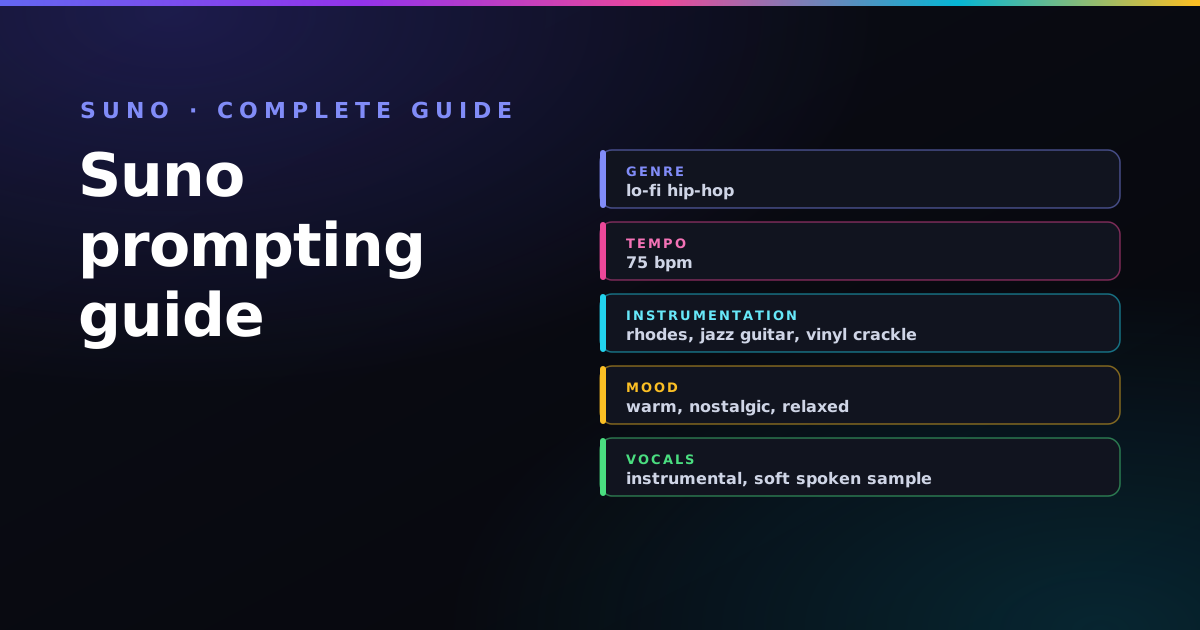
lo-fi hip-hop, warm and nostalgic, dusty rhodes piano, mellow jazz guitar, soft boom-bap drums, vinyl crackle, 75 bpm, instrumental, tape saturation, gentle sidechain
house, warm and hypnotic, four-on-the-floor kick, deep rolling bassline, soulful vocal chops, warm analog pads, crisp off-beat hats, 124 bpm, club mix
classic rock, energetic and anthemic, distorted power chords, crunchy overdriven lead guitar, punchy live drums, driving bass guitar, gritty male vocal, 128 bpm, big live-room mix
The full recipes, with the tags that define each sound:
- Suno prompt for lo-fi
- Suno prompt for drill
- Suno prompt for phonk
- Suno prompt for synthwave
- Suno prompt for trap
- Suno prompt for house
- Suno prompt for country
- Suno prompt for rock
Keep the full list of Suno meta tags open while you write, and once a track is ready, see what it takes to sell Suno songs commercially.
From song to video
Made a track you like? The natural next step is a video for it. The companion hub, the complete guide to Vidmuse prompting, covers turning a Suno song into a beat-matched AI music video.

Paddy
Self-taught guitarist and independent AI-music hobbyist. Every formula in this guide is one I use on my own Suno tracks — you can hear the results on the music page. More about Paddy.
Frequently asked questions
What should go in Suno's style box versus the lyrics box?
The style box holds comma-separated descriptors: genre, mood, instrumentation, vocal style, tempo and production fx. The lyrics box holds the words plus bracketed section markers like [Chorus] and parenthetical backing vocals. Keep structural directions out of the style box.
Does the order of tags in a Suno prompt matter?
Yes. Suno weights earlier tags more heavily, so lead with the genre and mood that define the song and trail the finer production details. Reordering the same tags can noticeably change the result.
How long should a Suno style prompt be?
Concise wins. Although the field accepts up to about 1,000 characters, tight prompts of roughly 120 characters of well-chosen tags track more reliably than long, vague ones.
Does Suno understand BPM?
Yes. Writing the tempo as a number, such as 92 bpm, is one of the most reliable ways to control speed in Suno. For trap and similar styles, use around 140 bpm with a half-time feel rather than a low number.
How do I make an instrumental track in Suno?
Add the tag instrumental to the style box and leave the lyrics box empty, or use only section markers such as [Intro] and [Instrumental Break] with no words.
How do I stop Suno singing words like verse or chorus?
Put section markers in square brackets inside the lyrics box, for example [Verse] and [Chorus], and keep them out of the style box. Unbracketed section names can be sung as lyrics.
Why does Suno ignore part of my prompt?
Usually the prompt is too long, uses vague words like epic or good, or mixes too many genres. Cut it back to one genre, one mood, two to four instruments, one vocal style, a BPM and one or two production tags.
Want to hear these formulas in a finished song? Nine tracks I made this way are on the music page, free to play — including two versions of the same prompt so you can hear what a re-roll changes.
Build a Suno prompt in clicks
The free Suno Profiler assembles a clean, ordered style prompt from genre, mood, tempo and vocal choices — copy, save and reuse it.
Open the Suno Profiler →