Free AI Music Generators for YouTube Background Music: What’s Actually Safe
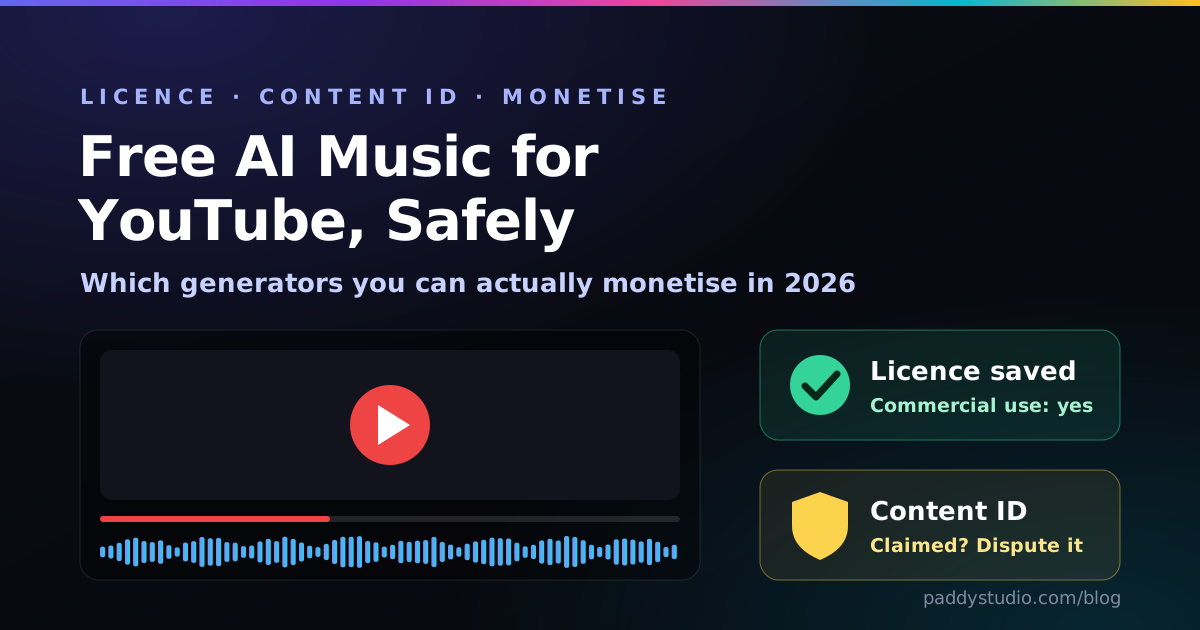
Which free AI music generators you can really monetise on YouTube, how Content ID claims happen, and four copy-paste background-music prompts.
Clear, practical tutorials on writing Suno style prompts, formatting lyrics, choreographing Vidmuse video to your beat, and stitching it all into a finished music video.
Thirty-two articles is a lot to land on. These are the ones that make the rest make sense.
Showing all 42 articles.
Which free AI music generators you can really monetise on YouTube, how Content ID claims happen, and four copy-paste background-music prompts.
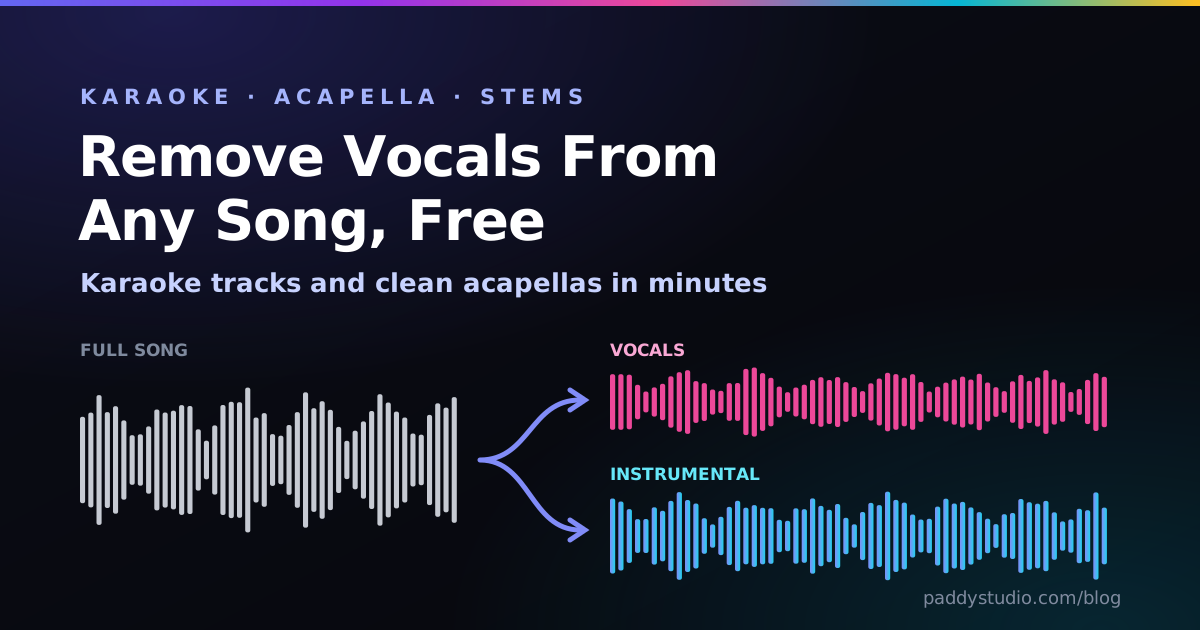
The best free vocal removers for karaoke, DJ acapellas and practice tracks, plus the free desktop tool that beats most of them.
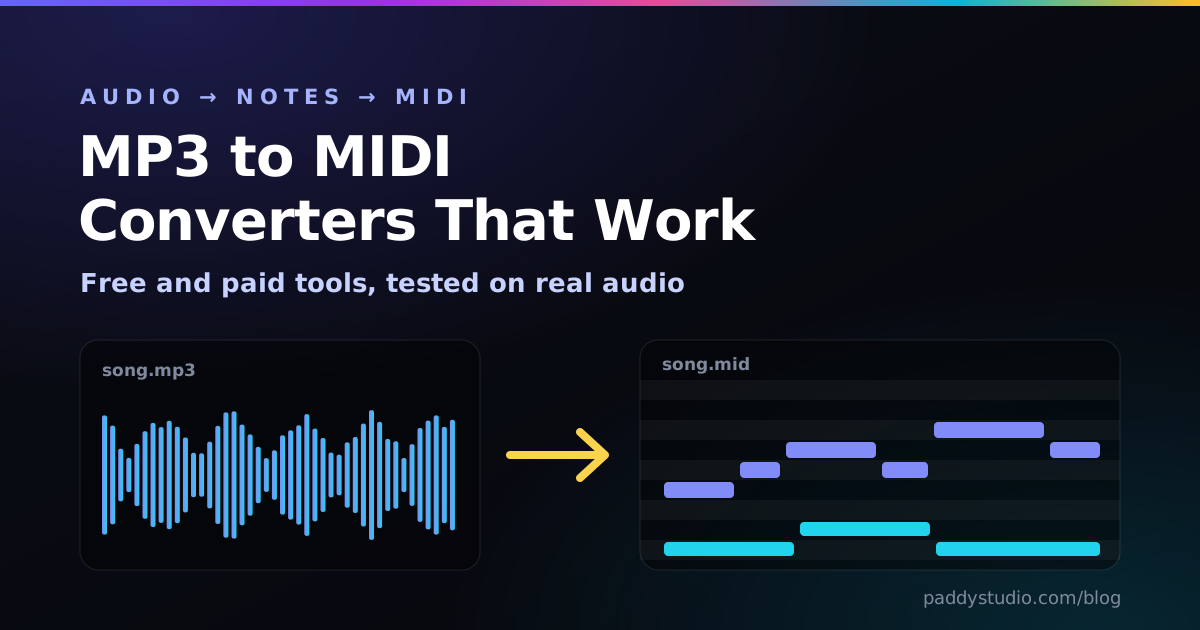
Basic Pitch, NeuralNote, Fadr, Ableton and Melodyne, tested on melodies, piano, guitar and drums, plus the clean-up routine that makes MIDI usable.
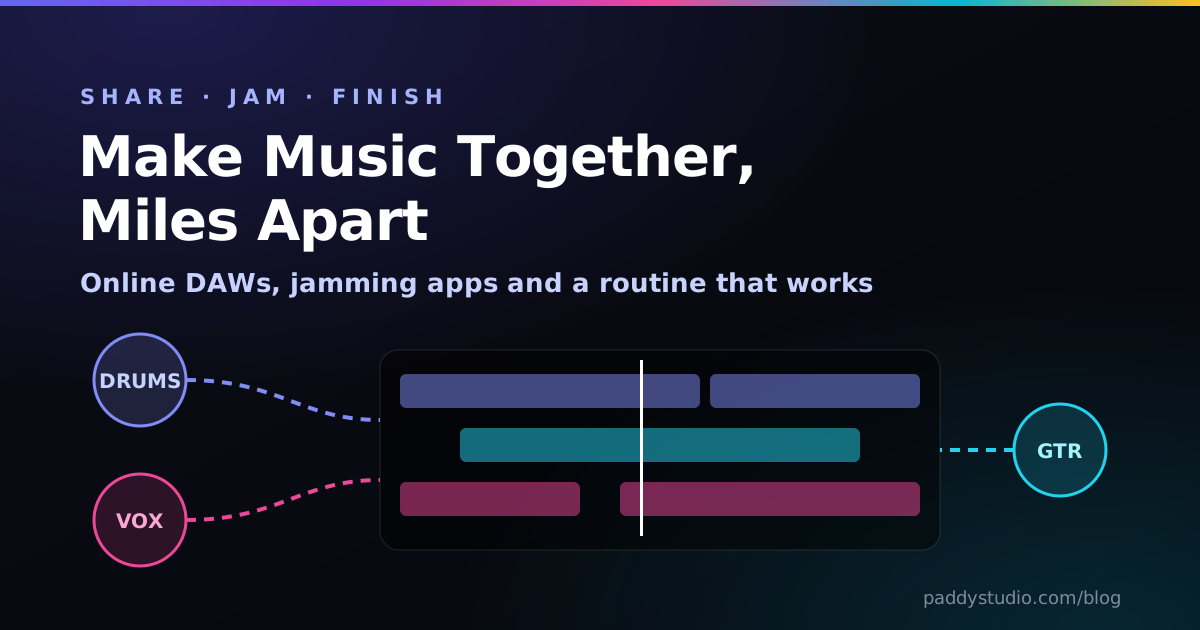
BandLab, Soundtrap, Jamulus and SonoBus for long-distance bands, the latency physics nobody mentions, and a file routine that stops the chaos.
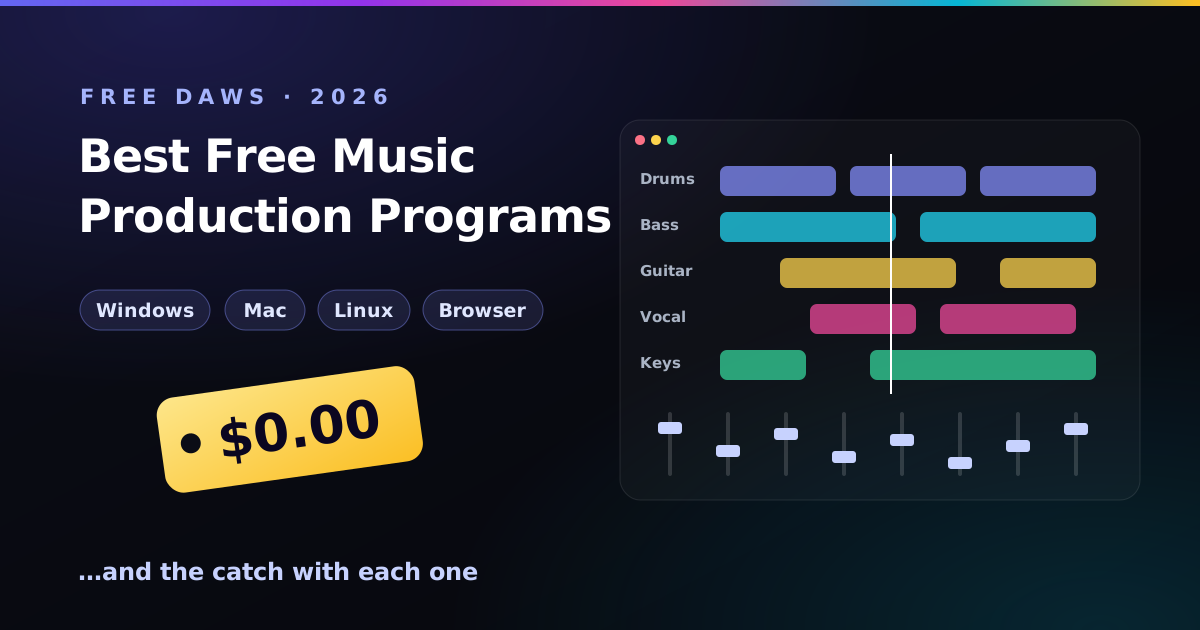
GarageBand, Cakewalk Sonar, Waveform Free, Pro Tools Intro, LMMS, MPC Beats and Audacity: which free music creation software fits your computer, and what each one costs you instead of money.
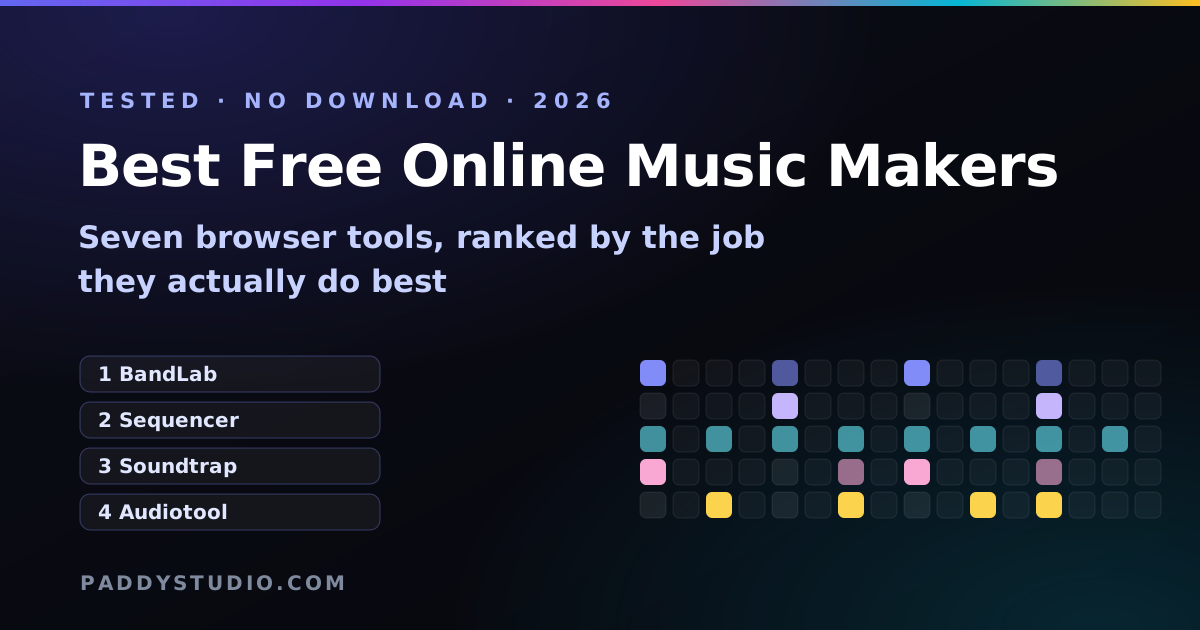
BandLab, Soundtrap, Audiotool, Chrome Music Lab, a no-signup sequencer and Suno, ranked by the job each one actually does best.
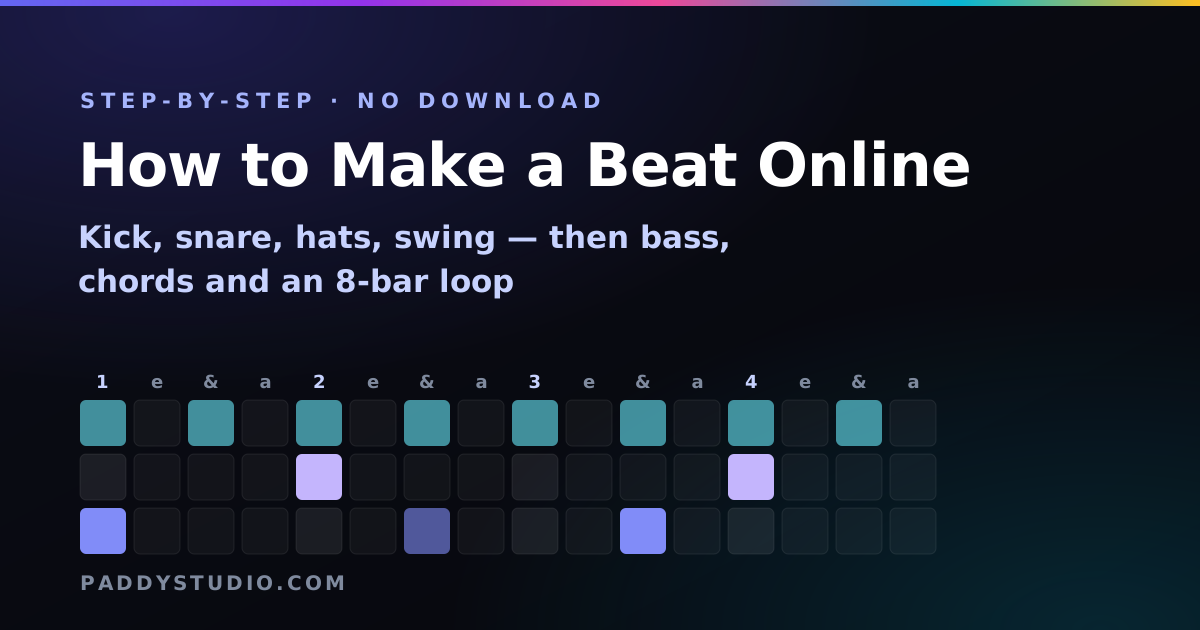
Kick, snare, hats and swing, then a bassline, chords and an 8-bar loop — plus the five mistakes every beginner makes (I made all of them).
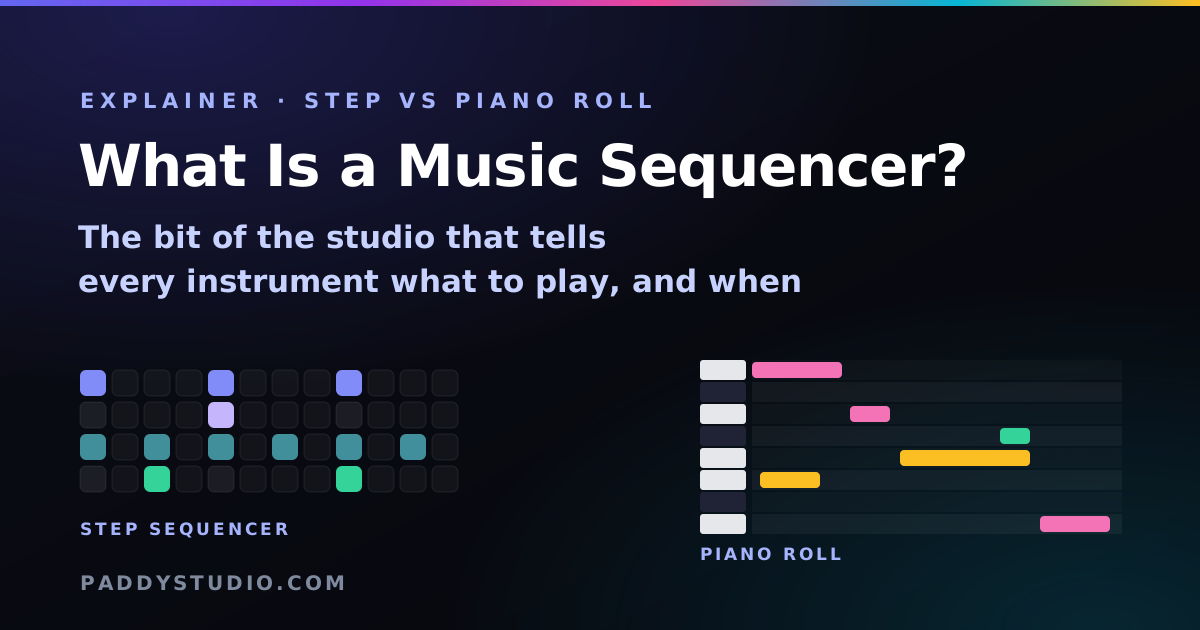
The bit of the studio that tells every instrument what to play and when. Step sequencer vs piano roll vs DAW, minus the jargon.
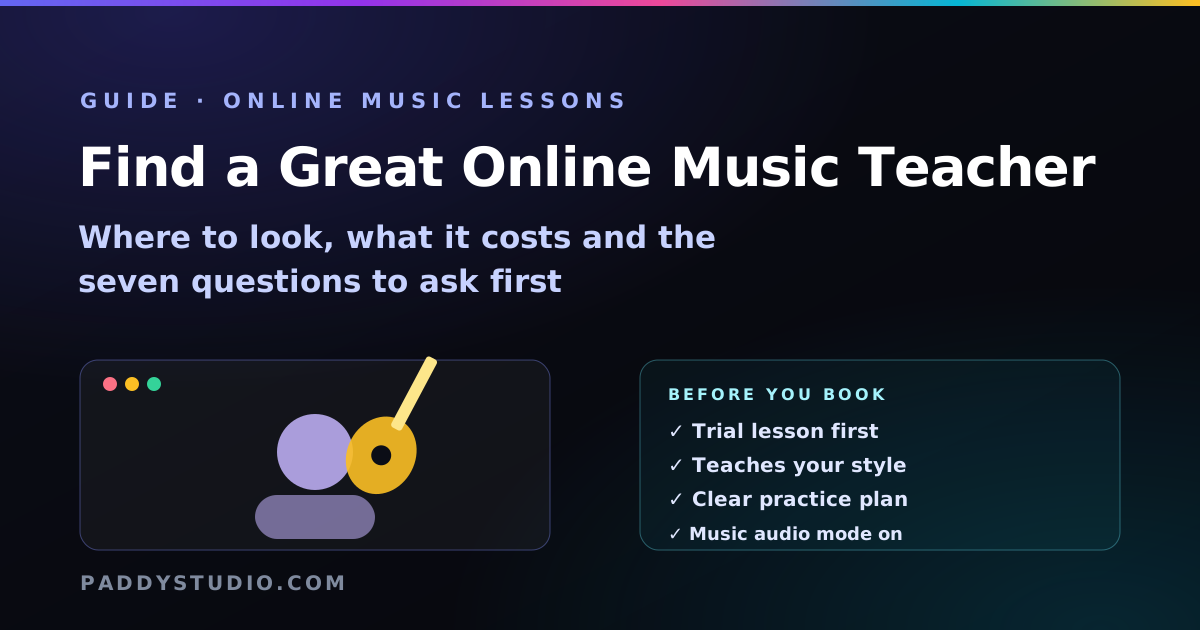
Where to find online music teachers, rough lesson prices, seven questions to ask before booking, red flags and the setup that makes video lessons work.
Tuners, a metronome with speed and gap trainers, a virtual piano, chords and backing beats — free browser tools teachers can send as links.
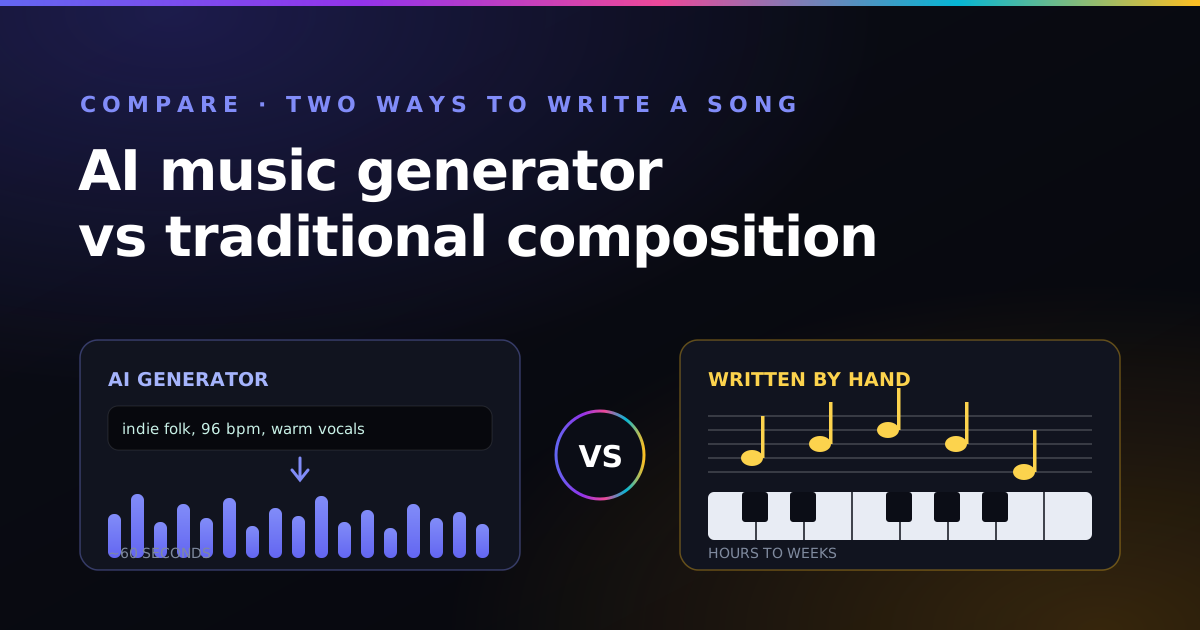
Speed, cost, control, sound and ownership side by side — which approach fits your project, and the hybrid split that beats picking a side.
A healing session, a voice in the wardrobe, and six dreams in four hours — the true story behind the longest song on the music page, plus the full lyrics.
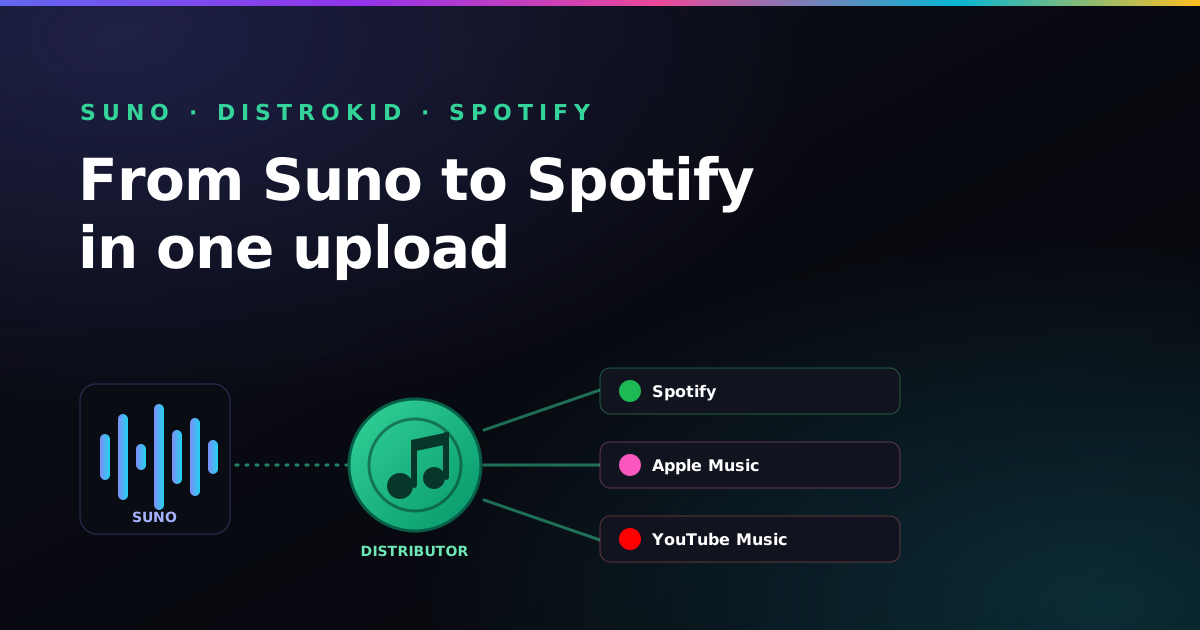
The full pipeline from a finished Suno track to a live release — rights, export, prep, the DistroKid upload, and scheduling so you can pitch playlists.
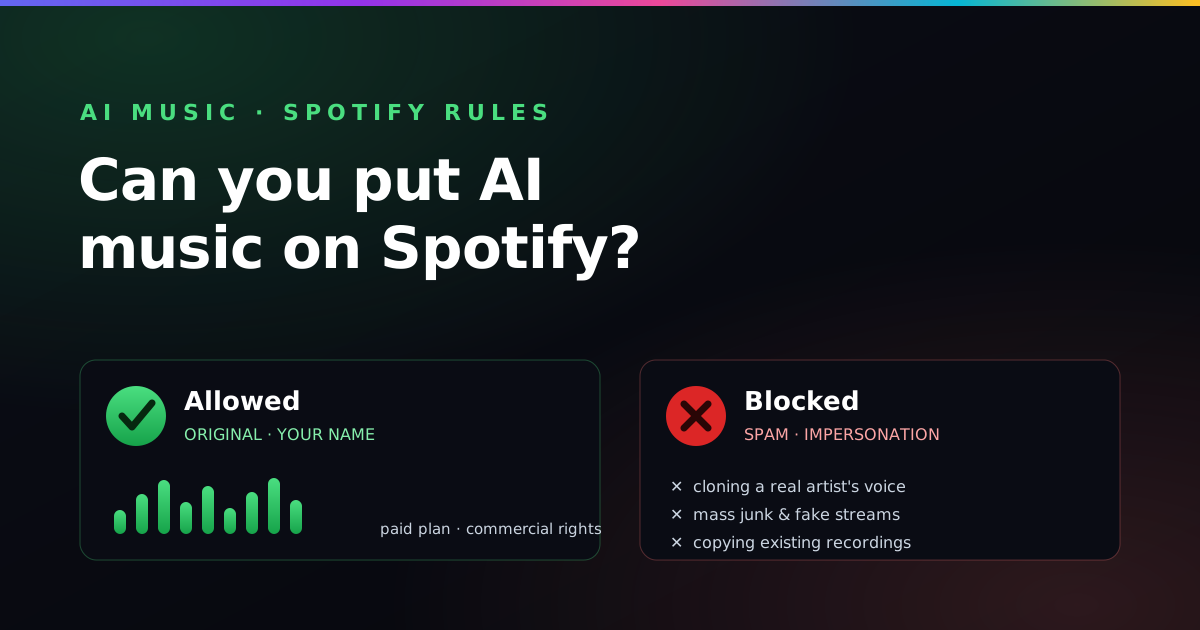
Yes — but which AI music is allowed and which gets pulled? The real line is spam and impersonation, not “made with AI.” Here is exactly where it sits.
The flat annual fee, the keep-100%-royalties model, and the pay-to-stay catch — when a distributor actually pays off for an AI music catalog.
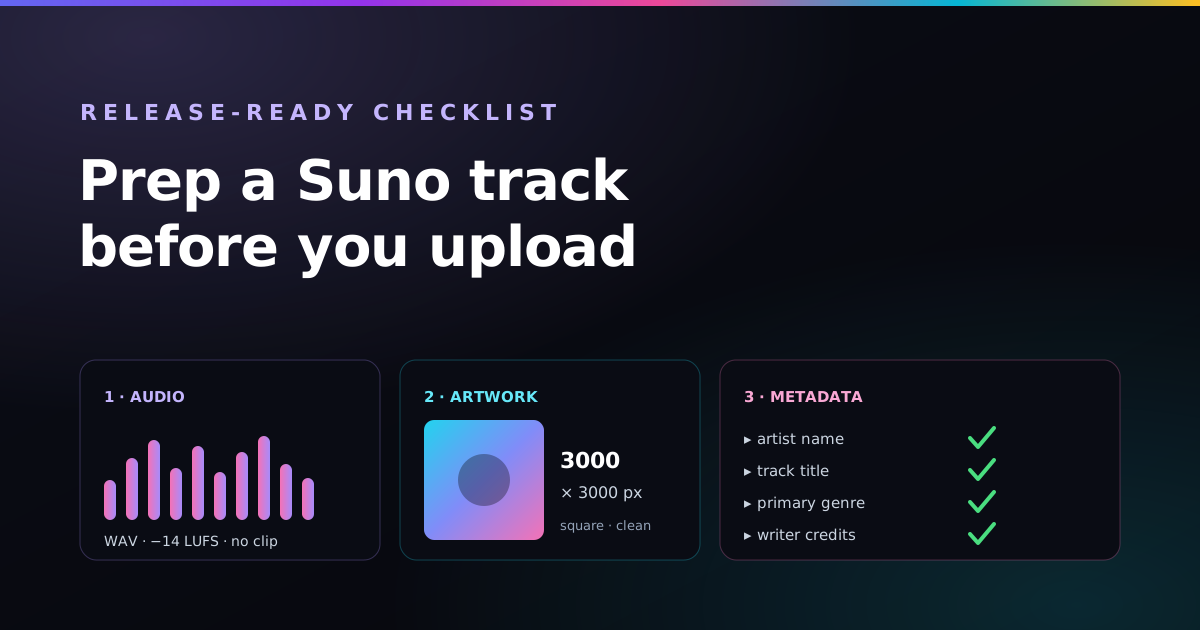
The pre-distribution checklist — loudness and master, 3000px cover art, and clean metadata — that makes a Suno song look and sound like a real release.
The four routes that actually pay — streaming, sync licensing, commissions and content — what each is realistically worth, and the human work that gives you an edge.
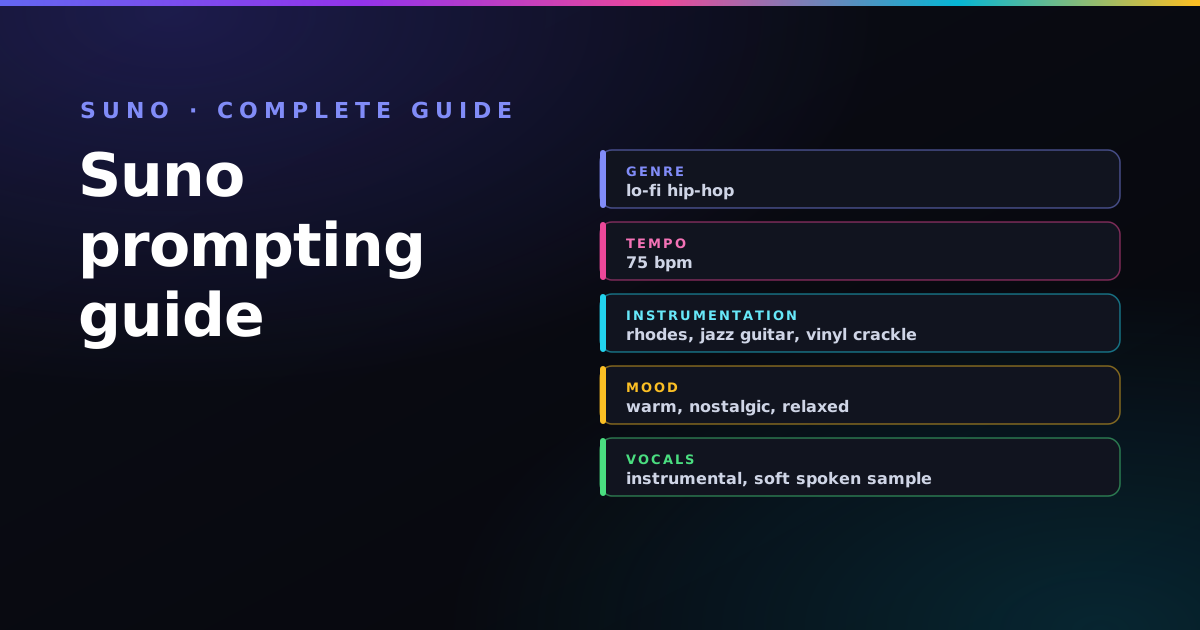
The hub for everything Suno: the style-box formula, tempo, structure, vocals, blending and the mistakes to avoid — with links to every deep-dive.
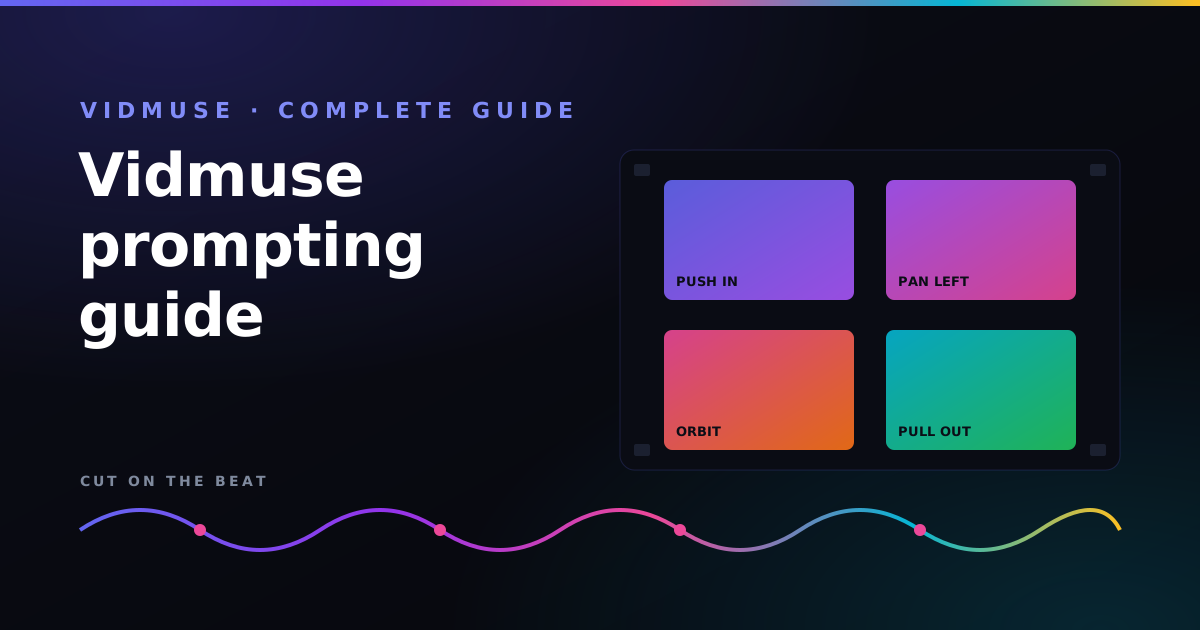
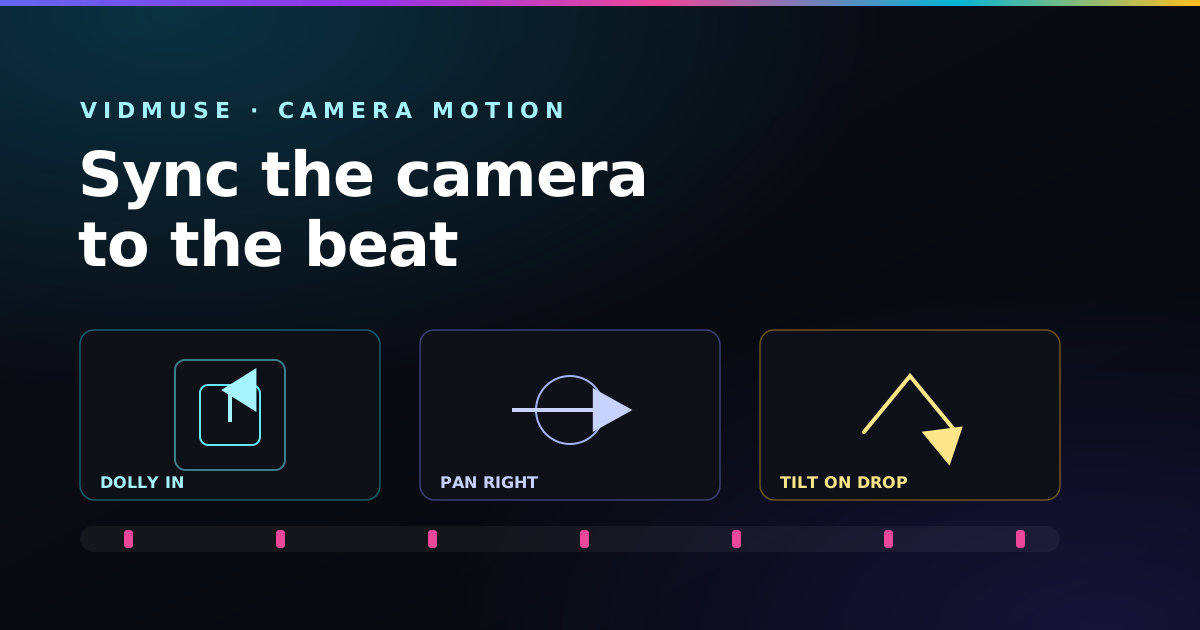
The hub for AI video: camera moves matched to tempo, consistent characters, and turning a Suno track into a finished beat-cut music video.
The warm, dusty tags and slow tempo that make lo-fi sound right — plus a ready-to-paste style prompt.
Sliding 808s, syncopated hats and a dark minor-key melody at 142 BPM — the recipe for convincing UK drill.
Distorted cowbell, heavy 808s and chopped Memphis vocals — the signature phonk tags and a copy-ready prompt.
Lush analog pads, an arpeggiated bassline and gated-reverb drums — retro 80s tags that sound instantly neon.
Booming 808s, rolling triplet hi-hats and a half-time 140 BPM — the recipe for trap that actually knocks.
A four-on-the-floor kick, rolling bassline and soulful vocal chops at 124 BPM — the groove that moves a dancefloor.
Acoustic guitar, pedal steel and a warm, plain-spoken vocal — the tags that make country sound honest.
Distorted power chords, punchy live drums and a gritty vocal — how to make Suno sound like a real band.
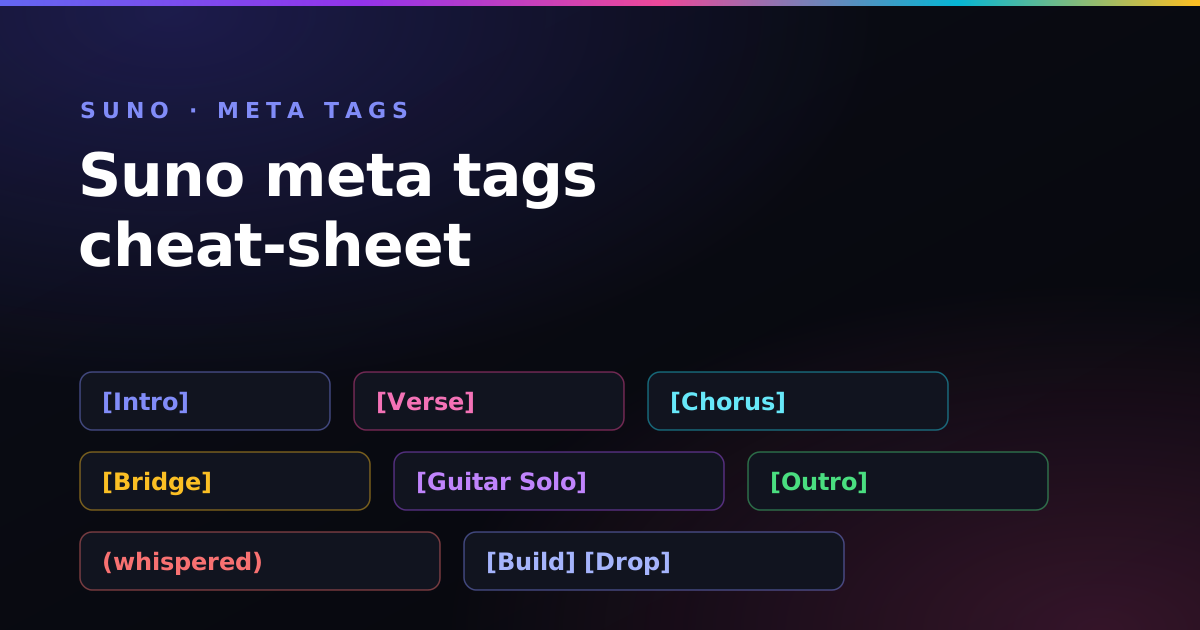
Every structure bracket, vocal cue, solo and effect tag — grouped by job, with copy-ready examples to keep open while you write.
What your plan licenses you to do, what copyright actually protects, and how to keep an AI track safe to monetize.
Sound, vocals, prompt control and cost compared — and a simple way to decide which AI music generator fits you.
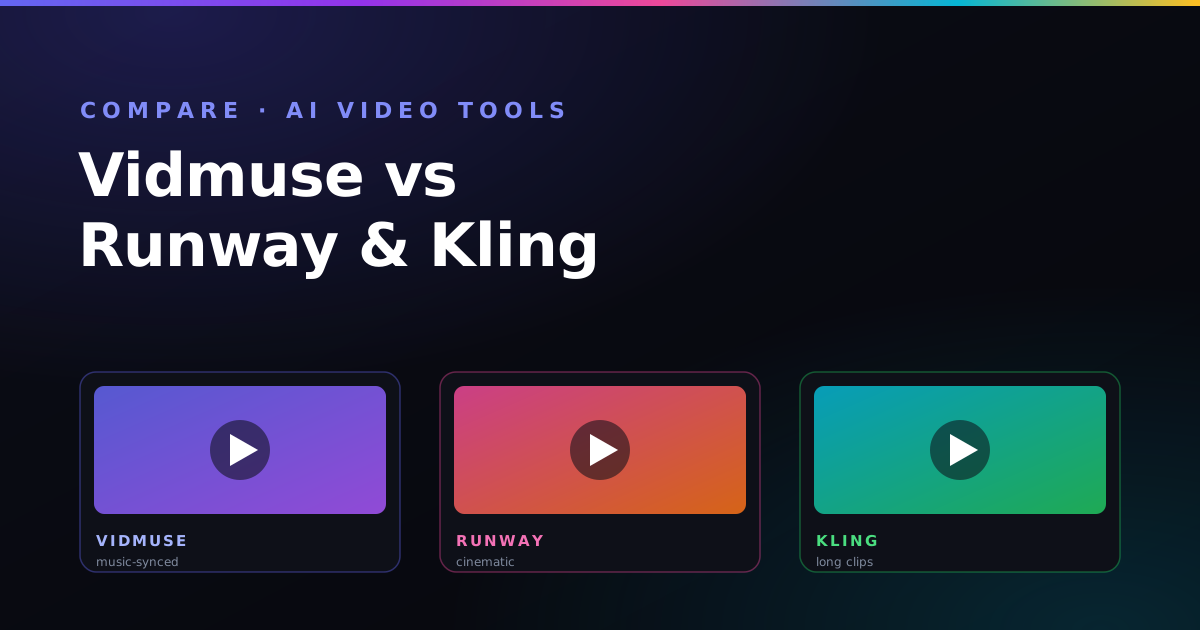
Motion control, character consistency and clip length compared for a beat-cut AI music-video workflow.
What the free plan includes, what paid plans add, and how commercial-use rights work for AI music.
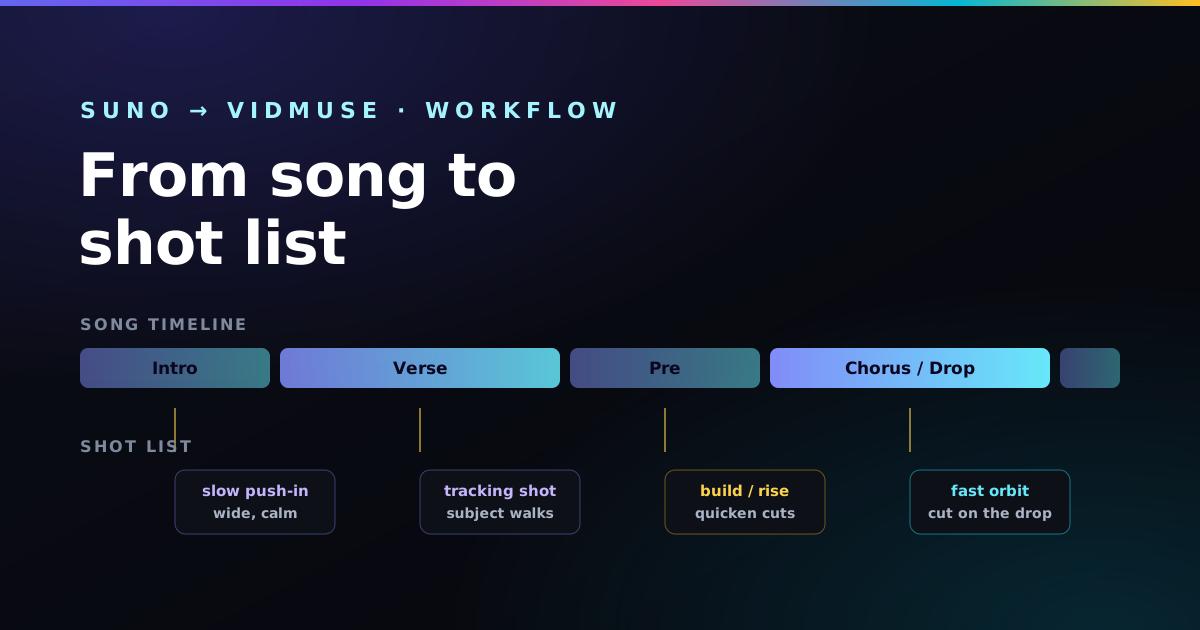
Map every section of your song to a shot, match camera moves to the energy, and cut on the beat — the planning method that makes AI videos feel directed.
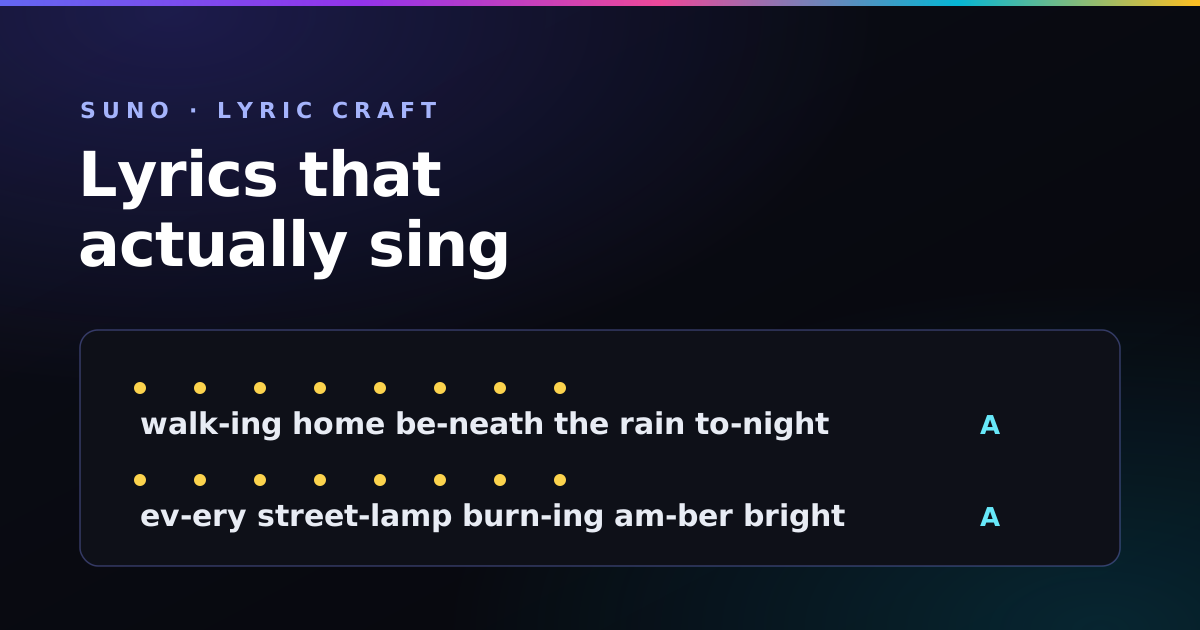
Why Suno rushes or mumbles your words — and how syllable counts, steady meter and a simple rhyme scheme give the vocal room to breathe.
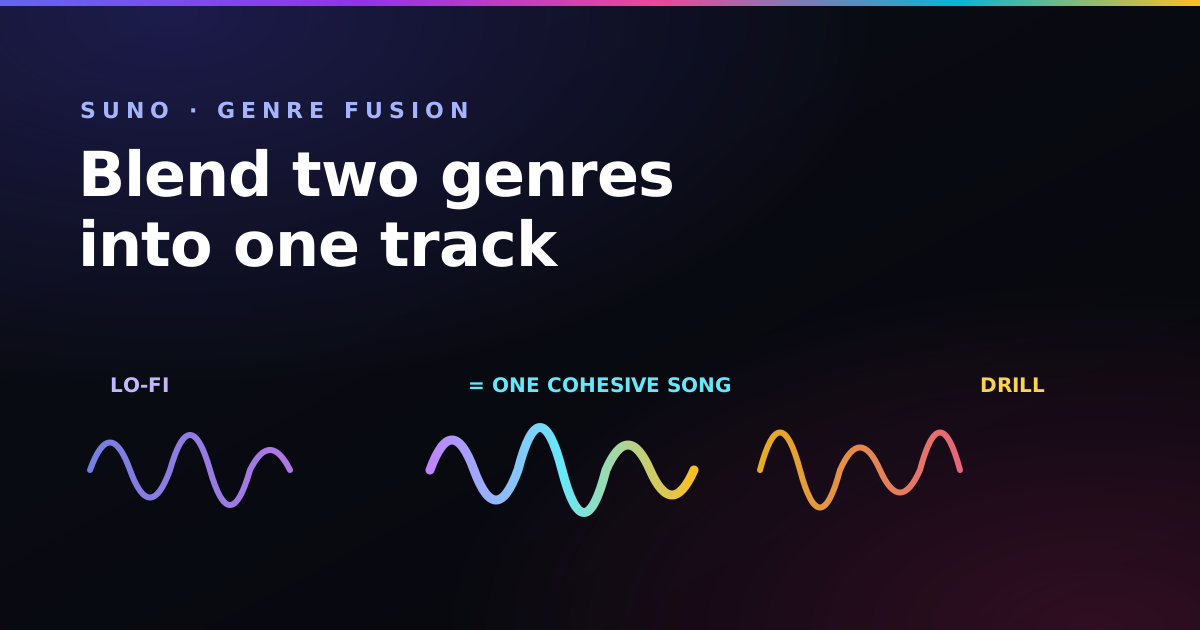
The base-plus-accent method for fusing two genres so one drives the song and the other colours it — and the result sounds designed, not chaotic.
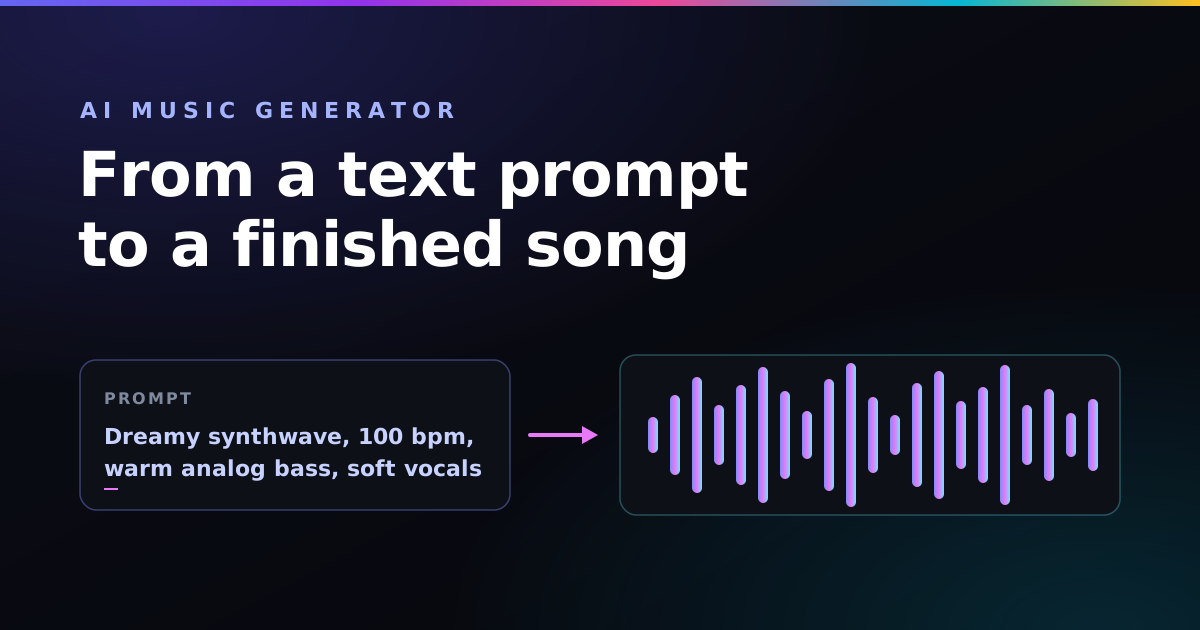
What these tools actually do, the four-step workflow from prompt to finished song, and exactly what to type to avoid the generic-sounding trap.
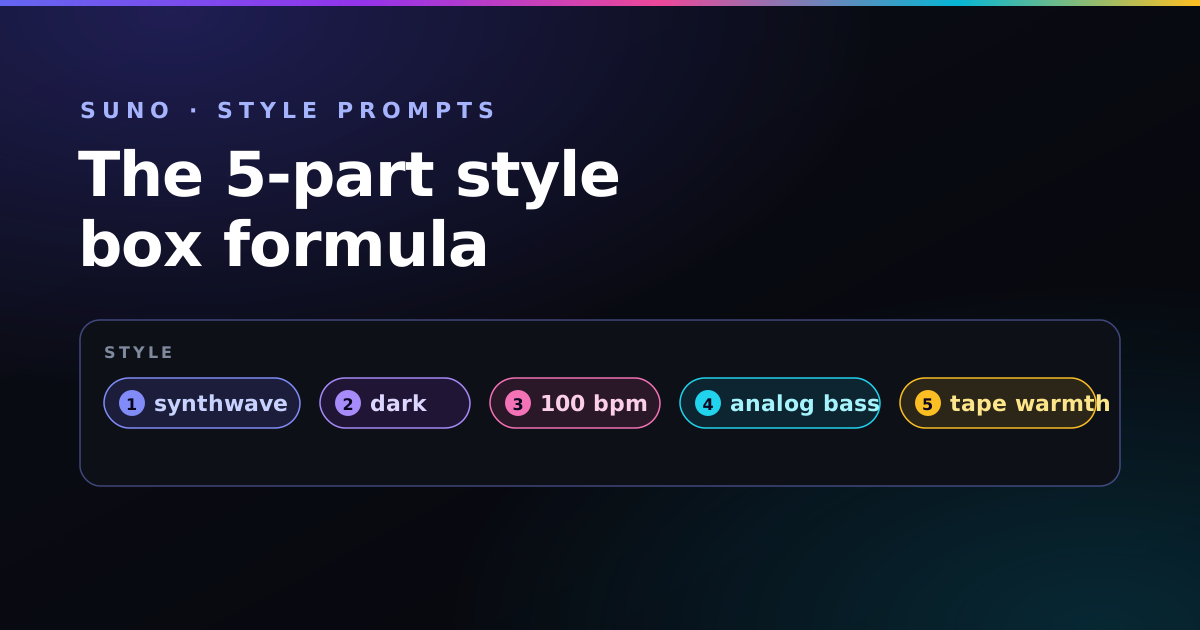
A repeatable five-part formula for the style box — plus the keyword-order rule that decides whether your track sounds intentional or chaotic.
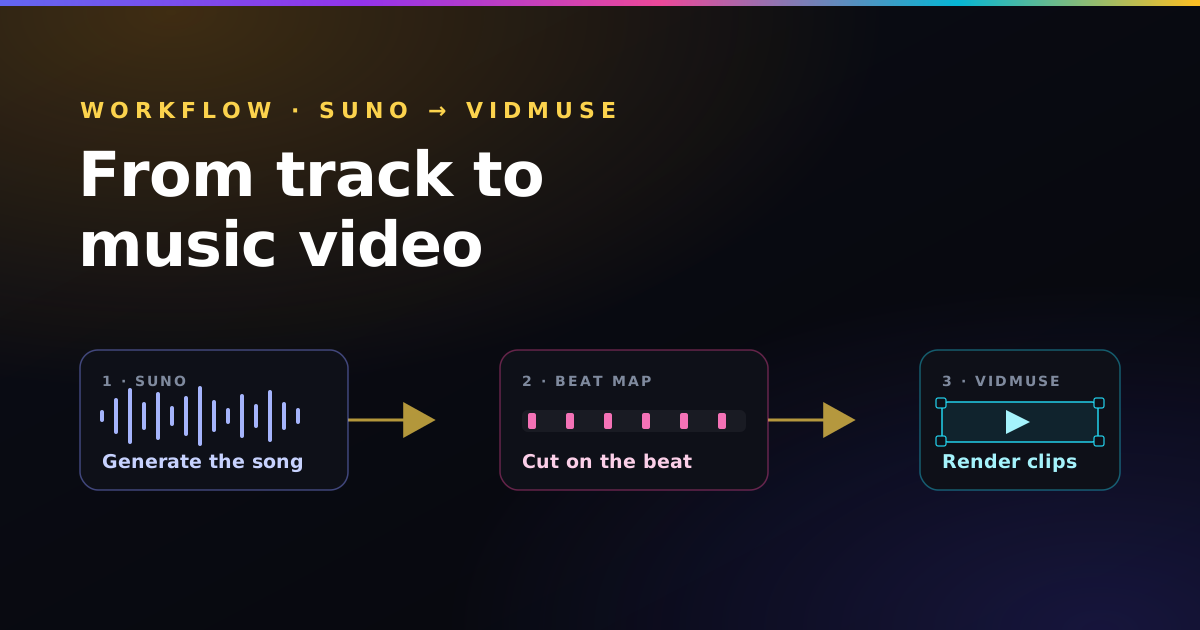
The full pipeline: generate the track, storyboard to the timeline, keep characters consistent, and cut every clip on the beat.
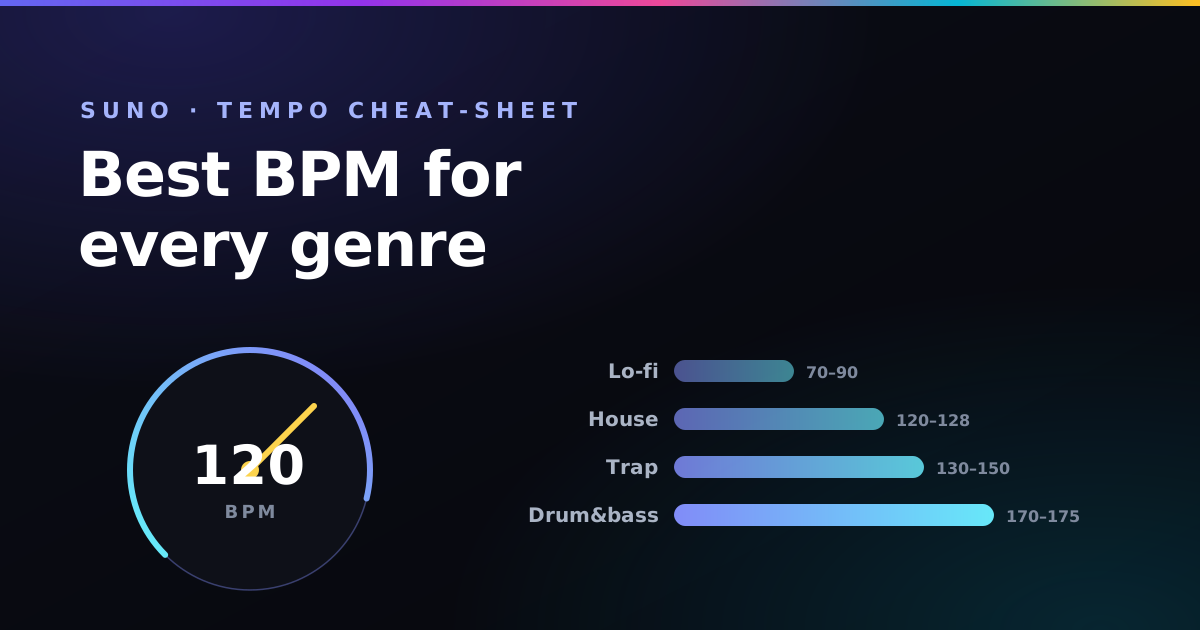
The tempo ranges that make lo-fi feel calm, trap hit hard, and house stay danceable — and how to lock a BPM into your prompt.
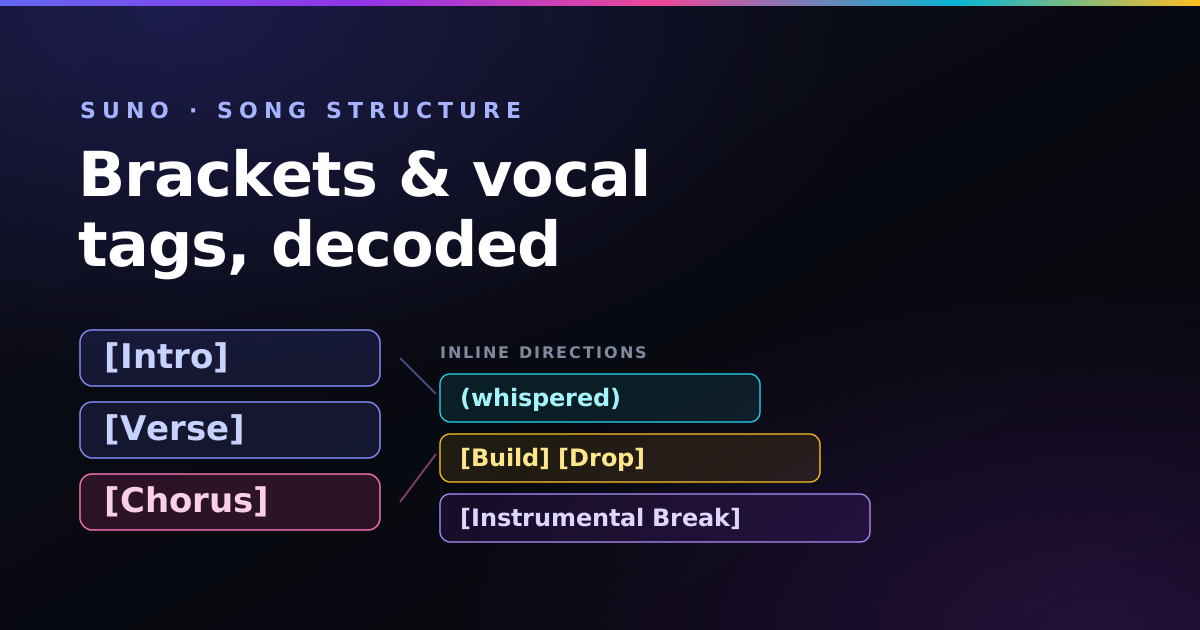
How square brackets, parentheses, and section labels tell Suno who sings, when the band takes over, and where the energy lifts.
Match camera speed to tempo, trigger effects on the drop, and keep your subject consistent across every generated clip.
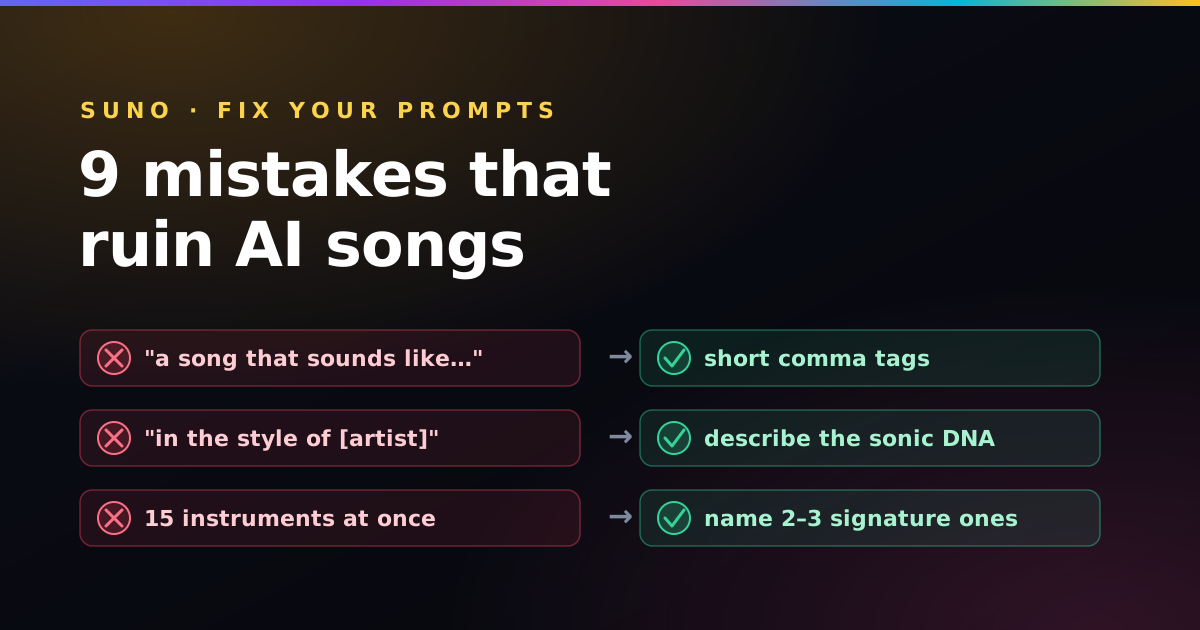
From sentence-style prompts to banned artist names — the common errors that flatten your output, each with a one-line fix.
Nothing matched that.
Reading about rhythm and tuning only gets you so far. These let you hear it — both free, both entirely in your browser.
The free Paddy Prompt Studio turns these techniques into click-to-build Suno and Vidmuse prompts you can save and reuse.
Open the Studio →