
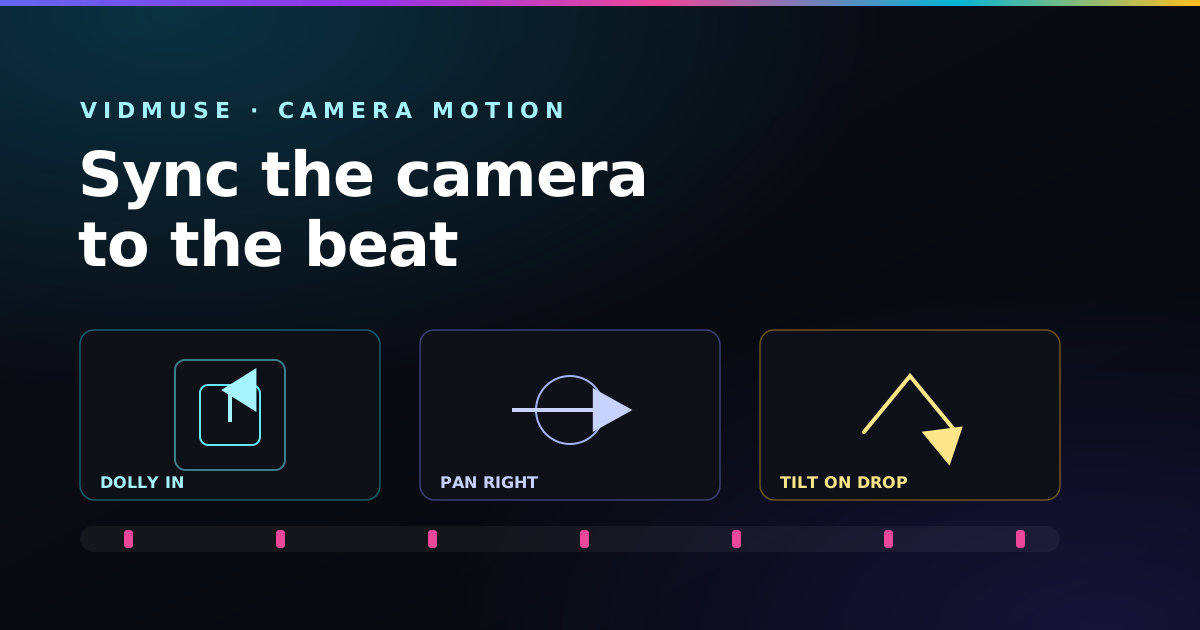
Here is the mental model that fixes most Vidmuse frustration: the model never hears the WAV file. It only reads your text. So every bit of "rhythm" you want on screen — the speed of the camera, the flash on the snare, the surge at the drop — has to be written into the prompt as physics the model can render.
Master that translation and your clips stop feeling like random AI footage and start feeling choreographed to the track.
Key takeaways
- Camera speed should track the song's BPM — fast music, fast camera.
- Effects don't trigger on real audio; you describe them as visual events in words.
- Build every prompt in four lines: Subject, Action, Camera, Lighting.
- Lock your subject description so characters stay consistent across clips.
Match camera speed to BPM
The fastest way to make a clip feel "on beat" is to match the camera's energy to the tempo. Pull your motion words from the right end of the spectrum:
Fast music (130+ BPM): kinetic words
For EDM, drill, rock, and uptempo trap, reach for high-velocity language:
kinetic 360-degree rotation, fast camera whip pan, rapid forward zoom,
high-speed side-pacing orbital drift, dizzying tilt angles, snap zoom
Slow music (under 100 BPM): meditative words
For lo-fi, ambient, ballads, and acoustic, slow everything down:
slow meditative dolly drift, smooth microscopic lens slide,
low-velocity drone hover, gentle floating push-in, deep depth of field
Not sure where your track sits? Our BPM cheat-sheet by genre tells you the tempo for each style so you can pick the matching camera energy.
Fire effects on the drop — in words
You can't keyframe Vidmuse to the audio, but you can describe a visual event tied to a musical moment. Use linking phrases that pair an optical effect with a drum or bass event:
- "neon flares flashing on the bass beats"
- "dust particles bursting upward with each heavy beat impulse"
- "at the heavy beat drop, the cityscape erupts in sharp volumetric laser beams"
The model renders the surge you described, and when you later cut the clip on the actual drum hit in your editor, the two line up.
Tip: describe the change, not just the state. "City explodes into light" gives the model a moment of motion to render; "bright city" just gives it a static look.
The four-line prompt structure
Keep every Vidmuse prompt in the same four lines. It forces you to specify the parts that matter and makes clips easy to vary:
Subject: Hyper-speed sports car on a digital neon highway.
Action: Sparks rushing back, body panels vibrating to rapid sub-bass pulses.
Camera: Kinetic side-pacing orbital drone cam, dizzying tilt angles.
Lighting: Volumetric cyan and hot-pink strobes reactive to heavy beats.
Subject: A wooden cabin beside a flowing mountain river.
Action: Soft window glow, gentle water ripples, smoke drifting from the chimney.
Camera: Slow majestic zoom-in, hyper-smooth slide, deep depth of field.
Lighting: Warm golden-hour rays, soft light leaks, cozy atmosphere.
Keep your character consistent
The number-one giveaway of an amateur AI video is a hero who morphs between clips. The fix lives entirely in the Subject line: describe literal, repeatable features — exact clothing, colors, and materials — and copy that line into every prompt unchanged.
Subject: A rogue cyberpunk driver in a bright orange vintage leather jacket,
silver mirrored sunglasses, and short dark hair.
Only the Action and Lighting lines should change between shots. Abstract descriptions ("a cool guy") drift wildly; concrete ones hold steady. This is the same continuity trick used in the full Suno-to-Vidmuse music-video workflow.
Frequently asked questions
How do I match camera motion to my music?
Match camera speed to tempo. For high-BPM music use kinetic terms like "fast whip pan," "rapid forward zoom," or "360-degree rotation." For slow or lo-fi music use "slow meditative dolly drift" or "smooth lens slide."
How do I keep characters consistent across clips?
Describe literal, repeatable features — clothing, colors, materials — and copy that exact subject line into every prompt, changing only the action and lighting.
How do I make effects hit on the beat drop?
Because the model can't hear the audio, describe the synesthesia in words: "at the heavy beat drop, the city erupts in volumetric laser beams," or "neon flares flashing on the bass beats."
Choreograph clips with one click
The Vidmuse Choreographer in the free Paddy Prompt Studio turns motion level, camera, and lighting into selectable options and assembles the four-line prompt for you.
Open the Vidmuse Choreographer →