
The short version
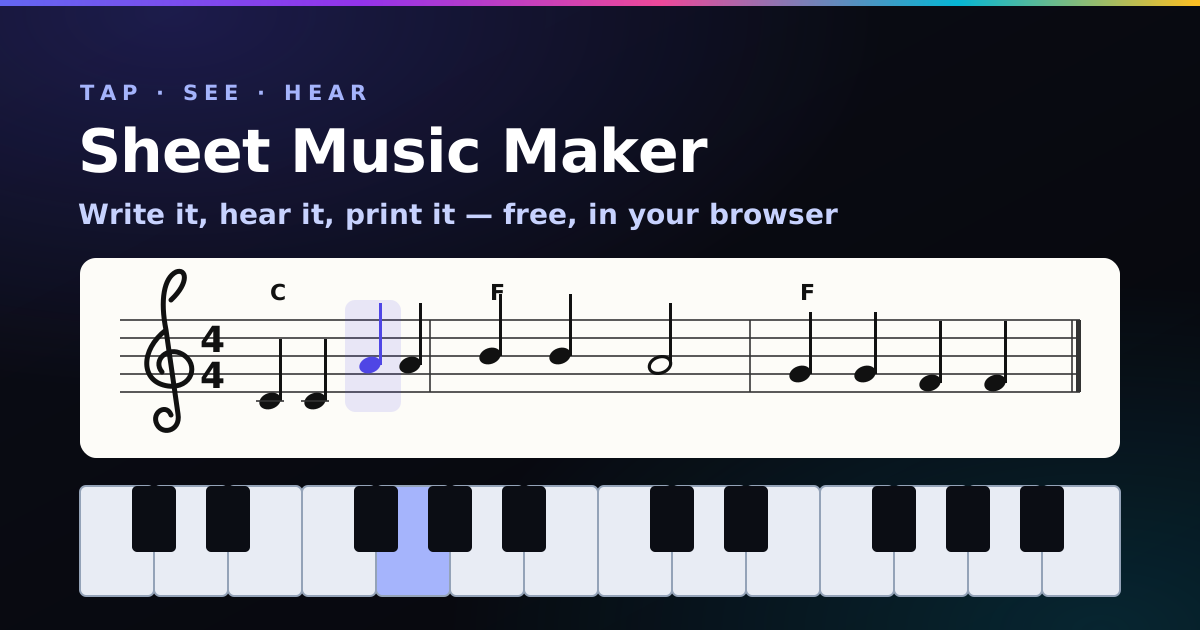
- To write sheet music online free: pick a note length, tap the piano (or your computer keys) and the notes land on a real staff with bar lines added for you.
- Real-time audio playback: press Play and a cursor follows the music in one of nine sounds, from grand piano to a slightly cheeky trumpet.
- Fix anything: click a note, then tap the right piano key, nudge it with ↑ ↓, change its length, or add notes after it. Undo and redo go back 200 steps.
- Lyrics: type the words and they land under the notes, one syllable each.
- Take it with you: print it, save it as a PDF, download MIDI for your DAW, or copy a share link.
- Treble or bass clef, 15 keys, six time signatures, chord symbols and transposition. Enough for lead sheets, lessons and first compositions.
- No account, nothing uploaded. Your pieces autosave in your browser.
How to write sheet music online, step by step
- Set up the page. Give it a title (“Untitled 47” is fine, I won’t judge), then choose the time signature, key, clef and tempo. Under Start from, pick Blank page.
- Pick a note length. Quarter notes are the safe default: one beat each in 4/4. Press 1 to 5 to switch quickly, and Dotted to add half as long again.
- Tap the piano. Each key adds a note in the current length. The tool spells it properly for your key, so an F♯ in G major sits on the line with no stray sharp sign.
- Let the bar lines happen. When a bar is full, the line goes in by itself. The little counter tells you how many beats you’ve used. If a note is longer than what’s left of the bar, it’s split and tied across the bar line, just like a printed score. Edit something in the middle and the bar lines shuffle along by themselves.
- Press Play. Listen. Wince if needed. Click the wrong note, press the right piano key, and it’s fixed.
- Save it. Save to my pieces keeps it in this browser. Print or PDF gives you paper. Copy share link sends it to your teacher, bandmate or mum.
Note lengths cheat sheet
| Button | Name (UK name) | Beats | Key |
|---|---|---|---|
| Whole note (semibreve) | 4 | 1 | |
| Half note (minim) | 2 | 2 | |
| Quarter note (crotchet) | 1 | 3 | |
| Eighth note (quaver) | ½ | 4 | |
| Sixteenth note (semiquaver) | ¼ | 5 | |
| Dotted | Adds half the length again | e.g. dotted half = 3 | . |
Playback, sounds and transposing
The real-time audio playback uses proper instrument samples (the free FluidR3 General MIDI set), so the piano sounds like a piano and not a 1997 ringtone. They download the first time you press Play, which takes a second or two. Pick a sound under Sound, tick Loop to practise along, and drag Tempo to slow a tricky passage right down.
Transpose shifts the whole piece up or down by semitones, both the notation and the sound. Handy when a song is too high to sing (find your comfy key with the vocal range test), or when you’re writing for a B♭ instrument like clarinet or trumpet (transpose +2).
Chord symbols play too. Type Am in the chord box before you add a note and it sits above the staff and plays as a soft backing chord. Not sure which chords? The chord progression generator will hand you four that work in your key.
What’s that ABC text box?
Behind the scenes your score is written in ABC notation, a plain-text music format that’s been around since 1991 and is beloved by folk musicians. You never have to touch it, but it’s a superpower once you do:
| Type | Means |
|---|---|
C D E F G A B | The octave from middle C (C4) upwards |
c d e / c' | One octave higher / two octaves higher |
C, G, | One octave lower (add more commas to go lower) |
^F _B =F | Sharp, flat, natural |
C2 C4 C/2 C3 | Quarter, half, sixteenth, dotted quarter |
z2 | A quarter-note rest |
[CEG]2 | Notes stacked as a chord on the staff |
"Am" | Chord symbol above the next note |
| |] |: :| | Bar line, final bar, repeat signs |
w: Twin-kle twin-kle | Lyrics under the line above it |
Found a folk tune online in ABC? Press Paste a whole ABC tune and it loads, title, key, time and all. Thousands of traditional tunes are shared this way.
Free sheet music software compared
Honest take: this is a quick sketchpad, not a full engraving suite. Here’s when to use what:
| Tool | Best for | Catch |
|---|---|---|
| Paddy Sheet Music Maker (this page) | Melodies, lead sheets, homework, “quick, write it down before I forget” | One staff, one voice. No orchestral scores |
| MuseScore Studio | Full scores, piano grand staff, choirs, bands, professional engraving | Desktop install; a learning curve |
| Flat.io | Online collaboration, classrooms, Google Classroom | Free tier limits the number of scores |
| Noteflight | Browser notation for schools | Free tier is limited; most features are paid |
Who it’s for
- Music students: write out theory homework, check it by ear, print it.
- Teachers: make a quick exercise, send the share link, done. My free toolkit for online music lessons has more ideas.
- Songwriters: pin down a melody and chords as a lead sheet, then export MIDI into your DAW or the music sequencer.
- Singers: write the tricky phrase, loop it slowly, then check yourself with the vocal pitch monitor.
- AI music makers: sketch your hook here, then describe it in a Suno prompt in the Prompt Studio.
Where your music goes (nowhere)
The notation is engraved in your browser by abcjs, an open-source library. Your pieces are autosaved in your browser’s local storage and never uploaded. The only thing fetched from the internet is the instrument sounds, the first time you press Play. Share links contain the music inside the link itself, so there’s no server copy. That also means clearing your browser data clears your pieces: download the ABC or MIDI of anything precious.
Sheet music maker FAQ
How can I write sheet music online for free?
Pick a note length, click notes on the piano or type them on your keyboard, and they appear as real notation with bar lines added automatically. Press Play to hear it, then print, save as PDF or download MIDI. No account or download needed.
Is there free music notation software with playback?
Yes. This page plays your score back with a moving cursor in nine sounds, free and without signing up. MuseScore is a free desktop option for bigger scores, and Flat and Noteflight are online editors with free tiers.
Can I print or save my sheet music as a PDF?
Yes. Press Print or PDF and your browser’s print window opens with just the score. Choose a printer, or Save as PDF.
What is ABC notation?
A plain-text way to write music: letters are notes, numbers are lengths and | is a bar line. It’s widely used for folk tunes. This tool writes it for you as you click, and you can edit or paste ABC directly.
Can I turn my sheet music into a MIDI file?
Yes. MIDI downloads a standard .mid file, chord symbols included as accompaniment, ready for GarageBand, any DAW, MuseScore or the online sequencer.
Does it work on a phone or tablet?
Yes. The piano is touch-friendly and the score resizes to fit. A tablet or laptop is comfier for anything longer than a nursery rhyme.
Can I add lyrics?
Yes. Open Lyrics under the piano and type your words with hyphens between syllables (twin-kle twin-kle). Each syllable sits under one note, and the counter says if you’ve got more words than notes. Counting syllables for a new song? The syllable counter helps.
Can I use a MIDI keyboard?
Yes, in Chrome or Edge on a computer. Plug it in, press Use a MIDI keyboard under the piano, allow access, and play. Each note goes in at the current note length.
Where is my music saved?
In your own browser: the current piece autosaves, and up to 30 pieces live in My pieces. Nothing is uploaded. Download the ABC or MIDI as a backup if you’re about to clear your browser data.
Can I write for piano with both hands?
Not yet: it’s one staff (treble or bass) with chord symbols. For a full grand staff, write each hand here to sketch, or use MuseScore. You can stack notes as a chord in the ABC box with square brackets, like [CEG]4.
Got a melody? Give it a band
Loop it in the free music sequencer with drums, bass and chords, then turn the whole thing into a Suno prompt in one click.
Open the music sequencer →