
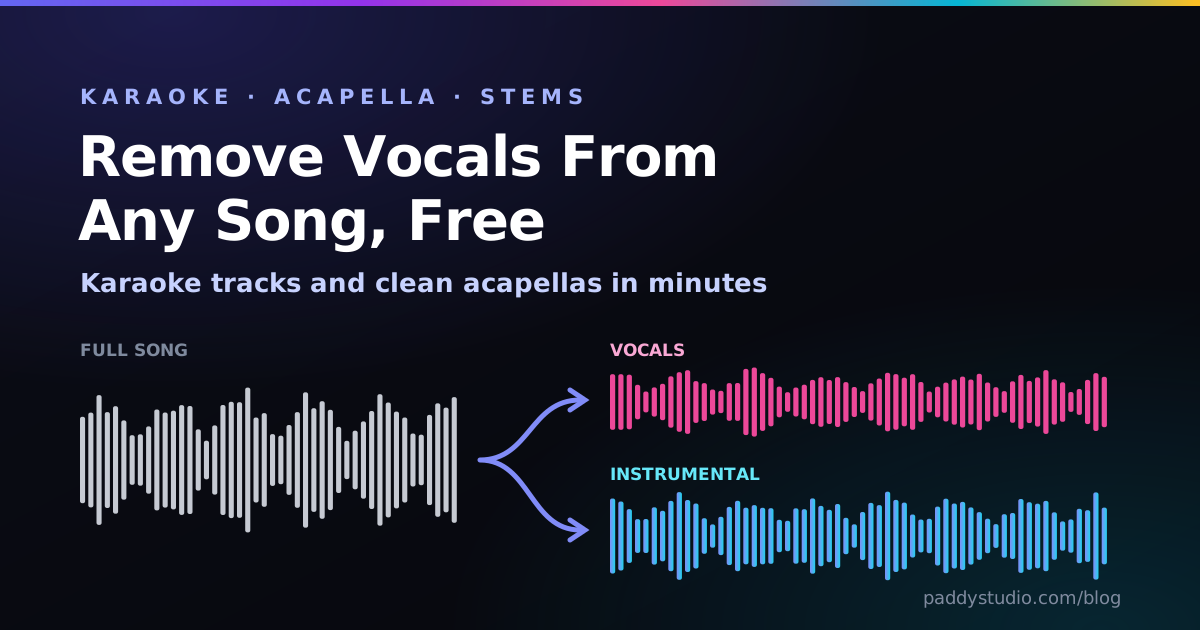
When I was teaching myself guitar, “removing vocals” meant a dodgy trick that flipped one stereo channel and left the song sounding like it was underwater. Today’s AI vocal removers are genuinely astonishing. They’re also not all equal, and a few of the “free” ones only let you download a 30-second preview. Let’s sort the wheat from the chaff.
The short answer: to remove vocals from a song online for free, upload it to vocalremover.org, pick vocals and instrumental, and download both. It takes about a minute. For the cleanest free result, install Ultimate Vocal Remover (UVR5) on your computer and use a Roformer model: it’s free, works offline and nothing gets uploaded.
Key takeaways
- Fastest free option: vocalremover.org. No account, two stems, MP3 or WAV.
- Best free quality: UVR5 on your own computer, with a BS-Roformer or MelBand Roformer model.
- Best for practising: Moises, which adds pitch shift, speed change and chord detection on top of the stems.
- Instant, private, rough: the free vocal remover on this page runs in your browser with no upload and no limits. It’s the classic centre-cancel trick, improved, so it’s great for quick karaoke but not as clean as AI.
- Read the small print: some “free” vocal removers only let you hear the result, or cap length and file count.
- Start with the best audio you have. A WAV gives cleaner stems than a 128 kbps rip.
- Removing vocals doesn’t remove copyright. Practice and personal karaoke are low-risk; releasing a remix needs permission.
Try it: free vocal remover in your browser
Before we get to the AI tools, have a go with mine. It’s the karaoke trick your uncle’s 1998 hi-fi had, given a gym membership: it cancels whatever sits dead centre in the stereo mix (usually the lead vocal), but keeps the bass and kick the old trick used to flatten. It runs right here on the page, so your song never leaves your device.
Honest label: this is the classic centre-channel method, improved, not AI stem separation. For properly clean stems, use one of the AI vocal removers reviewed below.
Drop a song here
MP3, WAV, M4A, FLAC or OGG · processed on your device, never uploaded
Length 0:00
This file is mono. Left and right are identical, so cancelling the centre cancels everything, and the vocal can’t be separated this way. You’ll need an AI remover (like vocalremover.org or UVR5) for this one.
Tip: flip between Karaoke and Original while it plays. No upload, no account, no limits.
How AI vocal removal actually works
A mixed song is one waveform: vocals, drums, bass and guitars all baked together like a cake. You can’t un-bake a cake, but you can train a neural network on thousands of songs where the separate parts are known, until it learns what “voice” looks like in a spectrogram versus “hi-hat” or “guitar”. That’s called source separation, and models like Demucs, MDX-Net and the newer Roformer family are very good at it.
The old phase-cancellation trick worked differently: lead vocals are usually dead centre in a stereo mix, so subtracting the left channel from the right cancels anything in the middle. Sadly that also cancels the kick, snare and bass, and leaves the vocal reverb behind. If a tool calls itself a “karaoke filter” and works instantly, this is probably what it’s doing. The vocal remover above uses an improved version of it: it only cancels the centre inside the vocal band, then puts the centred bass and kick back, so you keep the groove. It still can’t touch the reverb or wide backing vocals. That’s what the AI is for.
The best free vocal removers, tested
Free tiers change often, so this is a snapshot from October 2026. Check limits on each site before uploading your entire record collection.
1. vocalremover.org: quickest, no signup
Drop a file in, wait, download a vocal stem and an instrumental. No account, free, and it exports MP3 or WAV. Quality is very decent on pop and rock, with a bit of “swishiness” on cymbals. For a quick karaoke track, this is where I’d send most people.
Best for: karaoke, quick practice tracks. Not great for: a pristine acapella for a release.
2. Ultimate Vocal Remover (UVR5): best free quality
Not online, but it deserves a spot because it’s the best free option, full stop. UVR5 is free, open-source software for Windows, macOS and Linux that runs the top separation models on your own computer, including BS-Roformer and MelBand Roformer, which are currently among the best for vocals. Nothing is uploaded, there are no limits, and you can batch a whole album. A decent graphics card speeds it up a lot; without one it’s slow but works.
Best for: clean acapellas, DJs, privacy, big batches. Not great for: phones, or anyone allergic to settings menus.
3. Moises: best for practising along
Moises splits songs into vocals, drums, bass and more, then gives you musician-friendly tools: change the key without changing the speed, slow a solo down, loop a section and see the chords. The free plan is limited to a handful of songs a month with length caps, and everything is processed on their servers. If you’re a singer or player learning songs, it’s worth it. (If you only need the key and speed bits, my free pitch shifter and tempo changer do those in your browser, with no upload and no monthly limit.)
4. Fadr: free stems plus MIDI
Fadr separates vocals, drums, bass, synths and other parts, and also detects the key and BPM and can pull out MIDI. The free tier is generous; paid adds lossless downloads and extras. It’s a great pick if you’re a producer who wants to remix, and it links nicely with my guide to converting MP3 to MIDI.
5. X-Minus Pro: modern models in the browser
X-Minus gives you Roformer-class models online with a daily free allowance. Quality is excellent; the interface is a little busy. A good middle ground if you want UVR-level results without installing anything.
6. LALAL.ai: top quality, but the free tier is a taster
LALAL.ai is one of the best-known paid separators and the results are superb. The free starter tier lets you process a few minutes of audio and listen to the result, but you can’t download the full stems without paying. Use it to test whether it beats the free options on your tricky song, then decide.
Side by side
| Tool | Where it runs | Free download? | Stems | Best for |
|---|---|---|---|---|
| vocalremover.org | Online | Yes, no account | 2 | Quick karaoke |
| UVR5 | Your computer | Yes, unlimited | 2 to 6 | Best free quality, privacy |
| Moises | Online + apps | Limited songs | Up to 5+ | Practising, key and speed change |
| Fadr | Online | Yes | 5 | Remixing, MIDI, key and BPM |
| X-Minus Pro | Online | Daily allowance | 2+ | Roformer quality without installing |
| LALAL.ai | Online | Preview only | Many | Testing a tricky song |
| Paddy vocal remover (this page) | Your browser | Yes, unlimited | 2 (karaoke/centre) | Instant rough karaoke, privacy |
Step by step: make a karaoke track in five minutes
- Get the best copy you can. A WAV or a 320 kbps MP3 you own. Compression artefacts confuse the AI and come out as warbly “ghosts”.
- Separate. Upload to vocalremover.org (or run UVR5), choose vocals and instrumental, download both stems. In a hurry, or don’t fancy uploading? The vocal remover at the top of this page makes a rough karaoke version in seconds.
- Tidy it up. Open the instrumental in the free online music editor: trim the silence, fade the ending, normalise the level. Your file never leaves your device.
- Check the key. Drop the song into the BPM & key finder. If the key is out of reach, run the vocal range test to find a comfy key, then shift it with my free pitch shifter (no upload), or in Moises or your DAW. Learning a tricky bit? The tempo changer slows it down without changing the key. My Cort and I lean on it constantly (I bring a lot of enthusiasm and roughly twelve notes).
- Sing, and check yourself. Sing along with the vocal pitch monitor open in another tab (headphones on) and see exactly where you go flat.
Getting a clean acapella (for DJs and remixers)
- Use a Roformer model (UVR5 or X-Minus). They bleed far less hi-hat into the vocal than older models.
- Expect reverb tails. The AI keeps some of the vocal’s echo. A gate or a little cleanup makes it tighter.
- Run it twice. A trick from the UVR crowd: separate once, then run the vocal stem through a second model to clean leftover instruments.
- Match key and tempo. For a mashup, both songs need compatible keys and the same BPM. The key finder shows Camelot codes, so an 8A acapella sits happily over an 8A or 9A instrumental.
Making AI music? You don’t need to separate your own Suno tracks the hard way: Suno’s paid plans have offered stem downloads (check your plan). Separating is still handy for checking how your vocal tags actually came out.
Is it legal to remove vocals from a song?
Separating stems doesn’t change who owns the music. An acapella or instrumental is still the original recording and the original song, both copyrighted. In practice:
- Personal practice and home karaoke: generally low-risk, though the exact rules (fair use, fair dealing, private copying) vary by country.
- Posting a cover or remix online: Content ID will usually still recognise the instrumental or vocal, and the video may be claimed or blocked.
- Releasing or selling a remix: you need permission from the rights holders. No exceptions for “but I separated it myself”.
If you want something you can actually release, make your own: write the track, or generate it on a plan with commercial rights. I explain the AI side in can you sell Suno songs?
Frequently asked questions
How do I remove vocals from a song for free?
Upload the song to a free online vocal remover such as vocalremover.org, choose the vocals and instrumental option, and download both files. For the best free quality, install Ultimate Vocal Remover (UVR5) on your computer and use a Roformer model, which runs offline with no limits.
What is the best free vocal remover?
For convenience, vocalremover.org: online, free and no account. For quality, Ultimate Vocal Remover (UVR5), a free desktop app that runs state-of-the-art Roformer models on your own computer. Moises is the best choice if you also want to change the key or speed for practice.
How do I extract an acapella from a song online?
Run the song through an AI stem separator and download the vocal stem. For the cleanest acapella, use a Roformer model on X-Minus or in UVR5, start from a high-quality file, and expect to tidy up some reverb and cymbal bleed afterwards.
Why does my instrumental still have faint vocals?
Vocal reverb, backing vocals and compressed source files are hard for any model to separate. Use a higher-quality file, try a newer model such as BS-Roformer, or run the result through a second separation pass.
Is it legal to use a vocal remover?
Using one is legal, but the separated stems are still copyrighted. Personal practice and home karaoke are generally low-risk, while posting or releasing remixes needs permission from the rights holders and is often caught by Content ID.
Can I remove vocals on my phone?
Yes. Browser tools like vocalremover.org work on a phone, and Moises has iOS and Android apps. Desktop tools such as UVR5 need a computer.
Do online vocal removers upload my song?
Most do: the separation runs on their servers, so your file is uploaded. If privacy matters, use the in-browser vocal remover on this page for a quick karaoke version, or a desktop tool like Ultimate Vocal Remover, which processes everything on your own computer.
Can I remove vocals without uploading my song?
Yes. The free vocal remover on this page runs entirely in your browser: the song is decoded, processed and saved on your own device, and nothing is uploaded. For cleaner AI stems without uploading, use Ultimate Vocal Remover (UVR5) on your computer.
Why does the free vocal remover leave some vocals behind?
It uses the centre-channel method, so it only removes sound that is identical in the left and right channels. Stereo reverb, echoes, wide backing vocals and anything panned off-centre survive, and it can’t work at all on a mono file. For clean stems, use an AI separator such as vocalremover.org or UVR5.
Why did the bass and drums get quieter?
Kick, snare and bass are usually mixed in the centre too, so the centre trick cancels them along with the vocal. The vocal remover on this page puts back everything below its Keep bass below setting, so raise that to bring back more bass and kick. A centred snare sits in the vocal band, so it will still drop a little.
Now sing it, and see if you hit the notes
The free vocal pitch monitor shows your pitch live on a graph, green when you’re in tune. Perfect for karaoke practice.
Open the pitch monitor →