
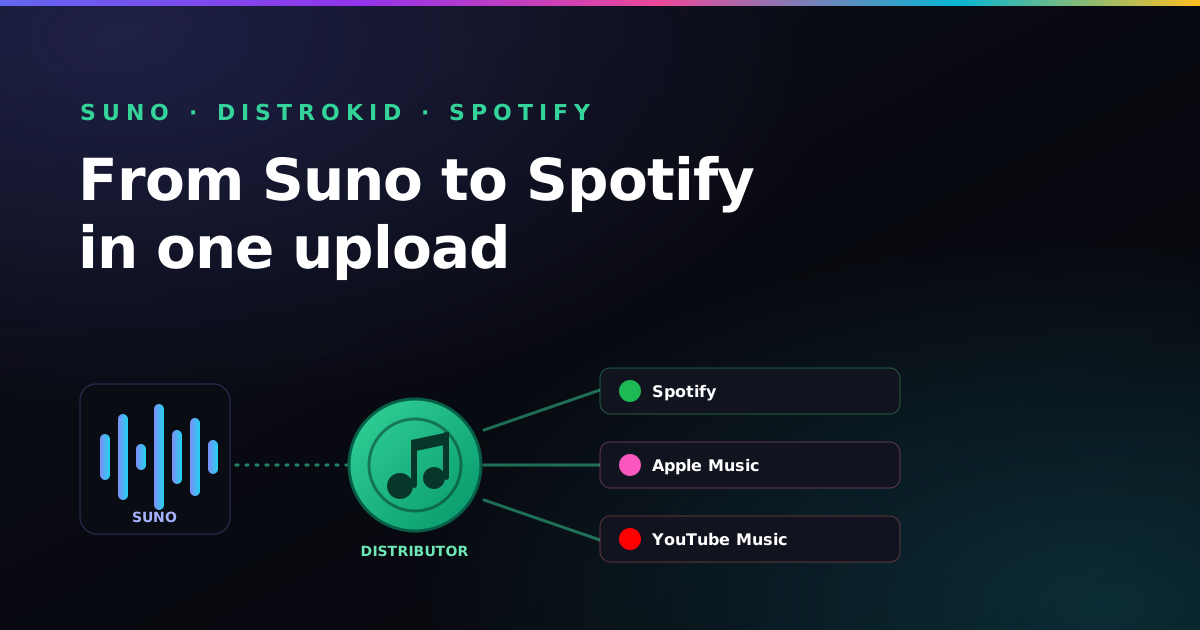
To release a Suno song on Spotify, generate it on a paid Suno plan for commercial rights, download the WAV, master it to roughly −14 LUFS and make 3000×3000 px cover art. Then upload it to a distributor such as DistroKid and schedule the release two to four weeks out. DistroKid delivers it to Spotify. Kettle optional.
Suno makes the song. It does not put the song on Spotify. For that you need a distributor — a service that takes your finished audio and delivers it to every store under your artist name. DistroKid is one of the most popular because it charges a flat yearly fee and lets you upload as much as you want. I'm a self-taught guitarist with a Cort, a lot of enthusiasm and no mastering engineer on speed dial, so this is the hobbyist's route, not the label's. We'll go in order: make sure you're allowed to release the track, finish the audio, prep the artwork and metadata, upload, and schedule it to go live.
The short version, in five lines
- Rights first: generate on a paid Suno plan so you can sell and monetize the track
- Export quality: download a lossless WAV, not a compressed MP3
- Prep: 3000×3000 px cover art, a clear artist name, title, genre and credits
- Upload: DistroKid (affiliate link) sends one upload to Spotify, Apple Music, Amazon, YouTube Music and more
- Timing: schedule 2–4 weeks out so you can pitch the track to Spotify playlists
1. Make sure you can actually release it
Before anything technical, settle the rights. Suno's free tier licenses your songs for personal, non-commercial use only — that is not enough to put a track on Spotify and earn from it. A paid plan grants commercial-use rights to the songs you generate while subscribed, which is what lets you distribute and monetize. The plan you held when you generated the song is the one that counts. The full picture is in can you sell Suno songs? and the plan breakdown in is Suno free?
Then skim the distributor's rules. DistroKid allows AI-assisted music, but — like every store — it draws hard lines around spam, fraud and impersonation: no cloning a real artist's voice, no flooding the catalog with junk uploads, no passing your track off as someone else's. Stay original and you are fine. The detail on what is and is not allowed is in can you put AI music on Spotify?
2. Export the best version from Suno
Distributors send whatever file you give them, so give them your cleanest one. In Suno, download the highest-quality WAV available on your plan rather than the MP3 — a lossless file gives every platform the most headroom to encode from. While you are at it, listen end to end and trim any dead silence or abrupt cut at the start or finish. If the track feels quiet or uneven next to commercial songs, that is a mastering question, covered next.
3. Finish the audio: loudness and master
Suno's raw output is good, but a release should sit at a comparable loudness to other songs in its genre so it does not feel weak when it lands in a playlist. You do not need a studio — a simple loudness pass to around −14 LUFS (the rough streaming target) and a quick check for clipping is enough for most tracks. You can measure it in your browser with the free LUFS meter. The full pre-release checklist, including artwork and metadata, lives in how to prepare a Suno track for release. Do this once and the upload step becomes trivial.
4. Create the artwork and decide your metadata
Every release needs a square cover image — 3000×3000 pixels is the safe size — with no logos of platforms, no URLs and no text that breaks store rules. You also need to lock a few details before you upload:
- Artist name — the name your whole catalog will live under. Pick it deliberately; it is hard to change later.
- Track title — clean, no “(Official Audio)” clutter.
- Primary genre — this influences how stores categorize and recommend the song.
- Songwriter / credits — your real legal name for the writing and publishing side, even if you release under an artist alias.
5. Upload to DistroKid
Create an account at DistroKid (affiliate link, with a first-year discount), choose a plan, and start a new upload. The flow is short: pick whether it is a single or album, attach your WAV, upload the cover art, type in the title, artist and genre, and select the stores — leave them all ticked unless you have a reason not to. DistroKid then sends that single upload out to Spotify, Apple Music, Amazon Music, YouTube Music, TikTok, Instagram and the rest. One submission, every platform.
Only ever planning one song? DistroKid's yearly fee and pay-to-stay model may not be the cheapest fit for a one-off — the honest trade-offs are in DistroKid for Suno artists: pricing & royalties.
6. Set a release date and submit
Don't release for “today,” however tempting it is at 11pm. Schedule the date two to four weeks out. That lead time is what lets you pitch the song to Spotify's editorial team through Spotify for Artists — pitching only works before a track goes live. It also gives you time to line up your own promotion. The free release planner turns your date into a checklist. Submit, and DistroKid handles delivery; the track usually appears in stores within a few days of the date you set.
7. After it is live
Claim your profiles on Spotify for Artists and Apple Music for Artists so you can see stats, customize your page and pitch future songs. From here, releasing music is a repeatable habit: write, generate, finish, distribute. If your goal is to actually earn from it, be realistic: streaming pays fractions of a cent per play, so this won't buy a boat. The routes that do pay — and what each one is worth — are in how to make money with AI music.
This is general guidance, not legal advice, and platform policies change. Confirm the current rules against Suno's terms of service, DistroKid's content policy and each store's AI-content rules before you release.
Where this comes from
- DistroKid’s help pages and upload form (distrokid.com)
- Suno’s Terms of Service (suno.com)
- Spotify for Artists (artists.spotify.com)
- Paddy’s own releases, including the mistakes
Last checked by Paddy on 24 October 2026. Upload forms get reshuffled more often than I retune my old Cort, so double-check before you pay for anything.
Frequently asked questions
Can you put Suno songs on Spotify with DistroKid?
Yes. If you generated the track on a paid Suno plan you hold commercial-use rights, and DistroKid can deliver it to Spotify, Apple Music, Amazon and the other major platforms like any other release. You must still follow DistroKid's and Spotify's content rules, which mainly target spam and impersonation, not AI-assisted music itself.
How long does a Suno release take to appear on Spotify?
After you submit through DistroKid, delivery to most stores typically takes a few days, though it can be faster or slower. Schedule the release two to four weeks ahead so the track is live in time to pitch it to Spotify's editorial playlists.
What audio format should I upload from Suno to DistroKid?
Upload a lossless WAV. Download the highest-quality export Suno offers on your plan rather than a compressed MP3, so the distributor has the cleanest possible master to send to each platform.
Do I have to disclose that a song was made with AI?
Policies are evolving and vary by platform. Some distributors and stores ask you to flag AI-generated content, so check DistroKid's current upload form and each platform's rules. Being accurate protects the release from being pulled later.
Do I need a distributor to put a Suno song on Spotify?
Yes. Suno makes the song but does not put it on Spotify, and you can't upload a track to Spotify directly yourself. A distributor such as DistroKid takes your finished audio, artwork and metadata and delivers them to Spotify and the other stores under your artist name.
What size should cover art be for a DistroKid release?
Use a square image at 3000x3000 pixels, which is the safe size for every major store. Leave out platform logos, URLs and any text that breaks store rules, so the release is not held back at review.
Your track is ready. Let it out of the house.
Create your DistroKid account, upload the WAV and cover art, and schedule the release two to four weeks out. That's the whole job — the hard bit was writing the song. The link includes DistroKid’s referral discount on your first year, shown at checkout.
Start my first release →Heads up, this is an affiliate link: if you sign up through it I may earn a commission, at no extra cost to you. It never changes what I recommend.